


Email looks simple until it isn’t. At TechTide Solutions, we treat email like business plumbing. Nobody celebrates it, yet everything depends on it. Budget email decisions also age fast. Prices shift, “unlimited” gets redefined, and sending policies tighten quietly. Cheap can be smart, though. It can also become a hidden tax on support, deliverability, and migrations. We’ve watched small teams win with lean setups. We’ve also watched “cheap” implode during a launch week.
Market overview: email remains massive, with 376 billion e-mails sent and received daily in 2025 according to Statista, which is why reliability still matters. In this guide, we separate mailbox hosting from email marketing. We also map pricing mechanics to real operational risk.
Quick Comparison of cheap email service providers

We keep a living shortlist for clients. The table below highlights options that stay “cheap” without feeling brittle.
From-price entries reflect entry tiers. Terms and regional pricing can vary by account and billing choice.
| Tool | Best for | From price | Trial/Free | Key limits |
|---|---|---|---|---|
| Google Workspace | Small teams needing collaboration with email | $7 per user per month | Trial | Admin complexity and bundle sprawl |
| Microsoft business email | Teams centered on Outlook-style workflows | $6.00 user/month, paid yearly | Trial | Tenant governance requires discipline |
| Fastmail | Lean domain email with strong UX | $4 per user per month | No | Fewer enterprise compliance features |
| Proton Mail | Privacy-focused inboxes and custom domains | €3.99/month | Free tier | Some client workflows need a bridge app |
| Migadu | Agencies needing many mailboxes and domains | $19 / year | Trial | Sending policy requires careful reading |
| MXroute | Low-cost domain hosting with strong fundamentals | $49 /year | No | Less hand-holding for beginners |
| mailbox.org | EU-hosted mail with a privacy posture | € 1.00 per month | Trial | Some features depend on plan tier |
| Namecheap Private Email | Domain buyers wanting bundled email quickly | $14.88/year | Trial | Plan constraints can surprise later |
| Brevo | Budget marketing sends with multi-channel options | $9 per month pẻ 5000 emails | Free plan | Advanced deliverability features may be add-ons |
| MailerLite | Creator newsletters with simple automation | $10 / month | Free plan | Some premium templates and controls are gated |
Our broader “cheap but credible” roster spans hosting, marketing, and API senders.
Recommended reading: Top 20 IoT Companies: 2026 Landscape and Regional Spotlights
Top 30 cheap email service providers to consider
Cheap email is only “cheap” if it stays deliverable, manageable, and boring in the best way. So we screen providers by the job they do: branded inboxes for a domain, forwarding that never breaks, or bulk sends that reliably land in inboxes.

We score each tool on a 0–5 scale using seven weighted criteria: Value-for-money (20%), Feature depth (20%), Ease of setup & learning (15%), Integrations & ecosystem (15%), UX & performance (10%), Security & trust (10%), and Support & community (10%). The weighted total is shown to one decimal place.
We also focus on practical buying constraints. We look for clear limits (storage, seats, sends, contacts), trial terms, and how fast you can get to “first working email.” If a tool is cheap but needs a lot of DNS patience, we say so. If it’s polished but pricey, we say that too.
1. Namecheap Private Email
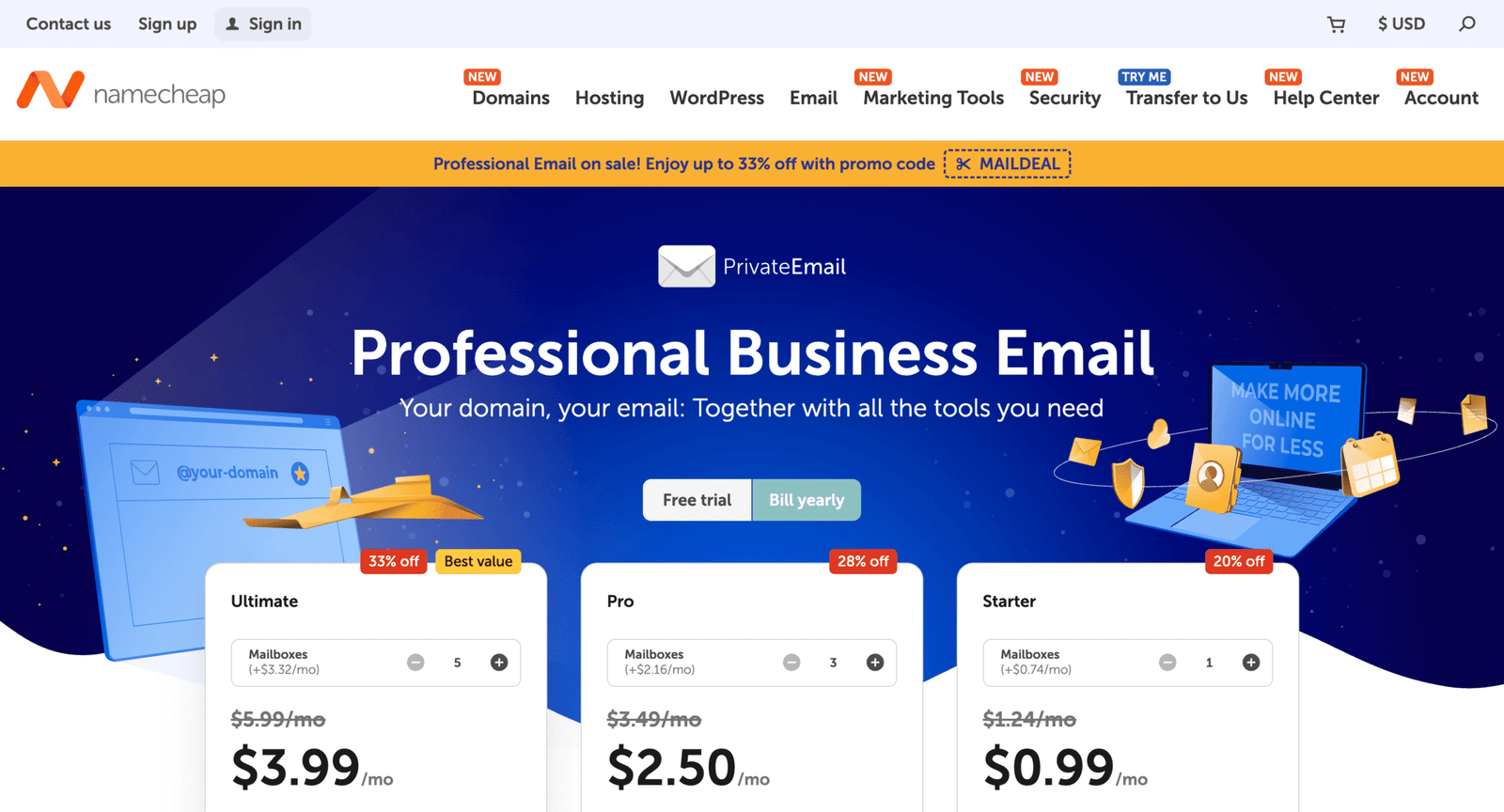
Namecheap is a long-running domains-and-hosting company, and Private Email feels like a product they actually operate at scale. The team leans into practical admin tools, not shiny gimmicks.
A low-cost mailbox that makes your domain look legitimate fast.
Best for: freelancers with a custom domain; small teams that need predictable costs.
- Mailbox bundles → launch branded email without piecing together add-ons.
- Common client support → skip 3–5 setup steps per user.
- Guided onboarding → first working inbox in ~20 minutes.
Pricing & limits: From $0.99/mo (annual) for Starter; 60-day free trial. Starter includes 1 mailbox and 5 GB email storage. Sending limits vary by plan, starting at 500 emails/hour per domain and 50 recipients per message.
Honest drawbacks: Discounted first-year pricing and higher renewals can surprise. Collaboration features ramp up on higher tiers, not the entry plan.
Verdict: If you need a branded inbox on a budget, this gets you sending confidently in a day.
Score: 4.1/5
2. Purelymail
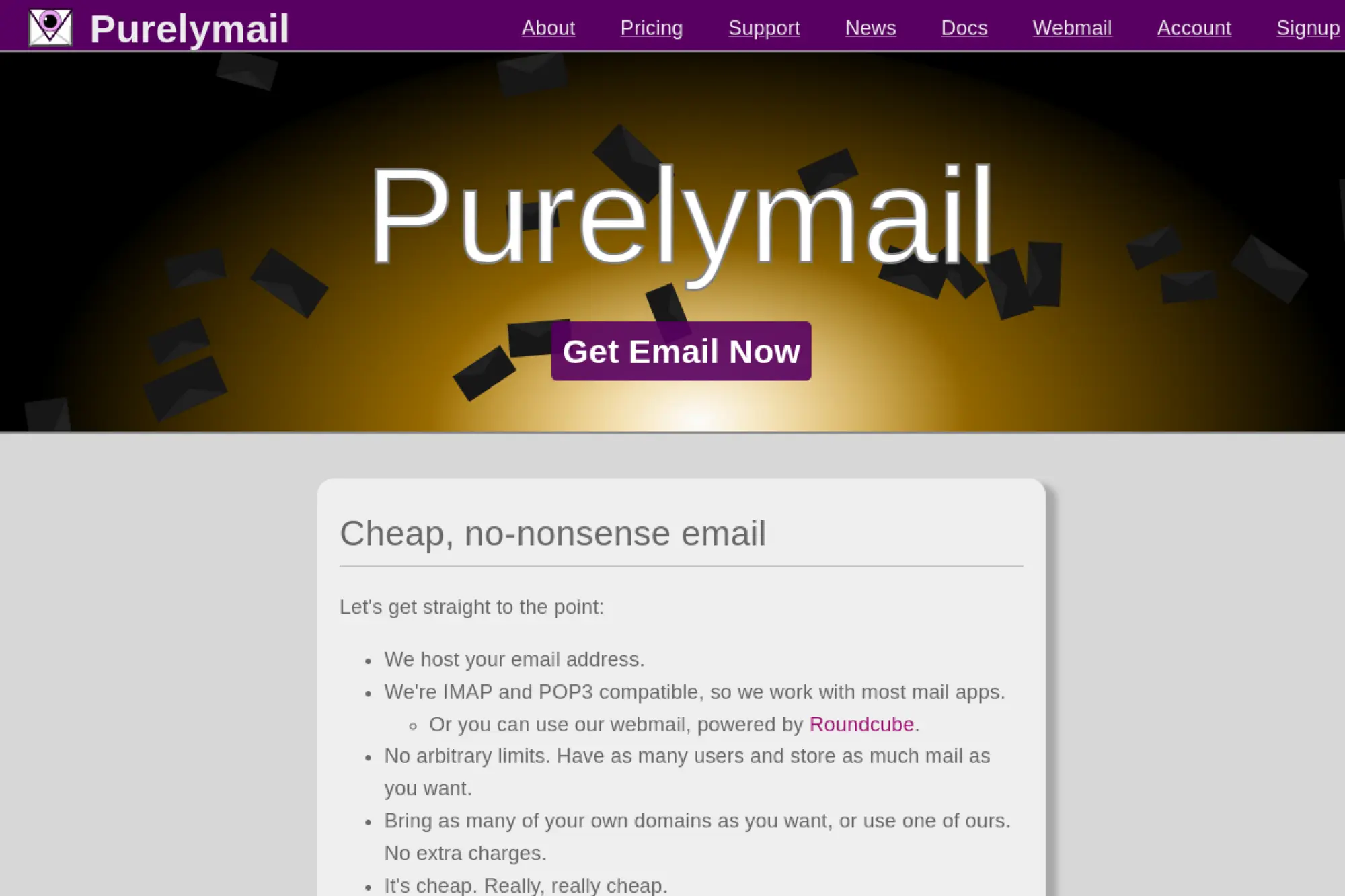
Purelymail is a small, product-led email host with a “keep it simple” attitude. The team’s tone is refreshingly direct, and the service reflects that.
Ridiculously cheap custom-domain email, with minimal fuss.
Best for: solo operators who want a domain inbox; tinkerers who can self-support.
- Simple pricing → keep your email spend flat all year.
- Usage-based option → avoid overbuying capacity you never use.
- Lean setup → first inbox working in ~30 minutes.
Pricing & limits: From $0.83/mo billed annually ($10/year) on simple pricing. The provider states no hard limits on users, domains, or storage, but notes “soft limits” that may trigger a move to advanced pricing.
Honest drawbacks: Fewer “suite” features than office bundles. Support expectations skew toward DIY, which can be a deal-breaker.
Verdict: If you want the cheapest credible domain email, this can keep you running all year.
Score: 3.5/5
3. Spacemail
Spacemail is built under the Spaceship umbrella, and it’s positioned as a modern, domain-first inbox. The team’s emphasis is on quick setup and a clean interface.
A modern inbox that makes “cheap email” feel less cheap.
Best for: solopreneurs; micro-businesses that want a polished webmail.
- Domain email + calendar → run client comms without extra tools.
- AI assistant option → save a few drafting steps per reply.
- Short trial → first value in ~15 minutes.
Pricing & limits: From about $0.63/mo billed yearly ($7.60/year) after a $0 30-day trial on the Pro plan. Entry plans start at 1 mailbox with 5 GB per mailbox and 10 aliases. Higher tiers add more mailboxes and storage.
Honest drawbacks: It’s newer than legacy hosts, so ecosystem depth is still growing. If you want decades of admin muscle, it trails Google and Microsoft.
Verdict: If you want budget email that still feels modern, this helps you look professional this week.
Score: 3.9/5
4. IONOS
IONOS is a large hosting provider with a broad “small business” catalog. The email team’s strength is packaging: domain, mailbox, and support in one place.
Get a domain inbox, plus a vendor who picks up the phone.
Best for: small teams that want support; founders who prefer bundled purchasing.
- Business email bundles → stop juggling domain and mailbox vendors.
- Optional AI assistant → reduce writing time for routine replies.
- Guided purchase flow → first inbox in ~30 minutes.
Pricing & limits: From $1.10/mo with a 3-year term for IONOS Email, including 1 email account with 2 GB. Larger bundles list 25 email accounts with 2 GB each. Trial terms are not highlighted on the pricing page.
Honest drawbacks: The best pricing is tied to longer terms, which reduces flexibility. If you hate intro rates and renewals, read the fine print first.
Verdict: If you want a supported, bundled inbox, this helps you get stable email in a day.
Score: 3.6/5
5. Fastmail
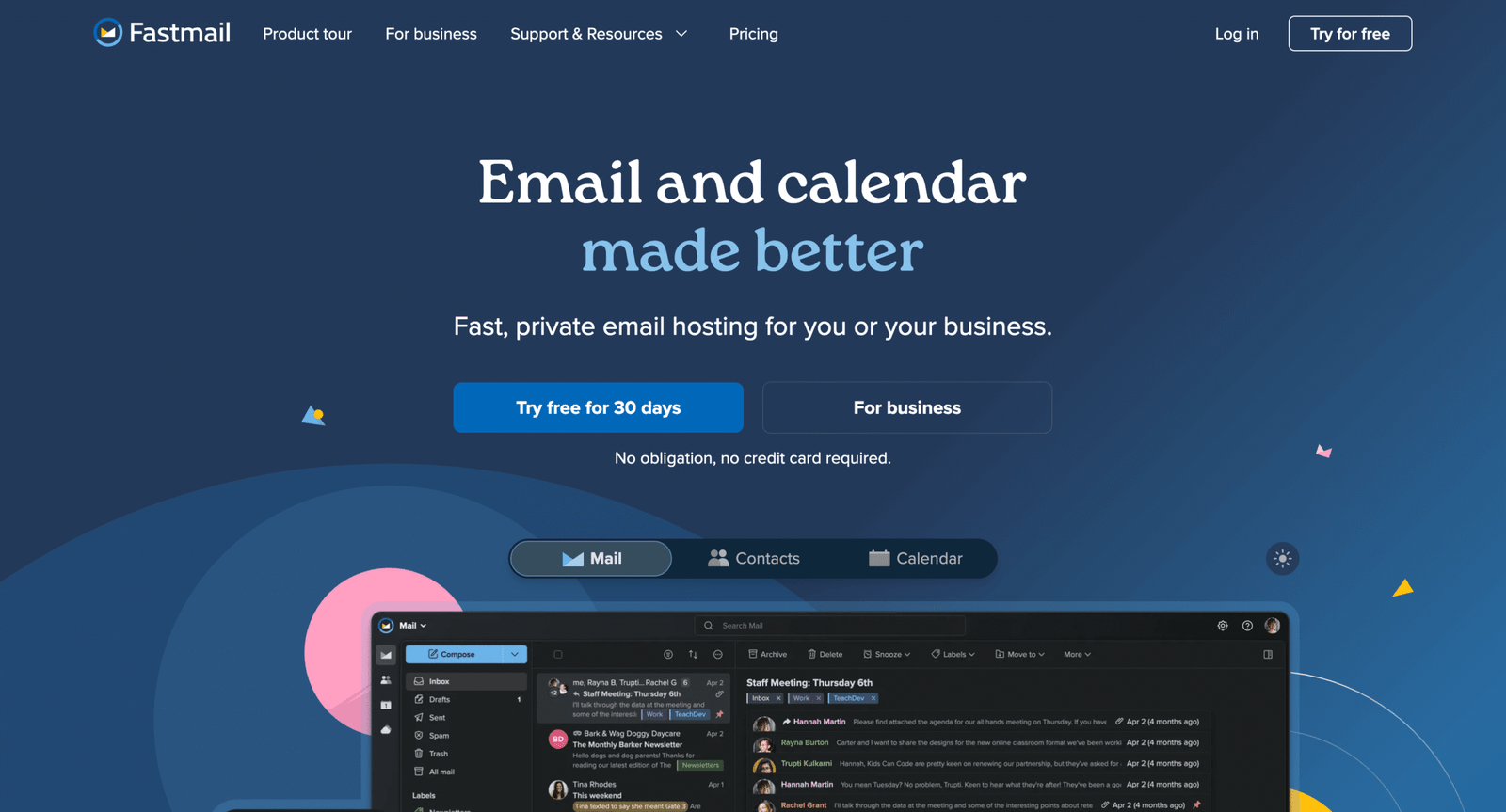
Fastmail is a focused email company, and the product feels engineered by people who live in inboxes. The team favors speed, privacy, and practical workflows.
Spend less time sorting email, and more time finishing work.
Best for: privacy-conscious professionals; small businesses that value a fast inbox.
- Rules, snooze, scheduled send → stay responsive without living in your inbox.
- Third-party app support → save 3–4 setup steps across devices.
- Polished onboarding → first value in ~20 minutes.
Pricing & limits: From $4/user/mo on Business Basic, with 5 GB storage per user. Business plans include a free trial for up to 30 days. Higher tiers increase storage to 50 GB and 100 GB.
Honest drawbacks: It’s not the cheapest per seat versus budget hosts. If you need a full office suite, Google Workspace beats it on docs.
Verdict: If you want a calmer, faster inbox, this helps you regain control within a week.
Score: 4.0/5
6. Zoho Mail
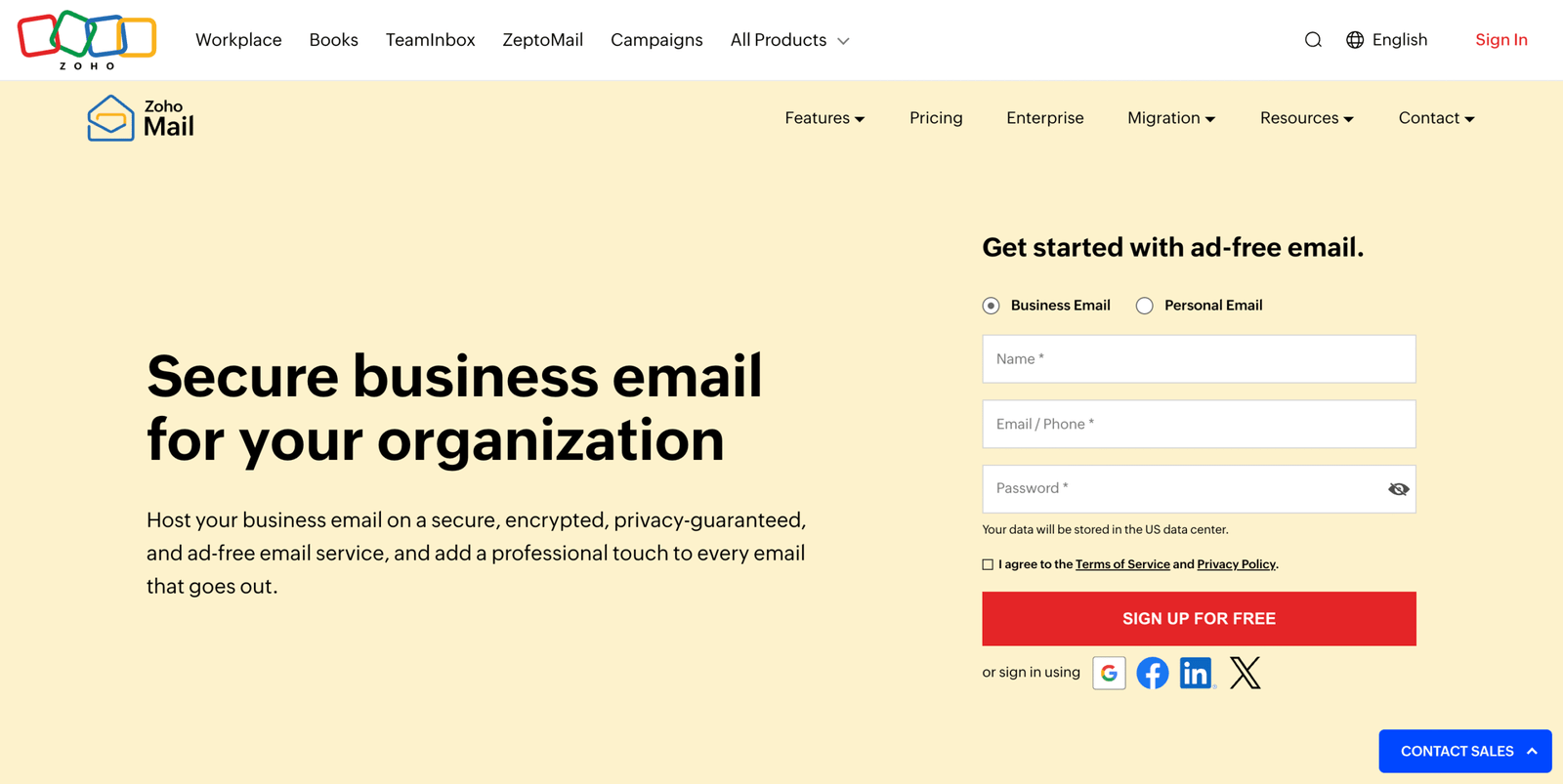
Zoho is a broad business-software company, and Zoho Mail is part of a big ecosystem. The team aims for “suite-level” features at a lower price point.
Budget email that still feels like a business platform.
Best for: small companies already using Zoho; ops-minded admins who like control.
- Admin controls + groups → keep shared addresses organized without hacks.
- Suite adjacency → save tool-switching steps across calendar and docs.
- Structured setup → first inbox in ~30–45 minutes.
Pricing & limits: From about $1/user/mo (annual) for Mail Lite, with storage tiers that include 10 GB and 50 GB per user depending on plan. The Workplace pricing table lists mail storage per user and attachment limits up to 40 MB on some tiers. Trial terms vary by region and plan availability.
Honest drawbacks: The admin surface area can feel dense at first. If you want the simplest UX, MailerLite and Fastmail are calmer.
Verdict: If you need “business email plus controls” on a budget, this helps you standardize within a month.
Score: 4.0/5
7. Google Workspace business email
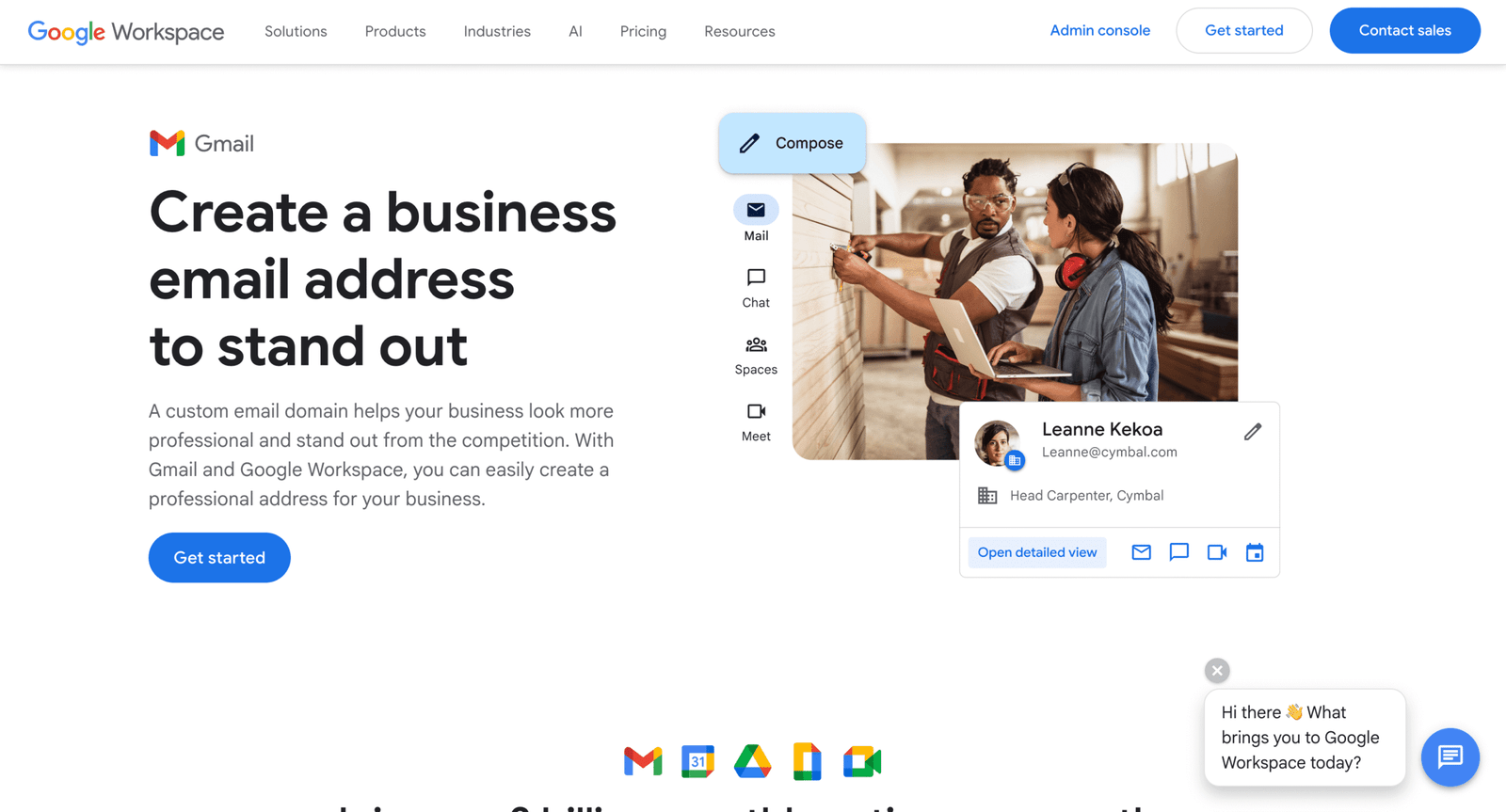
Google Workspace is built by a massive cloud and productivity organization. The email team benefits from deep infrastructure and a sprawling app ecosystem.
One subscription that runs your inbox and your team’s working day.
Best for: growing teams; founders who want Gmail plus admin controls.
- Gmail on your domain → move fast without retraining everyone.
- Native Drive/Meet/Calendar → save tool-hopping across 5–10 weekly tasks.
- Guided DNS + migration tools → first value in ~1–2 hours.
Pricing & limits: From $7/user/mo (annual commitment) with a 14-day trial. Business Starter includes 30 GB pooled storage per user, and business plans are capped at 300 users.
Honest drawbacks: It’s rarely the cheapest option once you add seats. If you only need mailboxes, Namecheap and MXRoute cost far less.
Verdict: If you want a familiar inbox with serious admin power, this helps you standardize in a weekend.
Score: 4.2/5
8. Microsoft 365 business email
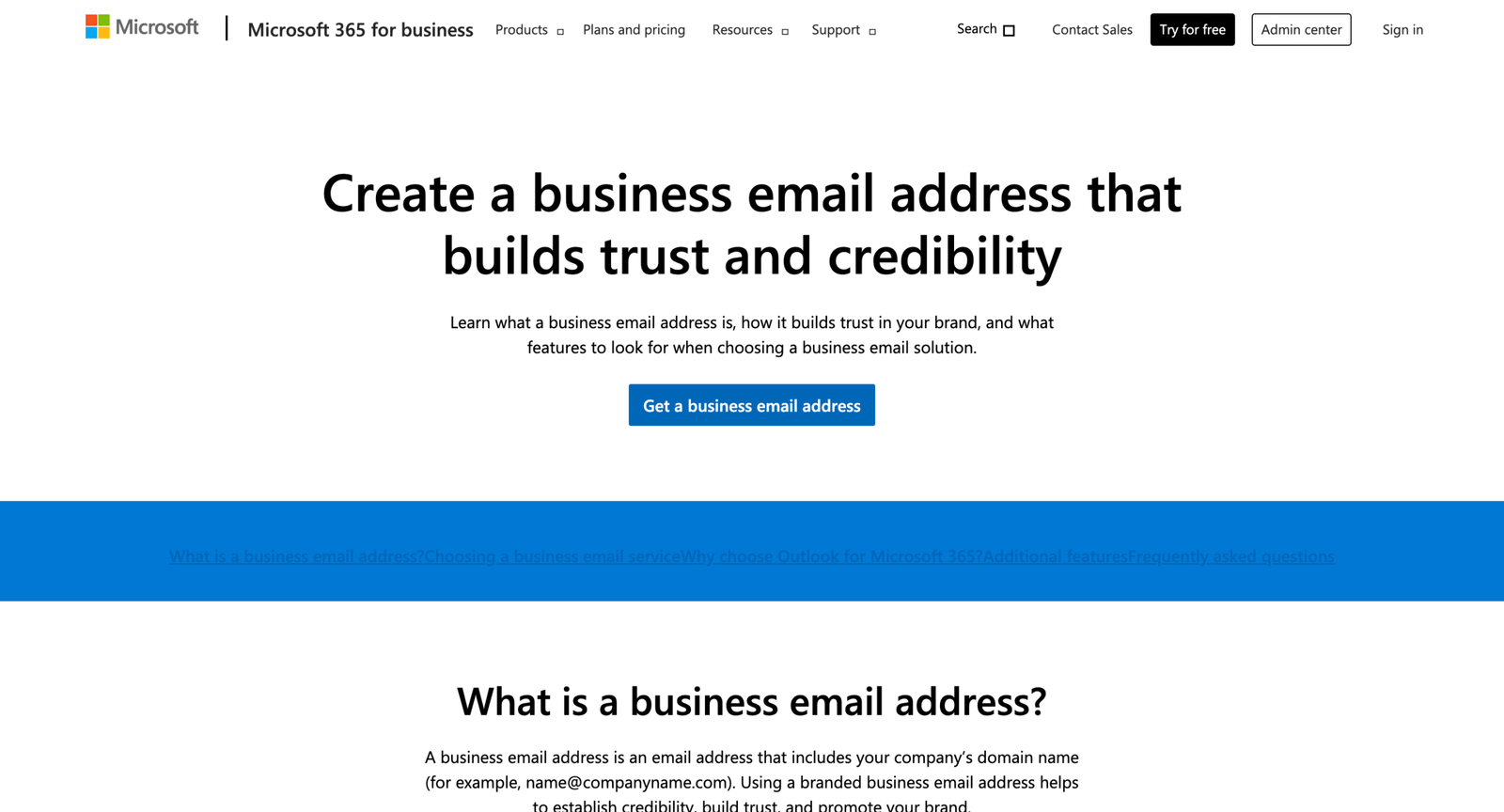
Microsoft 365 is produced by one of the world’s biggest enterprise software teams. Email here is designed to plug into a wider security and collaboration stack.
Business email that plays well with the rest of Microsoft.
Best for: Microsoft-first small businesses; teams that need Office plus email.
- Exchange-backed mailboxes → reduce delivery and calendar friction.
- Teams + OneDrive adjacency → save daily context switching across work.
- Admin Center onboarding → first value in ~2–4 hours.
Pricing & limits: From $6.00/user/mo (paid yearly) for Business Basic. Microsoft offers a one-month trial for business plans, and trial terms mention up to 25 users during the trial. Business plans target up to 300 users.
Honest drawbacks: Setup can feel heavier than lightweight email hosts. If you only need mail, Fastmail is simpler.
Verdict: If you want email plus the Microsoft work stack, this helps you get operational in a week.
Score: 4.1/5
9. Rackspace

Rackspace is an infrastructure-and-managed-services company, and its hosted email has an enterprise-ops mindset. The team’s story is reliability and support coverage.
Hosted email with a “someone will answer” support posture.
Best for: teams that want strong support; businesses migrating off legacy hosting mail.
- Hosted mailboxes → stabilize email without running servers.
- Migration help → skip days of manual mailbox moves.
- Pro-style provisioning → first value in ~1 day.
Pricing & limits: From $2.99/user/mo with a 14-day free trial. The plan highlights 25 GB mailboxes, with higher tiers adding storage and archiving.
Honest drawbacks: It’s pricier than ultra-budget hosts. If you want modern productivity apps, Google Workspace outpaces it.
Verdict: If you need dependable hosted mail with real support, this helps you migrate within a week.
Score: 3.8/5
10. Hostinger business email
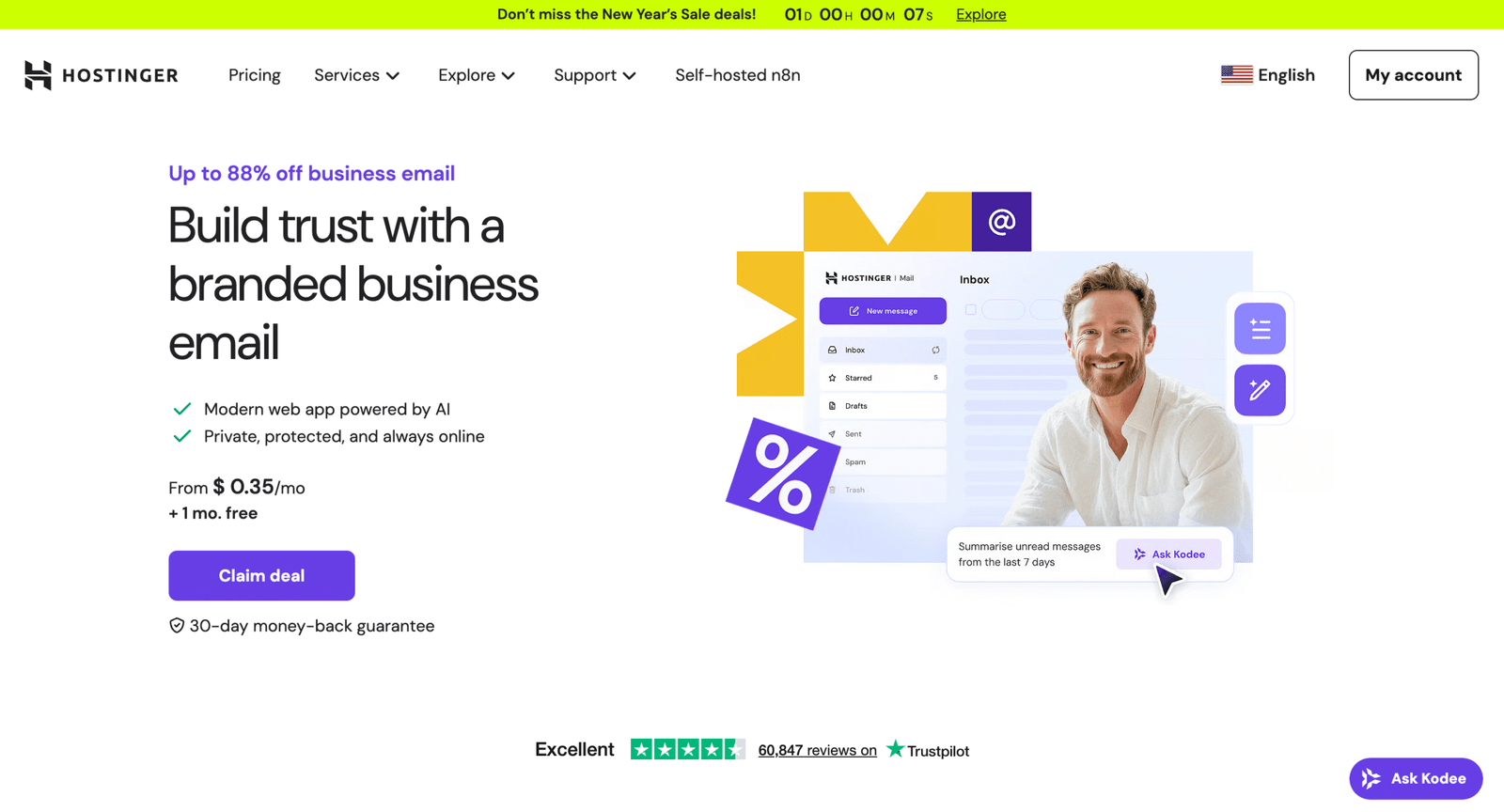
Hostinger is a large consumer-friendly hosting company, and its email product is designed for non-IT operators. The team optimizes for onboarding and bundled value.
Get a mailbox that matches your domain, without hiring an admin.
Best for: WordPress site owners; small businesses buying hosting and email together.
- Business Email plans → move from “free inbox” to real quotas.
- Clear per-mailbox limits → reduce deliverability surprises mid-campaign.
- Beginner-friendly panel → first value in ~30 minutes.
Pricing & limits: From $0.99/mailbox/mo on a 48-month term for Business Starter. Hostinger lists 10 GB storage and 1,000 messages/day per mailbox on Starter, and 50 GB plus 3,000 messages/day on Premium. A 30-day money-back guarantee applies to Hostinger Email purchases.
Honest drawbacks: The best price requires a long commitment. If you want month-to-month freedom, Fastmail is easier to exit.
Verdict: If you want simple domain email tied to your hosting, this helps you look professional by tomorrow.
Score: 3.7/5
11. MXRoute
MXRoute is an email-hosting specialist with a blunt, ops-first vibe. The team positions the service for people tired of email being an afterthought.
Host unlimited accounts across domains, paying mainly for storage.
Best for: agencies managing many domains; technical users who can handle DNS.
- Unlimited domains and accounts → stop paying per mailbox.
- Defined outbound limits → avoid surprise throttling during busy weeks.
- Plain setup flow → first value in ~60 minutes.
Pricing & limits: From $4.08/mo billed yearly ($49/year) for 10 GB storage, with unlimited domains and email accounts. A sending limit is listed as 400 outbound emails per hour per email account on large-storage plan pages. Free trial terms are not emphasized on the main plans page.
Honest drawbacks: Onboarding assumes you’re comfortable with DNS and email clients. If you want guided handholding, Namecheap is friendlier.
Verdict: If you want to host lots of addresses cheaply, this can consolidate your domains in a weekend.
Score: 3.5/5
12. Migadu
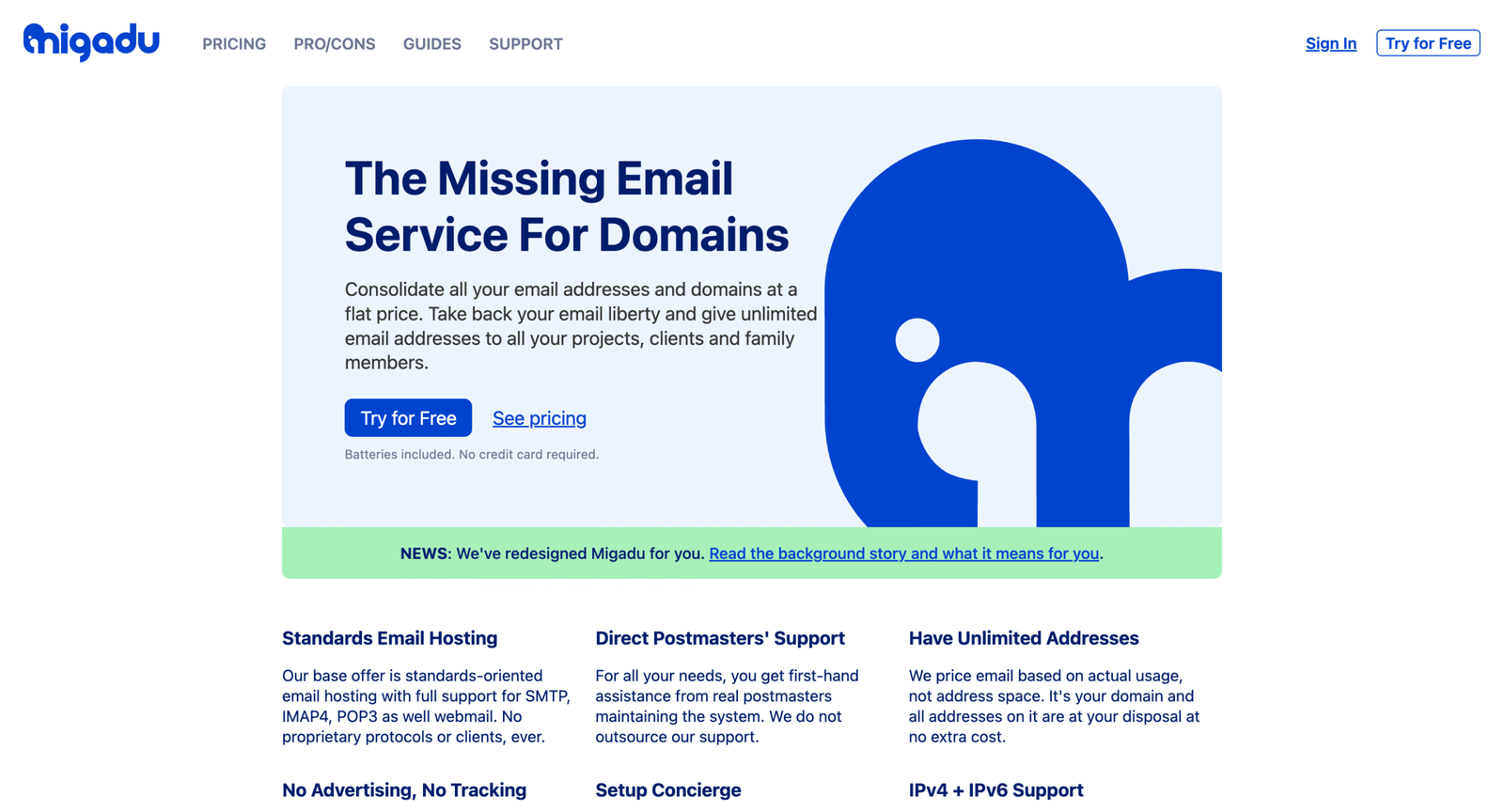
Migadu is a domain-email provider built around flat pricing and sensible quotas. The team’s framing is freedom: many addresses, one account, and clear daily limits.
Stop paying per mailbox, and start thinking per account.
Best for: side projects with many aliases; small orgs that want predictable quotas.
- Unlimited addresses and domains → create role accounts without extra cost.
- Account-wide quotas → reduce admin steps across many mailboxes.
- Trial available → first value in ~45 minutes.
Pricing & limits: From about $1.58/mo billed yearly ($19/year) on the Micro plan. Plans are flat per account, not per mailbox, and include account-wide daily limits like 20 outbound/day on Micro. Migadu also advertises a free trial with no credit card required.
Honest drawbacks: Daily sending caps can be tight for busy support inboxes. Phone or chat support is not part of the core support model.
Verdict: If you want many addresses on one account, this helps you standardize in a few days.
Score: 3.6/5
13. Hushmail
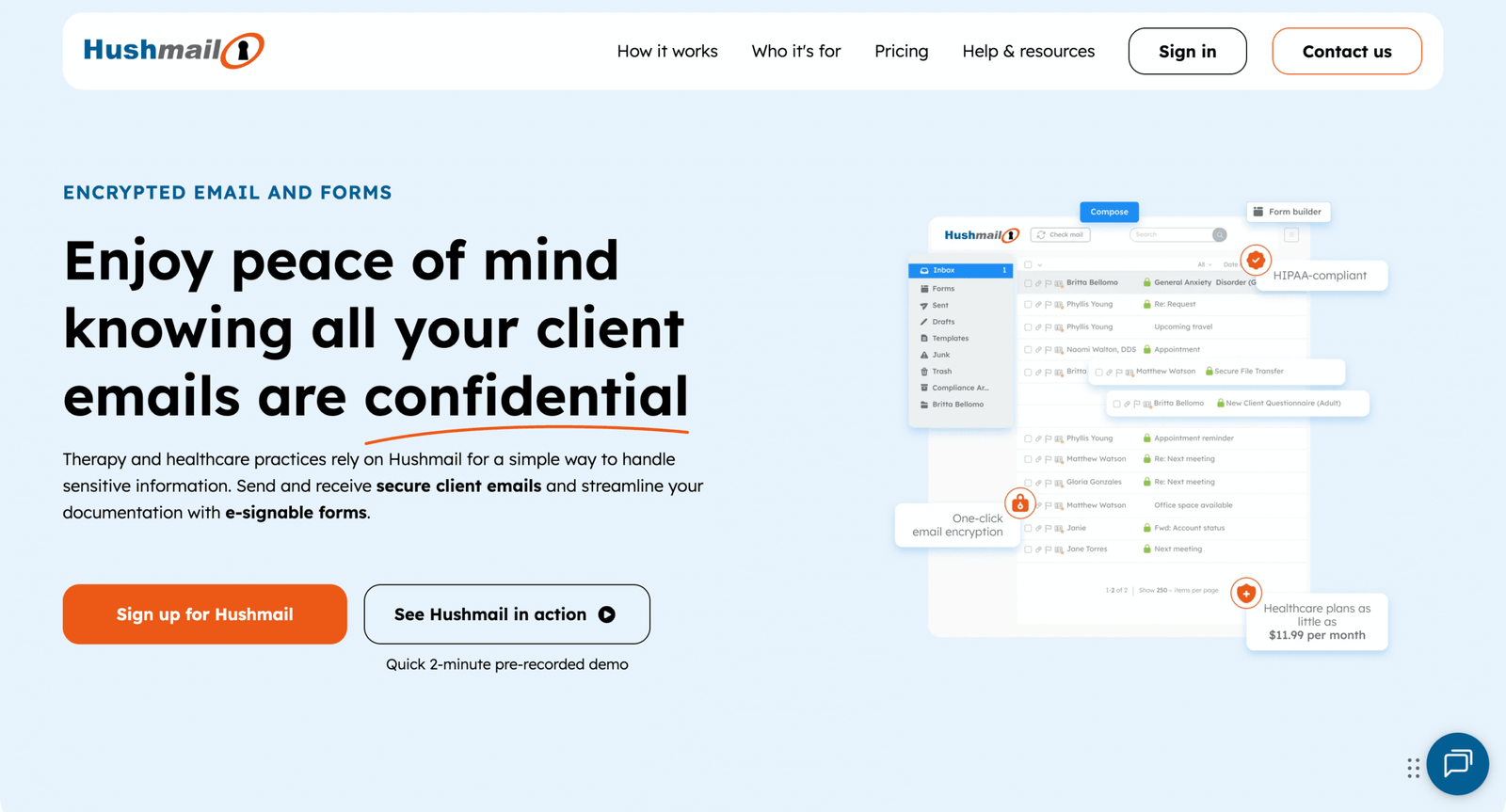
Hushmail is positioned around secure email for regulated use cases, with plans tailored by industry. The team leans into compliance language and workflow extras like forms.
Send sensitive email with fewer “is this okay?” moments.
Best for: small healthcare practices; professionals who need secure client messaging.
- Encrypted messaging → reduce back-and-forth about secure delivery.
- Secure forms on higher tiers → save several intake steps per client.
- Guided setup → first value in ~1–2 hours.
Pricing & limits: From $0/mo for a 14-day free trial. Plans are priced per account and vary by use case, with “Basic” excluding forms and higher tiers adding forms and advanced security options. Storage is listed as “per account” and varies by plan.
Honest drawbacks: Pricing detail is less “one table, one answer” than commodity hosts. If you only need cheap domain mail, this is overkill.
Verdict: If you need secure client email, this helps you start compliant workflows in a week.
Score: 3.6/5
14. Proton Mail
Proton is a privacy-focused company building an encrypted ecosystem. The email team is explicit about security posture and business-ready admin features.
Private email that still feels like a real business tool.
Best for: privacy-first teams; founders who want encrypted email on a custom domain.
- Encrypted email + custom domains → keep sensitive comms off ad-funded platforms.
- Suite bundle options → cut tool sprawl across mail, drive, and VPN.
- Self-serve trial → first value in ~1–2 hours.
Pricing & limits: From $6.99/user/mo for Proton Mail Essentials. A 14-day business free trial is offered, with an additional 30-day money-back guarantee after conversion. Essentials includes 15 GB storage per user and 10 addresses per user.
Honest drawbacks: It costs more than bare-bones mailbox hosts. Collaboration and integrations are narrower than Google Workspace.
Verdict: If you want encrypted email with business structure, this helps you upgrade your trust posture this month.
Score: 3.9/5
15. Yahoo Mail

Yahoo Mail is a consumer email platform backed by a large internet company. The team focuses on inbox organization, storage, and add-on value like alias addresses.
A personal inbox with big storage, without paying business-suite prices.
Best for: personal users; freelancers who don’t need a custom domain inbox.
- Mail Plus upgrades → remove ads and reduce daily inbox friction.
- Temporary addresses → cut signup spam and save cleanup time weekly.
- Instant setup → first value in ~5 minutes.
Pricing & limits: From $0/mo for standard Yahoo Mail, with 20 GB storage. Yahoo Mail Plus is $5/mo with a 14-day free trial and includes 200 GB storage plus up to 500 temporary email addresses.
Honest drawbacks: This is not domain email hosting, so brand credibility is limited. If you need custom-domain sending, look at Namecheap or Fastmail.
Verdict: If you need a roomy personal inbox, this helps you cut clutter in a day.
Score: 3.6/5
16. Cloudflare Email Routing
Cloudflare is a major internet infrastructure company, and Email Routing is built like a “glue” product. The team’s goal is safer forwarding with minimal moving parts.
Create domain aliases and forward mail, without running mail servers.
Best for: founders who only need inbound routing; teams protecting personal inboxes.
- Catch-all style routing → receive mail at your domain without extra mailboxes.
- Workers processing option → automate parsing and save manual triage steps.
- DNS-assisted setup → first value in ~20 minutes.
Pricing & limits: From $0/mo, positioned as free for Cloudflare customers. Limits include 200 rules and 200 addresses, plus a 25 MiB message size limit. This is routing, not a full mailbox.
Honest drawbacks: You can’t use it as a полноценный inbox by itself. If you need to send from the domain reliably, you still need an email host.
Verdict: If you want domain aliases that forward safely, this helps you set it up this afternoon.
Score: 3.7/5
17. GoDaddy Business Email
GoDaddy is a massive domains-and-site-services company, and its email offering is built around Microsoft 365 resale. The team pitches convenience: one bill, one dashboard.
Buy domain email where you bought your domain, and move on.
Best for: very small businesses already on GoDaddy; owners who want one vendor.
- Microsoft-based mailboxes → get calendar and contacts with familiar tooling.
- Bundled purchasing → skip vendor juggling and reduce admin steps.
- Quick provisioning → first value in ~1–2 hours.
Pricing & limits: From $1.99/user/mo (Email Essentials promo pricing is commonly advertised) with 10 GB mailbox storage on that tier. GoDaddy’s help docs list storage capacity by plan, including 10 GB and 50 GB options. Trial length varies by promotion and is not consistently stated.
Honest drawbacks: Email can feel “bolted on” compared to first-party Microsoft purchasing. If you want direct control of your tenant, Microsoft 365 direct is cleaner.
Verdict: If you want convenience over control, this helps you get branded email running this week.
Score: 3.5/5
18. Porkbun
Porkbun is a domain registrar with a playful brand and surprisingly practical email add-ons. The team keeps the offer simple: forwarding for free, inboxes paid.
Get a real inbox on your domain, without enterprise baggage.
Best for: domain owners who want one or two mailboxes; lean teams that forward most mail.
- Per-inbox hosting → pay only for addresses you truly need.
- Free forwarding → reduce mailbox count and save budget immediately.
- Fast activation → first value in ~20 minutes.
Pricing & limits: From $2.00/mo billed yearly ($24/year) per hosted email address, with 10 GB storage per user and IMAP/POP3/Webmail access. New domains include a 15-day free email hosting trial. Free email forwarding includes up to 20 forwarding addresses per domain.
Honest drawbacks: Pricing is per inbox, so it climbs for teams with many users. If you need shared calendars and deep admin, Google Workspace wins.
Verdict: If you want a simple domain inbox plus forwarding, this helps you get set up today.
Score: 3.5/5
19. Postmark
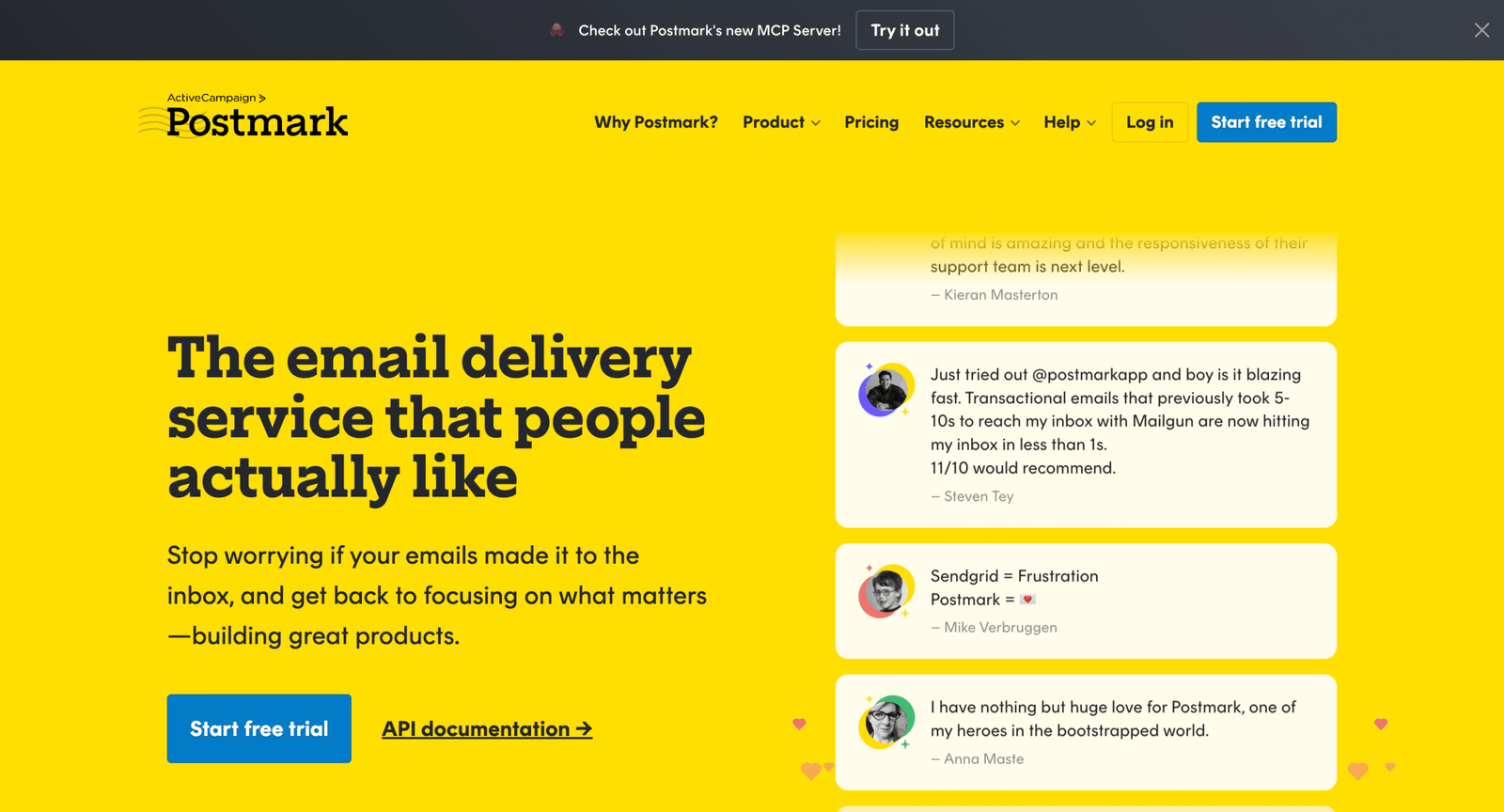
Postmark is a transactional email platform built by a team that obsesses over delivery and operational clarity. It’s not “inboxes,” it’s infrastructure for your app mail.
Send transactional email that lands, even when your product scales.
Best for: SaaS teams; developers who need receipts, resets, and notifications delivered.
- Message streams → protect deliverability by separating email types.
- Inbound processing on some tiers → save build time on reply handling.
- Clear plan ladder → first value in ~1 day.
Pricing & limits: From $15/mo for a 10,000 emails/month plan, with user and server caps by tier. Postmark also mentions a free Developer plan and a 10K Platform tier at $18/mo.
Honest drawbacks: This is not a newsletter tool, and it’s not a mailbox host. If you want marketing automation, Brevo or MailerLite fits better.
Verdict: If you need reliable app emails, this helps you ship dependable sending within a week.
Score: 4.1/5
20. Brevo
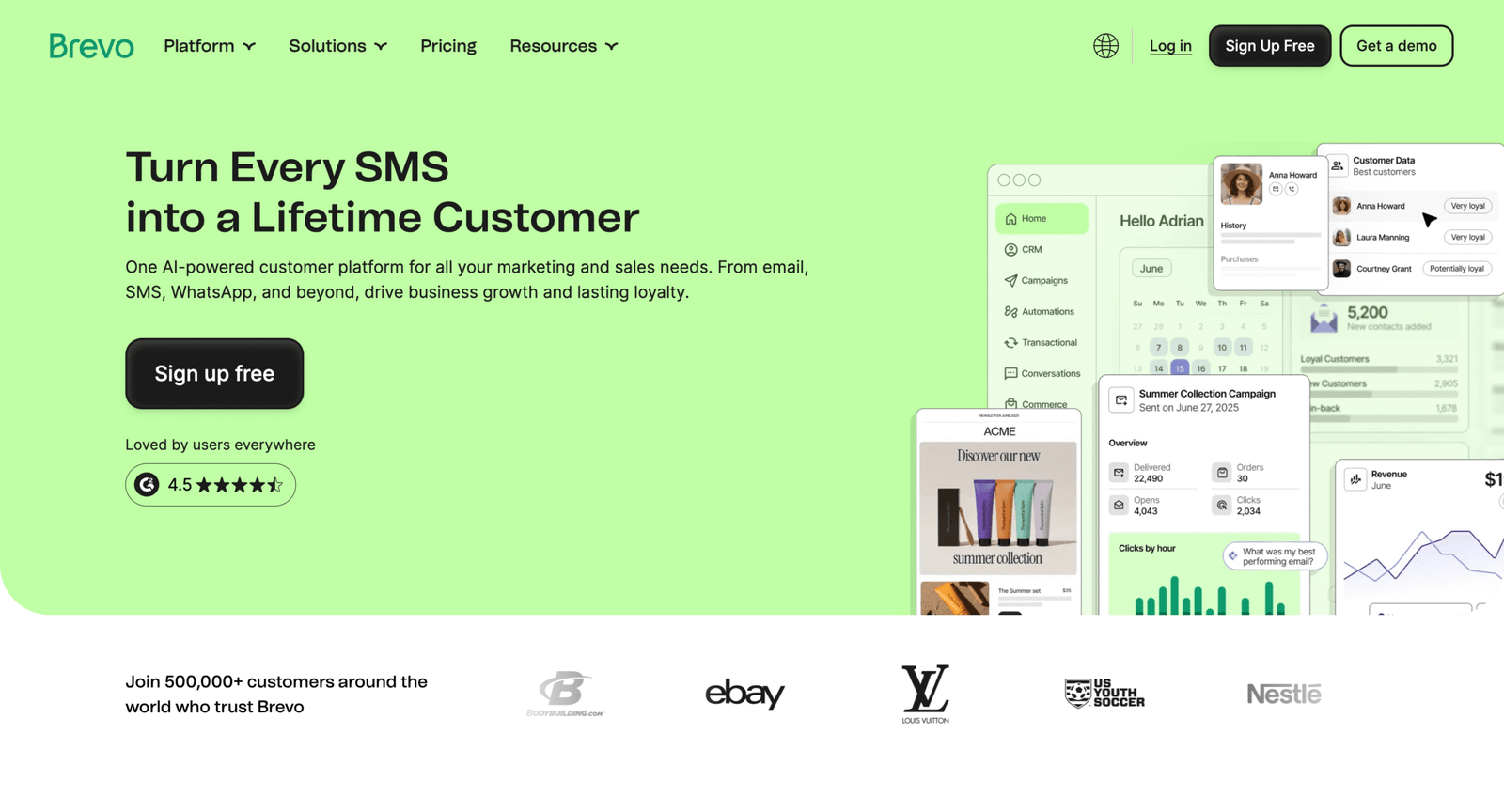
Brevo is a customer-relationship platform that grew out of email sending. The team’s posture is “multi-channel without enterprise pricing.”
Run email marketing that scales by sends, not by hype.
Best for: solo marketers; small teams that want email plus SMS and automation.
- Email campaigns + automation → move from blasts to journeys without extra tools.
- Flexible tiers → save time versus piecing together point solutions.
- Fast onboarding → first campaign in ~45 minutes.
Pricing & limits: From $0/mo on the Free plan with 300 daily email sends and up to 100,000 stored contacts. Paid Starter plans start at $9/mo, with tiers based on monthly sends and contact storage.
Honest drawbacks: The free plan’s daily cap can force manual re-sends for bigger lists. If you want a pure newsletter UX, MailerLite can feel simpler.
Verdict: If you want a flexible, low-cost marketing sender, this helps you launch campaigns this week.
Score: 4.1/5
21. MailerLite
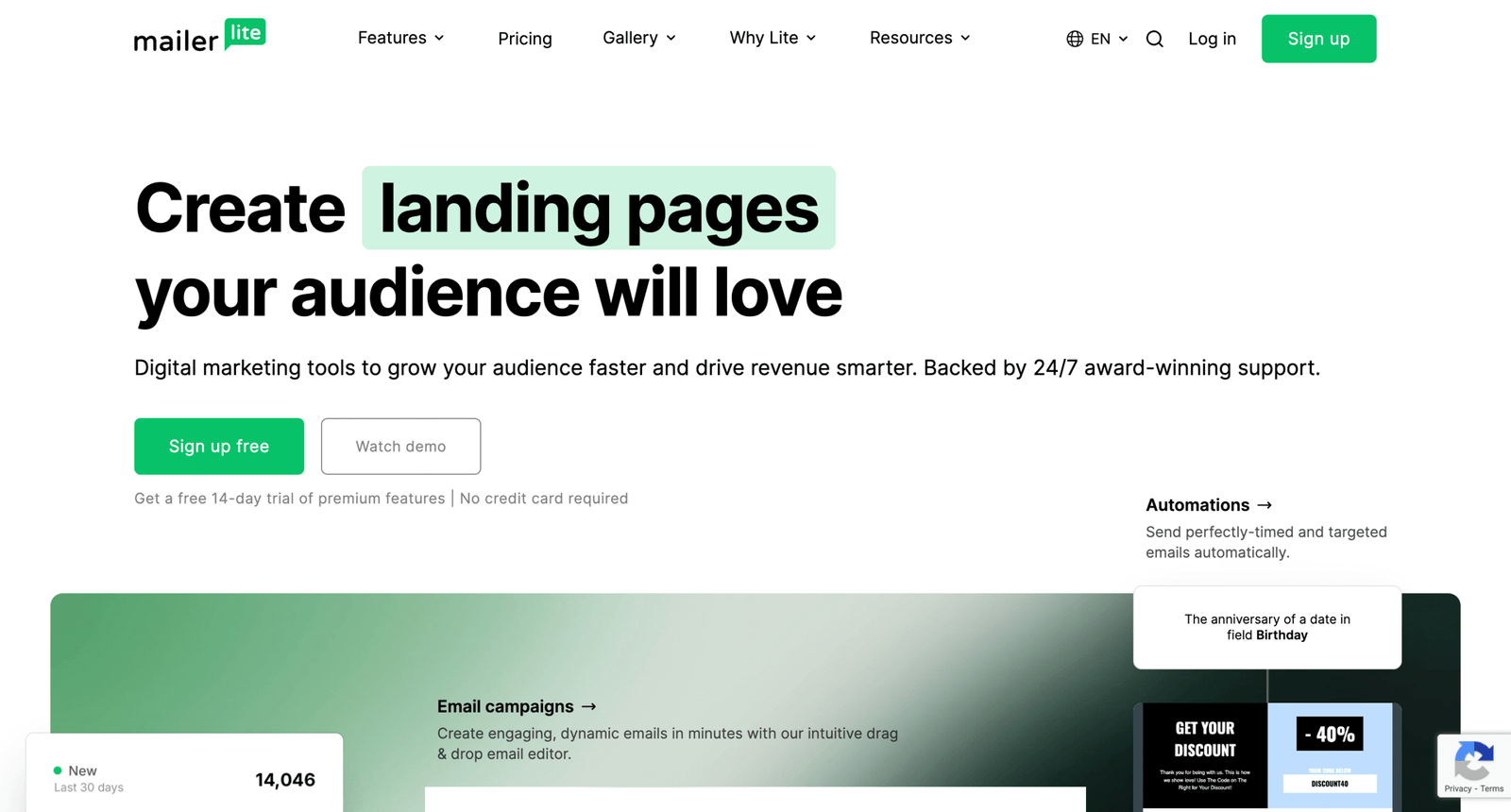
MailerLite is built by a team that cares about “creator-grade” simplicity. The product is designed to get you shipping emails without a marketing ops degree.
Design, automate, and send newsletters without feeling buried.
Best for: creators; small businesses that want clean automations on a budget.
- Editor + automations → ship weekly emails without rebuilding templates.
- Landing pages and forms → cut 2–3 tools from your stack.
- Gentle learning curve → first campaign in ~30 minutes.
Pricing & limits: From $0/mo for up to 500 subscribers and 12,000 monthly emails. Paid plans start at $10/mo, and MailerLite offers a 14-day trial of premium features.
Honest drawbacks: The free plan subscriber cap was reduced to 500, which can sting. If you need 2,500 free contacts, Sender or EmailOctopus may beat it.
Verdict: If you want a clean newsletter machine, this helps you start sending in days.
Score: 4.1/5
22. EmailOctopus
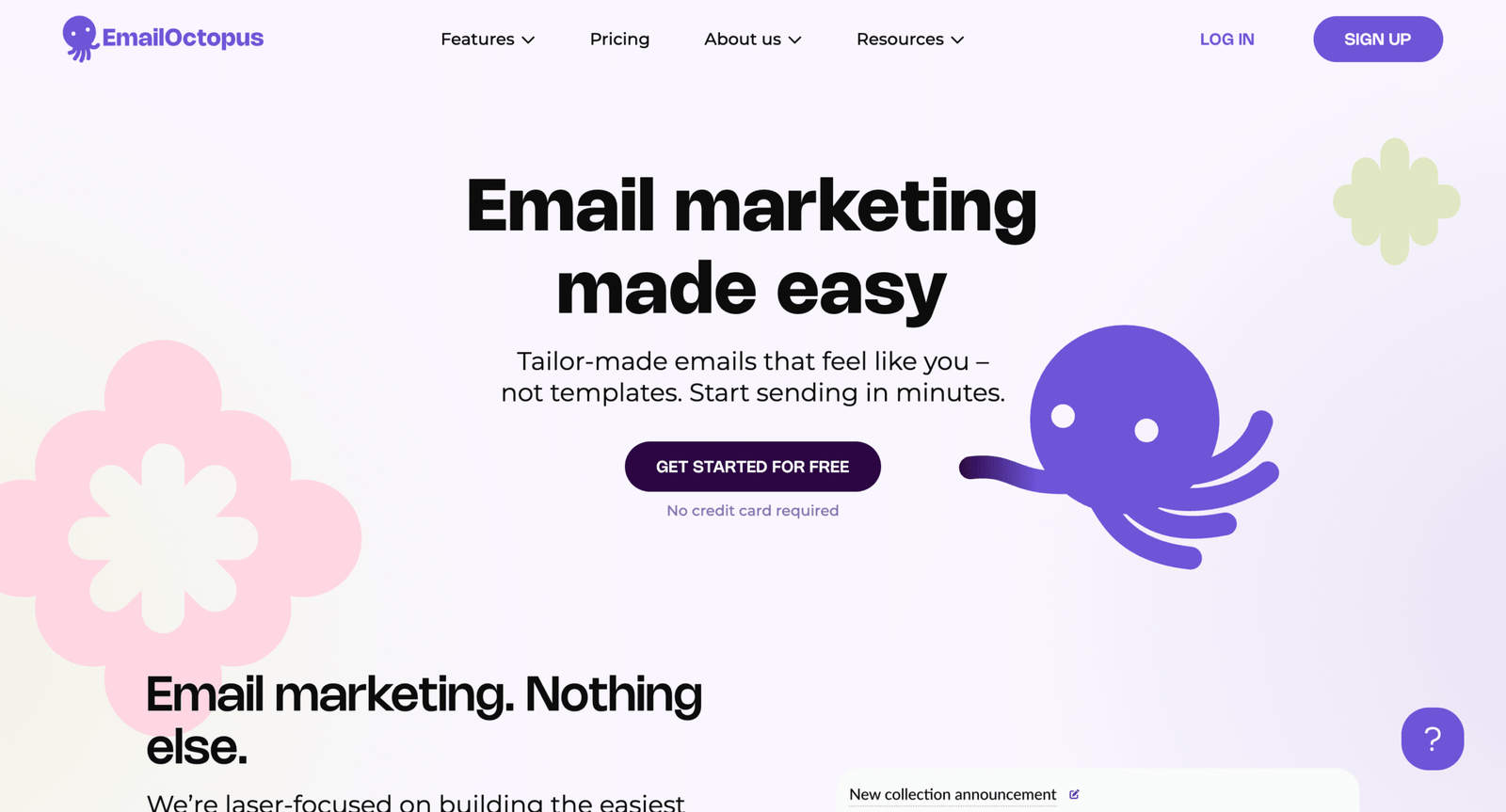
EmailOctopus is a lean email marketing product with a cost-conscious philosophy. The team keeps pricing straightforward and leans on established infrastructure partners.
Send simple campaigns cheaply, without paying for enterprise fluff.
Best for: bootstrapped newsletters; startups that want low-cost sending at scale.
- Lightweight campaigns → publish updates without complex workflows.
- SES-based routing option → offload deliverability plumbing and save setup time.
- Quick start → first campaign in ~30–45 minutes.
Pricing & limits: From $0/mo on the Connect Starter plan for up to 2,500 subscribers, with unlimited emails per month routed through your Amazon SES account. The Pro plan starts at $8/mo billed yearly, with unlimited users and unlimited landing pages.
Honest drawbacks: “Connect” assumes you’re comfortable with Amazon SES and its billing. If you want a single-vendor experience, Brevo is simpler.
Verdict: If you want low-cost sending with a lean UI, this helps you launch within a week.
Score: 3.8/5
23. Moosend
Moosend is an email marketing platform with a focus on automation and affordability. The team’s angle is strong features without a premium price tag.
Automate email marketing without paying enterprise automation rates.
Best for: SMB marketers; teams that want automations and landing pages together.
- Automation workflows → turn signups into sequences with less manual work.
- Seasonal “credits” option → avoid paying monthly when you send rarely.
- Free trial → first value in ~1 hour.
Pricing & limits: From $9/mo billed monthly (or $7/mo billed annually) for up to 500 contacts, with unlimited sends on the Pro plan. Moosend advertises a 30-day free trial with no credit card required.
Honest drawbacks: Enterprise pricing requires a quote, which adds friction. If you want transparent high-end tiers, Mailjet is clearer.
Verdict: If you want automation on a budget, this helps you build your first flows this month.
Score: 3.8/5
24. GetResponse
GetResponse is a long-running marketing platform with email at its core. The team’s direction is “email plus conversion tools,” including automation and add-ons.
Run email marketing that’s built to convert, not just broadcast.
Best for: marketers who want funnels; teams that need webinars and automation options.
- Marketing automation → reduce manual follow-ups after signups.
- Broader marketing toolkit → save tool-switching across campaigns and landing pages.
- Structured onboarding → first value in ~1–2 hours.
Pricing & limits: From $19/mo for unlimited messages to up to 1,000 subscribers on Starter. TechRadar lists a Free plan with 500 contacts and 2,500 sends per month. Discounts are listed for longer commitments.
Honest drawbacks: It’s pricier than minimalist newsletter tools at low list sizes. If you just need newsletters, MailerLite is lighter.
Verdict: If you want email plus conversion tooling, this helps you launch campaigns in weeks, not quarters.
Score: 3.8/5
25. Omnisend

Omnisend is built for ecommerce messaging, with email and SMS as the center of gravity. The team designs around store workflows and revenue attribution.
Turn store events into automated email that sells while you sleep.
Best for: ecommerce operators; Shopify teams that want email and SMS together.
- Store-first automations → recover carts and drive repeats with less manual work.
- Email + SMS in one place → save 2–3 integration steps per workflow.
- Fast templates → first campaign in ~60 minutes.
Pricing & limits: From $0/mo for up to 250 contacts and 500 emails per month. TechRadar lists Standard from $16/mo for 500 contacts and Pro from $59/mo for 2,500 contacts, with higher email limits on paid tiers.
Honest drawbacks: It’s not the cheapest choice once your list grows. If you’re not ecommerce, Brevo is usually a better fit.
Verdict: If you run a store and want lifecycle email, this helps you set up core flows this month.
Score: 3.8/5
26. Mailjet
Mailjet is an email platform with both marketing and transactional DNA. The team emphasizes API support, templates, and scalable sending tiers.
Send emails via API or campaigns, without outgrowing your sender.
Best for: product teams; marketers who also need SMTP and webhooks.
- API + editor in one tool → reduce vendor sprawl for product emails.
- Webhooks and SMTP → save integration steps for event-driven sends.
- Free plan trialing → first value in ~30 minutes.
Pricing & limits: From $0/mo with 6,000 emails/month and a 200 emails/day cap. Paid Essential plans start at $17/mo for 15,000 emails/month with no daily sending limit.
Honest drawbacks: Automation features are not as “marketer-friendly” as MailerLite. If you want deep ecommerce flows, Omnisend beats it.
Verdict: If you need a flexible sender for both product and marketing mail, this helps you ship in weeks.
Score: 3.8/5
27. SendPulse
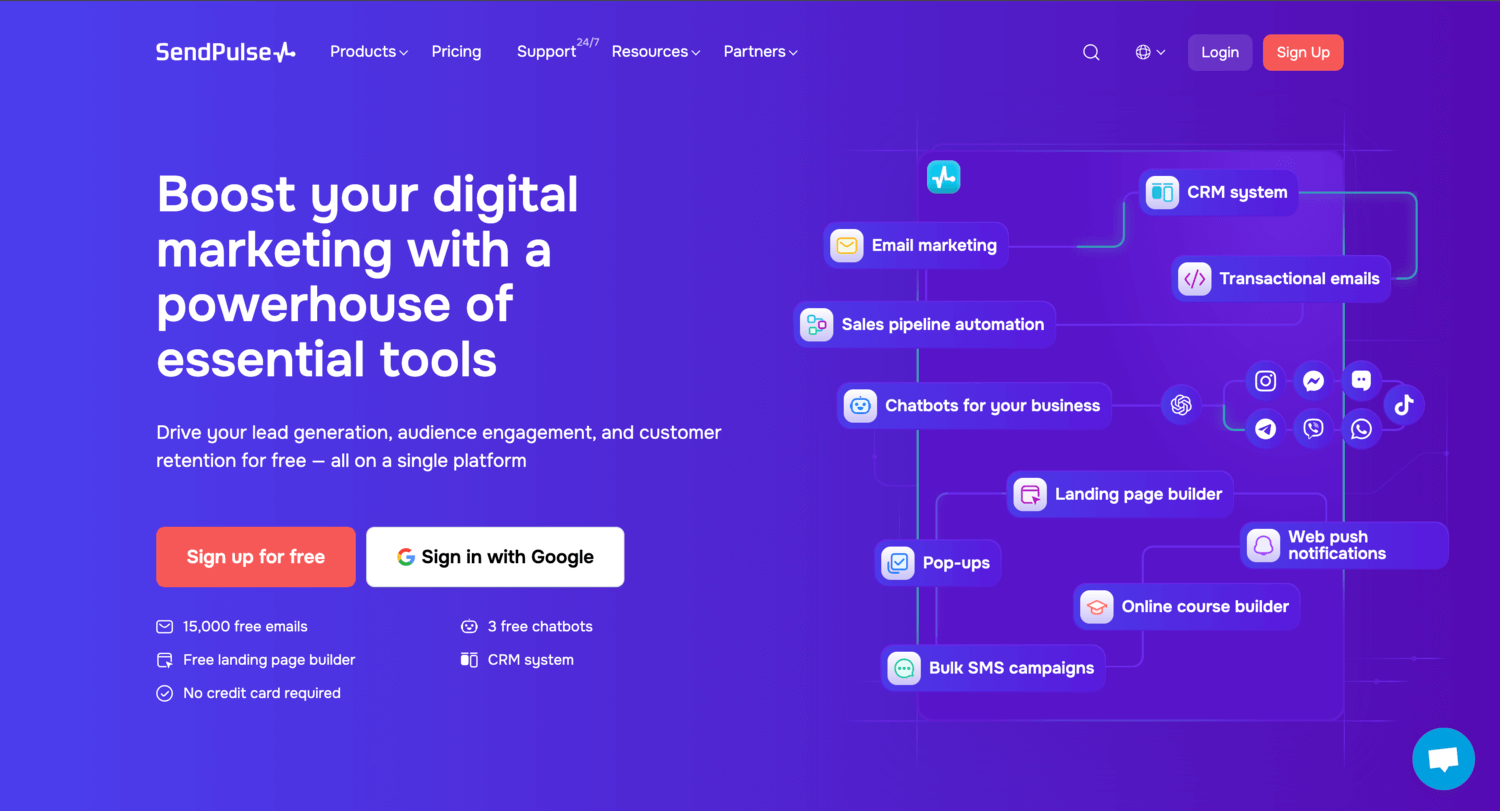
SendPulse offers a multi-tool messaging platform, with email marketing as a core product. The team pushes a generous free tier to get you started quickly.
Send campaigns for free, then upgrade only when you outgrow it.
Best for: beginners; small lists that want a lot of free sending volume.
- High free send quota → publish regularly without paying early.
- Automation basics included → save manual follow-ups for new signups.
- Quick templates → first newsletter in ~45 minutes.
Pricing & limits: From $0/mo with 15,000 emails per month on the Free plan. Paid Standard plans are listed at $8/mo billed annually for up to 500 subscribers, with unlimited emails on paid tiers.
Honest drawbacks: As your stack expands, the UI can feel busy. If you want the simplest editor, MailerLite is calmer.
Verdict: If you want a generous free tier for real sending, this helps you start today.
Score: 3.8/5
28. Sender
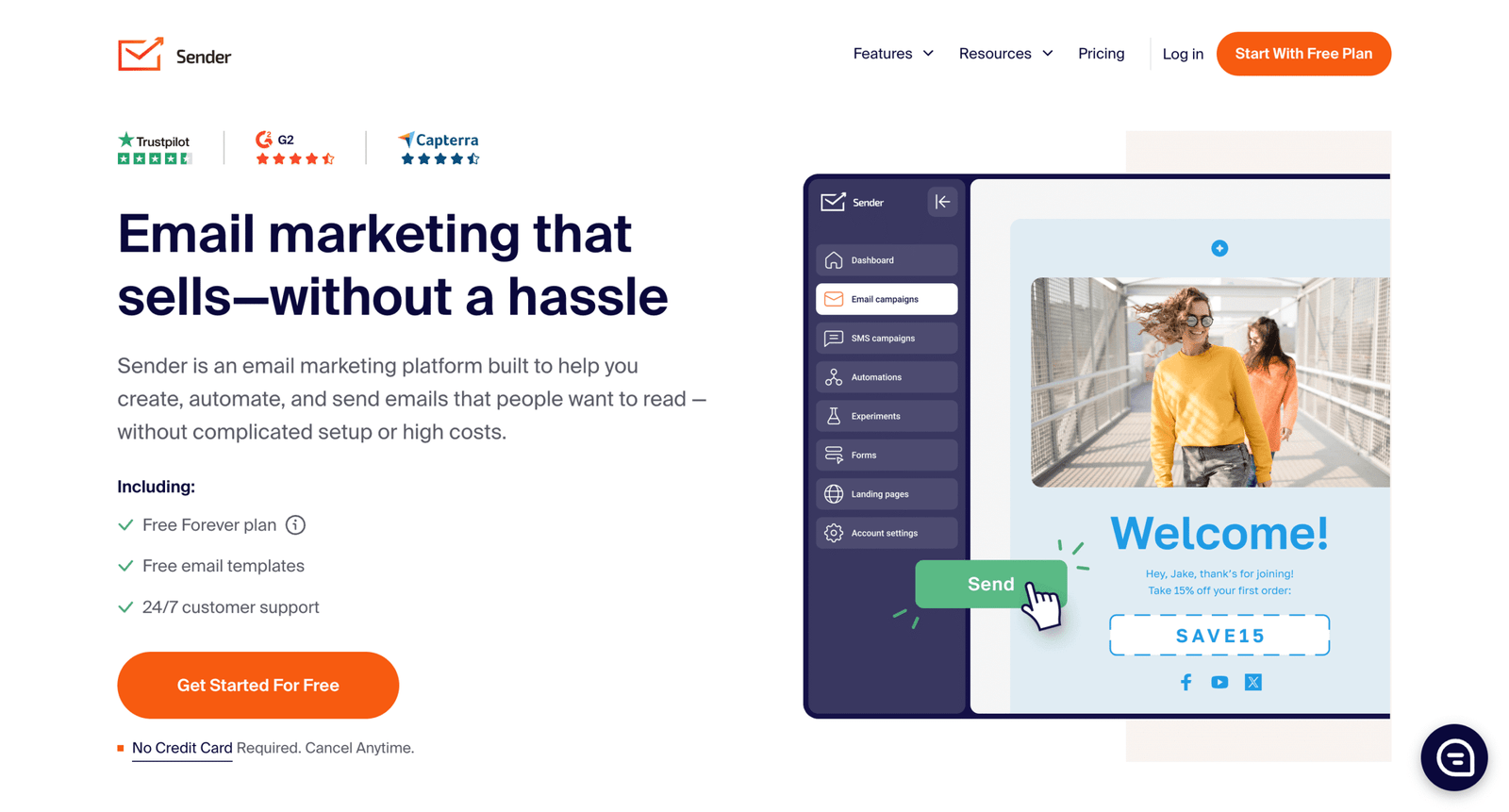
Sender is an email marketing platform built around aggressive value. The team’s messaging is direct: fewer limits, fewer contracts, and fast onboarding.
Get a surprisingly generous free plan, then scale without drama.
Best for: bootstrapped newsletters; SMBs that want landing pages and automations included.
- Free plan generosity → keep costs at $0 while you validate demand.
- Automation included → reduce manual follow-ups and save weekly time.
- Quick start flow → first campaign in ~30–60 minutes.
Pricing & limits: From $0/mo on the Free Forever plan, including up to 2,500 subscribers and 15,000 emails/month. The pricing page shows “Standard plans pricing is not available” at times, so paid tiers may require in-app confirmation.
Honest drawbacks: If you need a mature ecosystem and countless integrations, Brevo wins. If pricing transparency matters, this can feel rough.
Verdict: If you want maximum free runway, this helps you ship newsletters this week.
Score: 4.0/5
29. Maildroppa
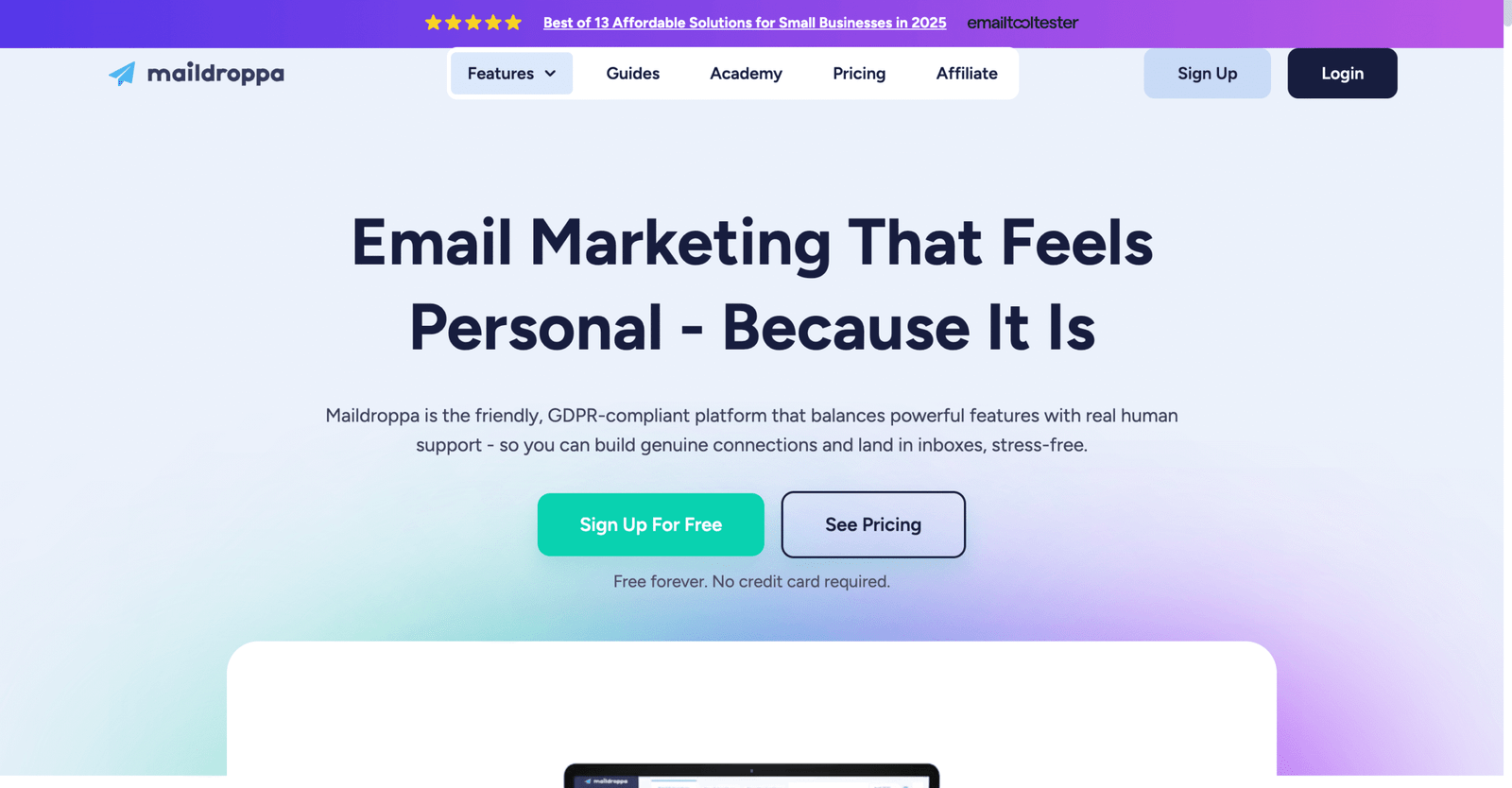
Maildroppa is a smaller email marketing platform with a privacy-forward tone. The team emphasizes personal-feeling campaigns and straightforward pricing.
Send newsletters that feel human, without paying enterprise prices.
Best for: founders building an audience; creators who want simple GDPR-aware flows.
- All features available early → avoid feature-gated workflows during setup.
- Tracking controls → save time handling privacy preferences manually.
- Minimal setup → first campaign in ~30–45 minutes.
Pricing & limits: From $0/mo for up to 100 subscribers and 2,500 emails per month. Premium is $5/mo for 1,000 subscribers with unlimited monthly emails, and refunds are described within 14 days on paid upgrades.
Honest drawbacks: It’s a smaller ecosystem than mainstream tools. If you need deep integrations, Mailjet and Brevo are safer bets.
Verdict: If you want simple, low-cost newsletters, this helps you publish consistently within days.
Score: 3.6/5
30. SendFox
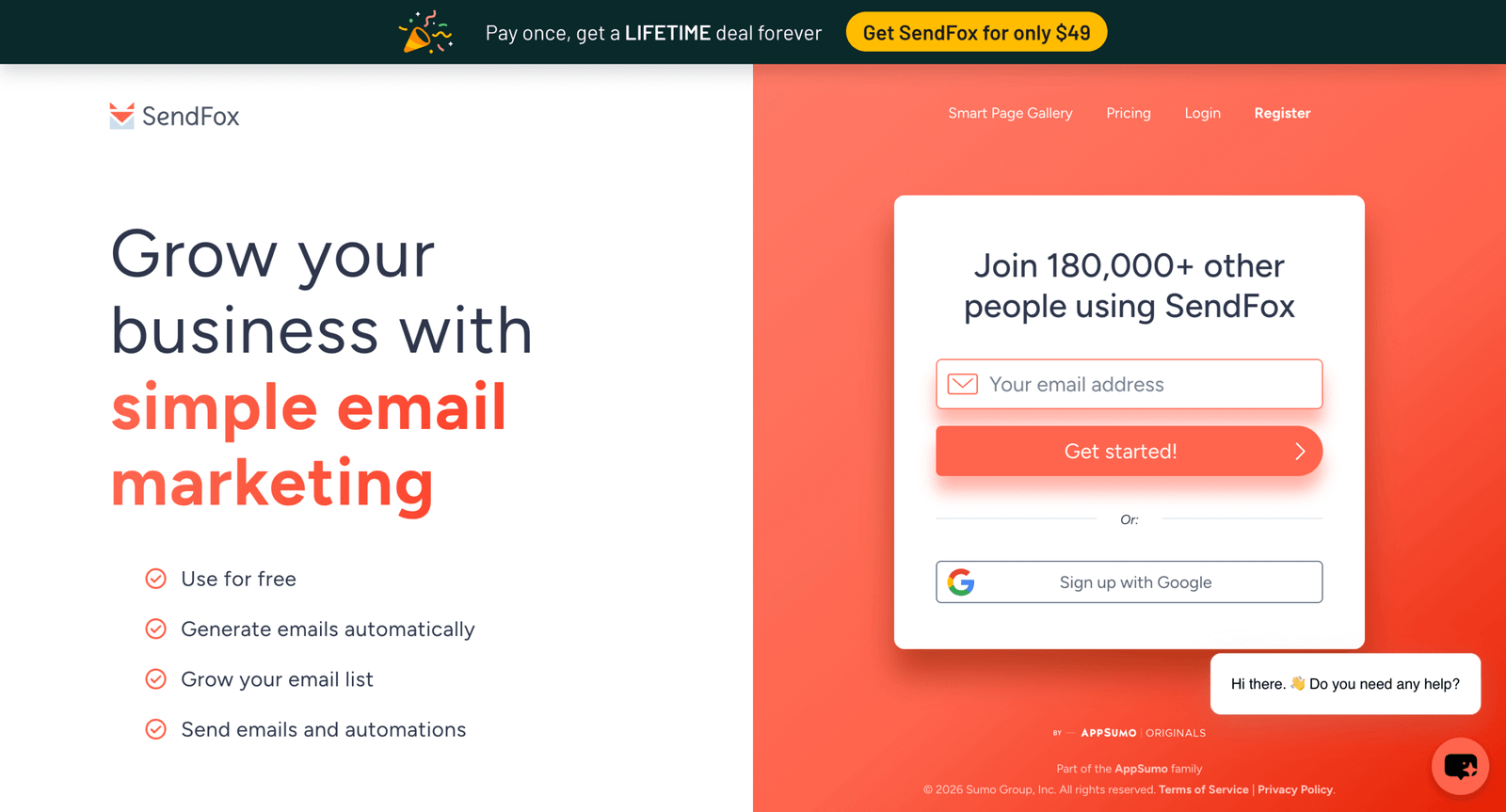
SendFox is built as a lightweight email marketing tool with an unusual pricing posture. The team pushes a free plan and a one-time lifetime license model.
Pay once, then email your list without monthly anxiety.
Best for: creators who hate subscriptions; small businesses with stable list sizes.
- Lifetime license option → keep email costs predictable over years.
- Basic automations on paid tiers → save manual follow-ups after signups.
- Simple dashboard → first campaign in ~45 minutes.
Pricing & limits: From $0/mo on the Free plan with 3,000 sends/month and a 1,000 contact cap. The Lifetime Plan is listed at $49 one-time for 5,000 contacts and unlimited sends, with an optional $18/mo add-on for whitelabel and advanced features. Terms note lifetime plans have contact limits and can be suspended if exceeded.
Honest drawbacks: The deliverability and branding story is tiered, which can feel limiting. If you want “best-in-class” automations, MailerLite is stronger.
Verdict: If you want low-cost creator email with a one-time buy, this helps you start sending this week.
Score: 3.5/5
Recommended reading: Top 30 Best Open Source Iot Platform Picks for Building Scalable Iot Solutions
Understanding cheap email service providers in 2026

1. Email hosting for custom domains: mailbox access via IMAP and POP3
Email hosting is about inboxes on your domain. It covers receiving, storing, searching, and replying to messages.
In practice, the “hosting” part is less about storage. It is more about protocol support and account administration.
IMAP is the workhorse for multi-device mail. It keeps server state consistent across clients.
POP3 is simpler and can be cheaper to operate. It also encourages local storage and fragmented history.
Webmail matters more than most teams admit. A clean web client saves support tickets and training time.
From our audits, cheap hosting fails most often in admin tooling. The pain shows up during onboarding and offboarding.
2. Email marketing platforms vs mailbox providers: newsletter sending rules
Mailbox providers are built for human mail. Marketing platforms are built for bulk delivery and compliance workflows.
The difference is not cosmetic. Bulk traffic changes your reputation profile and your abuse risk.
Many mailbox terms prohibit newsletter-style sending. That rule exists because shared outbound pools are fragile.
Marketing tools also handle subscriptions, bounces, and unsubscribe compliance. Mailbox hosting usually does not.
We have seen teams “get away with it” for months. Then an anti-spam trigger locks the account overnight.
For a business, that lockout is not just inconvenience. It can block invoices, password resets, and customer replies.
3. Pricing models that impact “cheap”: per user, per subscriber, per email
Email hosting pricing often tracks users. That fits a team mailbox model and predictable access needs.
Email marketing pricing usually tracks subscribers. This punishes success when lists grow faster than revenue.
Some platforms price by sent volume instead. That rewards careful segmentation and cadence discipline.
From our view, the “cheap” winner depends on your growth shape. Team growth and list growth behave differently.
We also watch for hidden add-ons. Deliverability tools, dedicated sending, and compliance features often cost extra.
When budgets are tight, we prefer pricing you can model. Surprises are the real premium tier.
4. Free vs cheap: feature limits that matter for real-world use
Free tiers can work well for pilots. They often fail during the first real operational incident.
Limits usually hide in admin controls, routing, and integrations. Those are the features teams reach for under stress.
For mailbox hosting, watch aliases, catch-all handling, and group permissions. Those are small features with big impact.
For marketing, watch automation, templates, and domain controls. Those influence both conversion and deliverability.
We often see “free” used as production by accident. Nobody budgets time for the eventual migration.
Cheap, paid tiers can be safer than free. Payment usually correlates with clearer support expectations.
5. Unlimited users and domains: what “unlimited” typically applies to
“Unlimited” almost never means unlimited sending. It usually means unlimited addresses, aliases, or domains.
Some providers offer unlimited mailboxes on a flat plan. That can be great for agencies and multi-brand operators.
Yet inbound and outbound policy still exists. Abuse controls do not disappear because your plan is generous.
Unlimited domains often helps developers. It supports staging domains, brand variants, and client projects.
At TechTide Solutions, we treat “unlimited” as a hint. Then we read the policy documents like lawyers.
That habit sounds tedious. It is cheaper than rebuilding email identity after a suspension.
6. Support and reliability trade-offs for ultra-low-cost email services
Ultra-low-cost email usually cuts support first. That can be fine for experts and painful for everyone else.
Some vendors expect you to be your own administrator. They will not debug DNS or client configuration.
Cheap plans can also share more infrastructure. Shared queues, shared IP reputation, and shared spam filtering are common.
In our experience, reliability failures are rarely dramatic outages. More often, they are slow delivery and missing mail.
One real pattern stands out. The cheaper the plan, the more you must monitor it yourself.
When teams cannot monitor, we recommend paying more. Time is the real scarce resource in small businesses.
Recommended reading: Top 20 Providers Gaming Website Design: A Strategic Outline For High‑Impact Game Sites
How to choose a cheap email hosting provider for your domain

1. Match provider type to needs: personal inbox, small team, or enterprise email
Choosing starts with identifying your email “shape.” Personal mail needs differ from team workflows.
A personal inbox values usability, privacy, and search. A small team values onboarding and shared visibility.
Enterprise email values governance and auditability. It also values centralized identity and device control.
From our projects, misalignment is the main cause of churn. Teams buy enterprise suites for basic needs.
Another mismatch is common too. Small teams buy barebones hosting, then ask for shared mailboxes.
We prefer to map needs to provider categories first. Then we shop within the category for price.
2. Domain setup expectations: bringing your own domain vs included domain options
Most business email should use your domain. It reinforces trust and reduces phishing confusion.
Domain setup means DNS changes. That includes MX records and verification records.
Cheap providers differ in how they handle this step. Some offer guided flows with checks and warnings.
Others assume you already understand DNS. That can be fine for developers and risky for founders.
In our client work, setup success correlates with documentation quality. Good docs beat cheap support.
If you fear DNS, pick a provider with a strong wizard. The time saved is real money.
3. Mailbox access methods: webmail, mobile sync, and desktop client compatibility
Access methods decide daily friction. Friction increases shadow IT and forwarding hacks.
Webmail quality matters for contractors and shared workstations. It is also a disaster-recovery fallback.
Mobile sync matters for response time. It also affects calendar and contact consistency.
Desktop client support matters for power users. Many teams still live inside Outlook or Apple Mail.
We always test sign-in, password resets, and account recovery. Those workflows get used under pressure.
If a provider makes recovery painful, we walk away. Cheap is not worth lockout risk.
4. Storage strategy: per-user mailboxes, shared storage, and fixed storage constraints
Storage plans are not only about capacity. They shape user behavior and retention practices.
Per-user storage is simple. It makes budgeting predictable when teams grow steadily.
Shared storage pools can be efficient. They also hide “heavy” users until the pool fills.
Fixed constraints usually show up in attachments and archival. Those constraints quietly break workflows.
At TechTide Solutions, we push teams toward explicit retention rules. That reduces storage surprises later.
When compliance matters, we also plan for export. Portability beats hoarding mail indefinitely.
5. Security and privacy posture: data handling, ads, and provider positioning
Security posture is a product choice. Some providers optimize for privacy, while others optimize for integration.
Ad-funded email is rarely appropriate for business mail. Ads create user confusion and policy headaches.
We also evaluate the provider’s threat model. Does it emphasize encryption, abuse controls, or identity integration?
For regulated teams, we review data residency options. We also review logging and admin access boundaries.
In many cheap plans, security exists but is unbundled. You must enable policies yourself.
We treat defaults as part of the product. Bad defaults create expensive incidents.
6. Support model realities: response times, 24/7 coverage, and escalation paths
Cheap email often means community support and tickets. That may be fine until an executive cannot receive mail.
Escalation paths matter more than response-time promises. A clear escalation path speeds resolution.
In our experience, small teams need human support during domain setup. They also need it during migrations.
Some providers provide help only for billing issues. They avoid configuration troubleshooting.
We ask a blunt question early. “Will you help us fix delivery if DNS is correct?”
If the answer is vague, we plan to self-support. That changes what “cheap” really costs.
7. Reliability considerations: uptime guarantees and operational maturity
Email reliability is not just uptime. It includes queue health, spam filtering stability, and consistent routing.
Operational maturity shows in incident communication. Clear status pages reduce panic and wasted time.
We also look for evidence of disciplined change management. Email systems hate surprise changes.
A small provider can still be reliable. The key is focus and operational rigor.
From our monitoring work, slow failures are most dangerous. Quiet delays cause missed deals and late invoices.
Reliable email feels boring. That is exactly what you want.
8. WordPress and web-project bundles: when hosting and email together makes sense
Bundles can be convenient. They also create coupled failures that are hard to diagnose.
When web hosting and email share billing, cancellations can become dangerous. A domain lapse can kill email abruptly.
That said, bundles can help a solo founder. One vendor reduces setup complexity and reduces vendor sprawl.
We recommend bundles when the team lacks an admin. We avoid bundles when uptime is mission critical.
For WordPress projects, transactional email often becomes the real issue. Password resets must reach inboxes fast.
We often split hosting from mail. Separation reduces blast radius when something breaks.
9. Forwarding-only setups: when inbound email forwarding is enough
Forwarding-only setups can be a smart compromise. They work well for simple inbound routing.
This model fits contact forms, role addresses, and early-stage testing. It also fits solo consultants.
The risk is outbound identity. Sending from forwarded mail can break alignment and confuse recipients.
In our builds, we pair forwarding with a proper outbound sender. That preserves brand identity and deliverability.
Another risk is auditability. Forwarding loses “one inbox” traceability unless you archive elsewhere.
If you choose forwarding, plan your logs. Your future self will thank you.
10. Portability planning: separating registrar, DNS, and email hosting to reduce lock-in
Email becomes sticky fast. The stickiness is not technical; it is organizational and behavioral.
We reduce lock-in by separating responsibilities. Registrar, DNS host, and email host can be distinct.
That design keeps migrations possible. It also keeps billing mistakes from cascading into outages.
For teams with limited skills, separation can feel scary. The trick is documenting ownership and access.
We also enforce shared credential custody. Email access must survive employee turnover.
Portability planning is boring architecture. It is also cheap insurance.
Recommended reading: Top 30 Best Freelance Websites to Find Freelance Work and Clients in 2026
What to expect from cheap email marketing software plans

1. Free plans and entry tiers: subscriber caps, daily limits, and plan upgrade triggers
Cheap marketing plans usually start generous. Then growth triggers upgrades in predictable places.
Subscriber caps are the most common trigger. Sending limits are another frequent trigger.
Some plans limit advanced features instead. Automation, segmentation, and reporting are typical gates.
We recommend mapping your list growth pattern. That helps you avoid accidental “success penalties.”
Another trigger is compliance tooling. As you mature, you will want better consent and preference controls.
Cheap is best when it scales with revenue. Cheap is worst when it scales ahead of revenue.
2. Automation on a budget: triggered workflows, templates, and basic segmentation
Budget automation often supports basic triggers. Welcome flows, tag changes, and simple event rules are common.
Template quality matters more than teams expect. Better templates speed iteration and reduce design bottlenecks.
Segmentation is where cheap tools diverge. Some treat it as a premium feature.
From our client work, even basic segmentation can outperform “more sends.” Relevance protects deliverability too.
We also watch for workflow debugging tools. Without them, teams ship broken automations for weeks.
Cheap automation should still be observable. Otherwise, you are automating blind.
3. Landing pages and forms: lead capture features included in low-cost plans
Many cheap platforms now include forms and landing pages. That reduces reliance on extra plugins.
Yet the details matter. Some forms are flexible, while others are rigid and brand-hostile.
We evaluate embed options early. Script embeds, HTML forms, and API submissions fit different stacks.
Landing pages also affect analytics. A separate domain can fragment attribution unless you plan carefully.
In our builds, we align forms with consent language. That reduces complaint rates and improves list quality.
Cheap forms are fine when they are controllable. Control is the real feature.
4. Ecommerce-focused email marketing: store integrations and sales automation
Ecommerce email is its own world. Purchase events, product feeds, and customer lifecycle stages drive everything.
Many platforms integrate deeply with Shopify, WooCommerce, and other carts. That reduces custom engineering.
We still validate the event model. Some integrations miss refunds, cancellations, or partial fulfillment nuances.
Abandoned checkout automation is common. Post-purchase education is often more profitable, though.
In practice, cheap plans can work for ecommerce. The upgrade pressure comes from segmentation and reporting depth.
We advise teams to start simple. Then invest where customer behavior proves value.
5. Pay as you go and credit systems: options for occasional newsletter senders
Some businesses send infrequently. Quarterly updates, product announcements, and community notes fit that pattern.
Credit-based systems can be cheaper for this use case. They also reduce the stress of monthly overpaying.
The trade-off is predictability. Credits complicate forecasting when campaigns become more frequent.
We also watch credit expiration rules. Those rules can turn “cheap” into a waste.
For occasional senders, we recommend defining a cadence. A cadence prevents chaotic spikes that harm reputation.
When cadence stabilizes, subscription plans become easier to justify.
6. Transactional messaging and CRM add-ons: what’s bundled vs paid extras
Marketing email and transactional email have different responsibilities. Transactional messages must arrive quickly and reliably.
Some marketing tools include transactional sending. Others require an add-on or a separate API sender.
CRM features are similar. Many vendors add lightweight CRM as an upsell.
From our integration work, mixing CRM and marketing can be powerful. It can also create lock-in.
We often separate systems by message type. Marketing lives in one platform, while transactional uses an API sender.
This split improves safety. It also clarifies ownership between marketing and engineering.
7. Branding and deliverability considerations on cheap email marketing plans
Cheap plans sometimes include platform branding. That can reduce trust for premium brands.
Deliverability also depends on infrastructure and policy. Shared pools can be fine when the vendor enforces abuse controls.
We focus on domain alignment and authentication. SPF, DKIM, and DMARC are non-negotiable in modern sending.
List hygiene is equally important. Cheap tools cannot save a list full of stale addresses.
When problems arise, we inspect headers and feedback loops. Deliverability is detective work, not guesswork.
Cheap plans can deliver well. You just need disciplined practices around them.
8. All-in-one marketing ecosystems vs email-first platforms
All-in-one ecosystems offer convenience. Email-first platforms offer focus and simpler operational boundaries.
Ecosystems often bundle ads, SMS, chat, and CRM. That can reduce vendor sprawl.
The risk is complexity. Complexity increases misconfiguration and staff training time.
Email-first tools can be easier to master. They also integrate cleanly into a best-of-breed stack.
At TechTide Solutions, we pick based on accountability. Someone must own the system end to end.
If ownership is unclear, a simpler email-first tool often wins.
Recommended reading: Top 30 Best CMS Hosting for WordPress Picks and Selection Criteria for 2026
Budget-friendly setup tips for cheap email service providers

1. DNS setup basics: adding the provider’s required records to your domain
DNS is where most cheap email setups fail. The provider is rarely the issue.
We start with MX records. Those decide where inbound mail lands.
Next come SPF and DKIM. Those prove legitimacy to receiving servers.
DMARC completes the story. It tells receivers how to handle failures and where to send reports.
We also recommend consistent naming. Predictable subdomains reduce confusion across environments.
After setup, we test with real mail flows. A dashboard check is never enough.
2. Mailbox strategy: multiple addresses, masked emails, and catch-all workflows
Cheap email becomes powerful with a good addressing strategy. Addresses are operational tools, not just identities.
Role addresses help continuity. Think billing, support, and partnerships.
Masking and aliases help privacy. They also help identify which vendor leaked an address.
Catch-all can be useful. It can also become a spam magnet if left unmanaged.
We design alias conventions that humans can follow. Consistency reduces missed messages and routing mistakes.
In practice, address strategy is the cheapest workflow automation you can buy.
3. Policy limits to confirm: marketing restrictions, bulk sending rules, and anti-spam enforcement
Before you commit, read the sending policy. Do not assume “email” includes “newsletter” rights.
We look for language around bulk sending and recipient limits. We also look for complaint handling.
Anti-spam enforcement varies widely. Some providers are strict and predictable, which we actually like.
Vague enforcement is worse. Vague rules lead to surprise suspensions.
For marketing, we confirm opt-in requirements. We also confirm list import restrictions and verification steps.
A cheap plan with clear rules is safer. Ambiguity is the expensive option.
4. Migration reality check: why email providers are sticky and hard to switch later
Email migrations are deceptively hard. The data transfer is simple, yet the dependencies are everywhere.
Every login, SaaS account, and vendor relationship is tied to email identity. That creates “soft lock-in.”
Forwarders and aliases add complexity. Shared mailboxes add even more complexity.
We also see hidden dependencies in mobile clients. People forget how their devices are configured.
When migrating, we stage changes carefully. We keep old mail routing alive until confidence is earned.
The best migration is the one you avoid. The next best is the one you plan early.
5. Reliability risk management: single point of failure concerns and contingency planning
Email is often a single point of failure for account recovery. That makes downtime more than an inconvenience.
We build contingency plans around identity. Secondary admin accounts and backup authentication methods are essential.
Another tactic is separate transactional sending. Password resets should not depend on the same system as newsletters.
We also keep DNS access separate from the mailbox vendor. That allows emergency rerouting during incidents.
From our incident reviews, the worst failures are silent. Mail just stops arriving for a subset of recipients.
Monitoring inbound and outbound flows is cheap. The damage of unmonitored failure is not.
6. Self-hosting vs managed services: why many teams avoid hosting email themselves
Self-hosting email sounds cheaper on paper. In practice, it becomes an operations job.
You must manage spam filtering, abuse handling, and reputation. Those are ongoing responsibilities, not setup tasks.
Backups and retention are also your problem. So are incident communications and patching.
We have built self-hosted stacks for special cases. Most teams still regret the distraction.
Managed services buy you shared expertise. They also buy you a track record of dealing with abuse.
Cheap managed email beats cheap self-hosting for most businesses. Focus beats tinkering.
7. Cost control over time: avoiding surprise upgrades as lists and teams grow
Cost control begins with forecasting. You need a rough model for team growth and list growth.
For hosting, user-based pricing is easy to model. For marketing, subscriber growth can be nonlinear.
We recommend tagging lists by value. High-value segments deserve spend, while low-value segments deserve pruning.
Another tactic is splitting functions. Use a cheap host for inboxes and a marketing tool for campaigns.
We also watch add-ons. Dedicated sending, advanced reporting, and premium support change the effective price quickly.
Cheap stays cheap when you control scope. Uncontrolled scope is the hidden upgrade path.
8. Cheap vs free email accounts: choosing based on ads, storage, and feature depth
Free accounts can be fine for personal use. Business use introduces risk around identity and support.
Ads and consumer features can confuse workflows. They can also make compliance discussions awkward.
Paid cheap accounts usually offer better admin control. They also provide clearer accountability.
We treat business email as infrastructure. Infrastructure should have owners, billing clarity, and exit options.
If a business cannot pay for email, something else is broken. Email is not where to gamble.
Cheap paid email is a reasonable middle path. It buys stability without buying excess.
How TechTide Solutions helps teams build custom email solutions

1. Custom integrations: connect email platforms with CRMs, ecommerce, and internal systems
Most teams do not need a new email tool. They need their email tools to talk to each other.
We build integrations that connect signups, purchases, and support events into a shared customer timeline.
On the mailbox side, we integrate identity and access workflows. That reduces onboarding time and prevents orphan accounts.
On the marketing side, we integrate events and tags. That turns behavior into relevant messaging.
We also design fallback paths. When the marketing tool is down, transactional messages must still deliver.
Integration is where “cheap tools” become premium systems. Glue code creates compounding value.
2. Workflow automation development: bespoke lifecycle messaging and transactional email pipelines
Lifecycle messaging is rarely “one size fits all.” Every business has its own triggers and edges.
We design event-driven pipelines for receipts, alerts, and status updates. These flows must be reliable and traceable.
For marketing, we build automation that respects consent states. We also encode business rules into segmentation logic.
We treat templates as software artifacts. Versioning and review prevent accidental brand and legal mistakes.
In complex stacks, we separate message types. Transactional stays stable, while marketing experiments evolve safely.
This approach keeps cheap platforms honest. They become components, not single points of failure.
3. Monitoring and analytics: scalable dashboards for performance, deliverability, and reliability
Email monitoring should be boring and continuous. We build dashboards that surface problems before customers complain.
Our approach tracks send events, bounces, and complaint signals. It also tracks latency and provider errors.
For inbox hosting, we monitor authentication drift. DNS changes and expired keys quietly break trust.
For marketing, we monitor engagement trends. Sudden drops often indicate deliverability or targeting mistakes.
We also log key configuration changes. Change history is the fastest path through an incident.
When teams can see email health, cheap providers become less scary. Visibility reduces risk.
Conclusion: selecting the right cheap email service provider for your use case
1. Decide your primary need: email hosting, email marketing, or forwarding-only
Start by naming the job. Do you need inboxes, bulk marketing, or simple routing?
Once the job is clear, the provider set narrows. That is where cheap comparisons become meaningful.
We also recommend separating concerns. Mailboxes and marketing sends have different risk profiles.
In our experience, separation improves resilience. It also simplifies troubleshooting and budgeting.
If you do only one thing today, classify your traffic. Human mail and bulk mail should not share assumptions.
2. Shortlist cheap email service providers by pricing model and must-have features
Next, shortlist by pricing model. User pricing fits teams, while subscriber pricing fits audience businesses.
Then apply must-have features. Admin controls, authentication support, and deliverability tooling matter most.
We suggest writing a small “email contract” internally. It lists who owns DNS, who owns templates, and who owns support.
That contract prevents chaos. It also makes vendor comparisons more objective.
Cheap providers can win when the operating model is strong. Weak operating models punish every vendor choice.
3. Validate with a trial: test device access, admin setup, and support responsiveness
A trial should mimic production. Test admin tasks, recovery workflows, and real sending behavior.
We always test from multiple clients. Webmail, mobile, and desktop each reveal different rough edges.
Support responsiveness should also be tested. Ask a real question and evaluate the answer quality.
Finally, document the exit path. Export formats, DNS rollback steps, and mailbox migration options should be understood.
Cheap email is a tool, not a religion. Which provider will you trial first, and what would make you walk away?

