


At Techtide Solutions, we build web apps for teams that have real deadlines, real customers, and real consequences when software misbehaves. Market overview: Gartner forecasts worldwide public cloud end-user spending to total $723.4 billion in 2025, and we read that as a blunt signal that browser-delivered software is no longer “nice to have”—it is where products live, where workflows happen, and where competition feels immediate.
So this tutorial is not a buzzword tour. Instead, we will walk a beginner path from “what even is a web app?” to “how do we ship something we can support,” while sharing the engineering instincts we use on production teams.
Web development basics: websites vs web applications
1. What web developers do: building, maintaining, and improving sites and apps
Web development looks simple from the outside: a page loads, buttons click, data appears. Under the hood, our job is to translate business intent into a system that behaves predictably across devices, networks, and human habits. That translation includes design decisions, code, testing, deployment, monitoring, and the unglamorous “keeping it alive” work after launch.
In practice, we spend as much time on maintenance as we do on initial build. Security patches, dependency updates, performance regressions, broken third-party integrations, and shifting product requirements are the norm. Good web developers learn to think in systems: how a small UI change affects API usage, how a database index affects page load, and how an authentication tweak affects support tickets.
2. Website vs web application: simple pages compared to interactive app-like experiences
A website is typically content-first. Visitors read, browse, and maybe contact you. The complexity lives in presentation: layout, brand, navigation, and discoverability. Even when a website has forms, the core value is still the information itself.
A web application is workflow-first. Users arrive to do work: manage orders, collaborate on documents, triage tickets, reconcile inventory, or schedule staff. That shift changes everything. Once a user expects the browser to behave like software, we need state management, validation, permissions, error handling, audit trails, and a feedback loop that helps people recover from mistakes without panic.
3. When a browser-based tool becomes a web app: real tasks, real users, real workflows
We like a simple litmus test: if a user can lose progress, create data, or affect someone else, we are in web app territory. A marketing landing page rarely needs role-based access. A customer portal that exposes invoices, support history, or account settings absolutely does.
Real-world examples make the line obvious. Gmail is not “a page,” it is a workflow engine with search, labels, drafts, and offline-ish behavior. Trello and Notion succeed because the browser becomes the workspace, not the brochure. Once your product starts resembling a dashboard, a workspace, or a control panel, you are designing an application, and the engineering bar rises with it.
Recommended reading: How to Create a Weather App: A Step-by-Step Guide for Web and Python
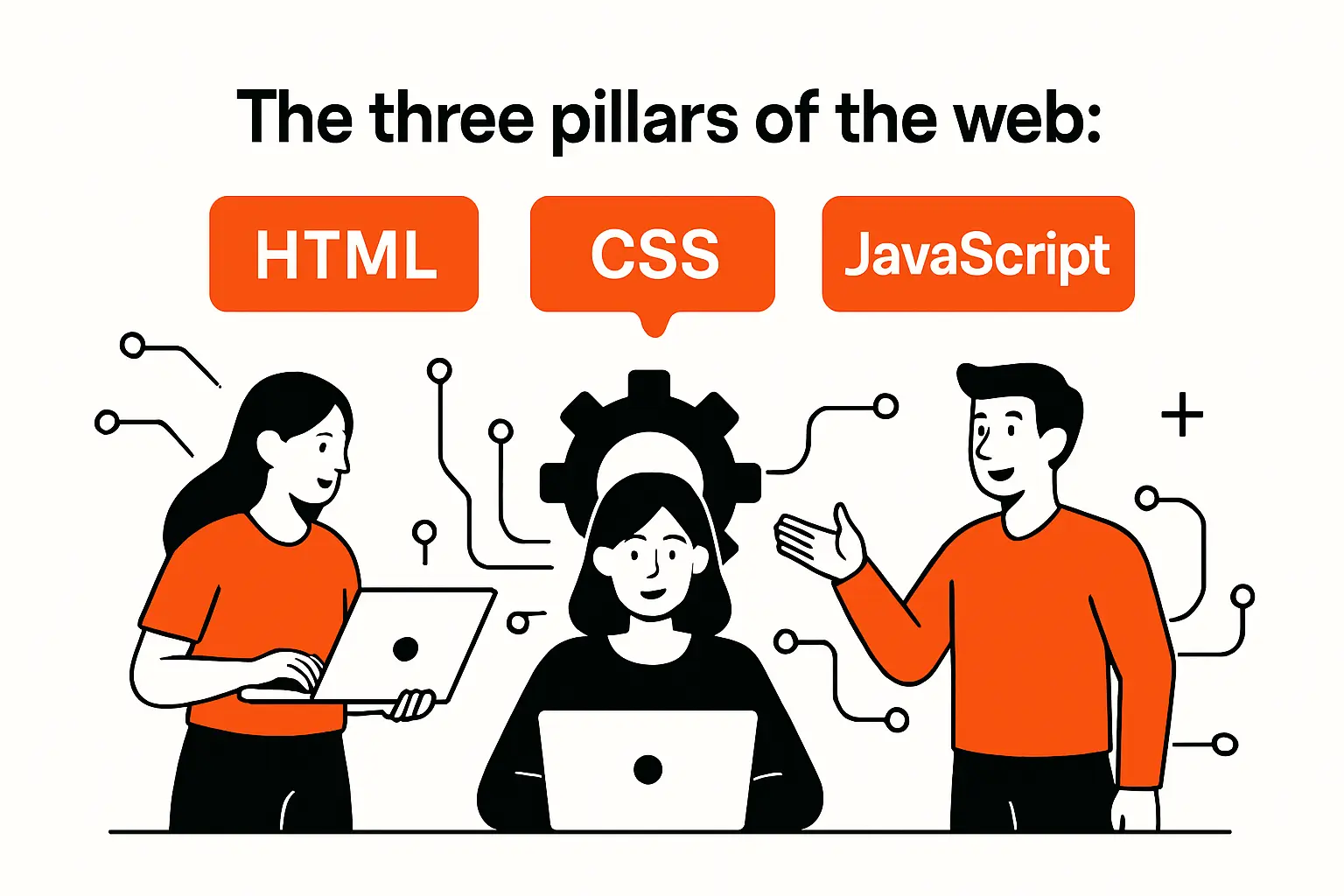
The three pillars of the web: HTML, CSS, and JavaScript
1. HTML fundamentals: structuring content and page elements
HTML is structure and meaning. We treat it as the contract between content and the rest of the stack: what is a heading, what is a list, what is a form field, what is a navigation region. When HTML is semantic, accessibility gets easier, SEO is less mysterious, and CSS becomes less of a wrestling match.
From our build experience, beginners often rush past HTML because it “doesn’t feel like programming.” That is a mistake. A well-structured document reduces UI bugs later, because a clean DOM gives JavaScript stable hooks and gives assistive technology a coherent model of the page. For a reliable reference, we keep the HTML documentation close at hand.
2. CSS fundamentals: styling, layout, and visual presentation across devices
CSS controls how structure becomes a visual interface. Layout is the center of gravity: spacing, alignment, responsive behavior, and readable typography do more for “professional feel” than fancy animations ever will. When a page looks off, the culprit is usually not color, it is rhythm—padding, line length, and consistent component sizing.
In client projects, the fastest way to create maintainable CSS is to think in reusable components, not one-off pages. Buttons, form fields, cards, alerts, and navigation should have predictable variants. We also encourage beginners to learn modern layout tools early, and we often point them to the CSS reference when the cascade starts acting like a prankster.
3. JavaScript fundamentals: adding interactivity and dynamic behavior
JavaScript is behavior. It listens for events, updates state, talks to APIs, and turns static markup into something that reacts to users. In a web app, JavaScript becomes the orchestrator: it decides when to fetch, what to render, how to validate input, and how to recover when the network fails.
From our perspective, the most important early concept is not syntax; it is the mental model of “data in, UI out.” Once beginners understand that the browser is event-driven, async work starts to make sense: you ask for data, you wait, you render, and you handle errors honestly. For fundamentals and APIs, the JavaScript guide is a solid grounding.
Recommended reading: How to Create a Social Media Platform: A Practical Roadmap for Planning, Building, and Launching
Front-end roadmap and the client-side focus
1. Learn in order: create a first web page, style it, then make it interactive
Sequence matters. We prefer a “working-first” approach: build a simple page in HTML, then layer CSS, then add JavaScript only where behavior is needed. That order mirrors progressive enhancement, and it keeps beginners from drowning in tooling before they can ship a basic page.
In our teams, this ordering also reduces rework. When structure is stable, styling becomes systematic. When styling is consistent, interactivity becomes easier because UI elements behave predictably. Beginners who skip ahead to frameworks often end up fighting abstractions, not learning the web.
2. What front-end developers build: what users see and interact with in the browser
Front-end work is the product’s face and its handshake. It includes navigation flows, forms, data tables, dashboards, error states, and “empty states” when there is nothing to show yet. The interface is also where trust is either built or lost: unclear loading behavior and confusing validation feel like bugs even when the backend is fine.
Beyond visuals, front-end engineers manage state: what the user selected, what filters are applied, what draft data is unsaved, what permissions apply, and what happens when the session expires. In other words, the front end is not “just UI.” For many modern products, it is half the application logic.
3. Common front-end additions: frameworks, libraries, and version control basics
Frameworks and libraries exist because building large interfaces with raw DOM manipulation gets painful fast. React, Vue, Angular, and similar tools help structure UI as components, manage state, and keep rendering predictable. At Techtide Solutions, we treat frameworks as productivity tools, not identity badges; the right choice depends on team skill, app complexity, and long-term maintainability.
Version control is the other “front-end addition” that is not optional. Even solo learners benefit from commits as a time machine and a thinking tool. When beginners ask what to learn early, we often say: learn enough Git to branch, commit, review changes, and resolve simple conflicts using the Git documentation.
Recommended reading: How to Make E Learning Website: A Step by Step Roadmap From Idea to Launch
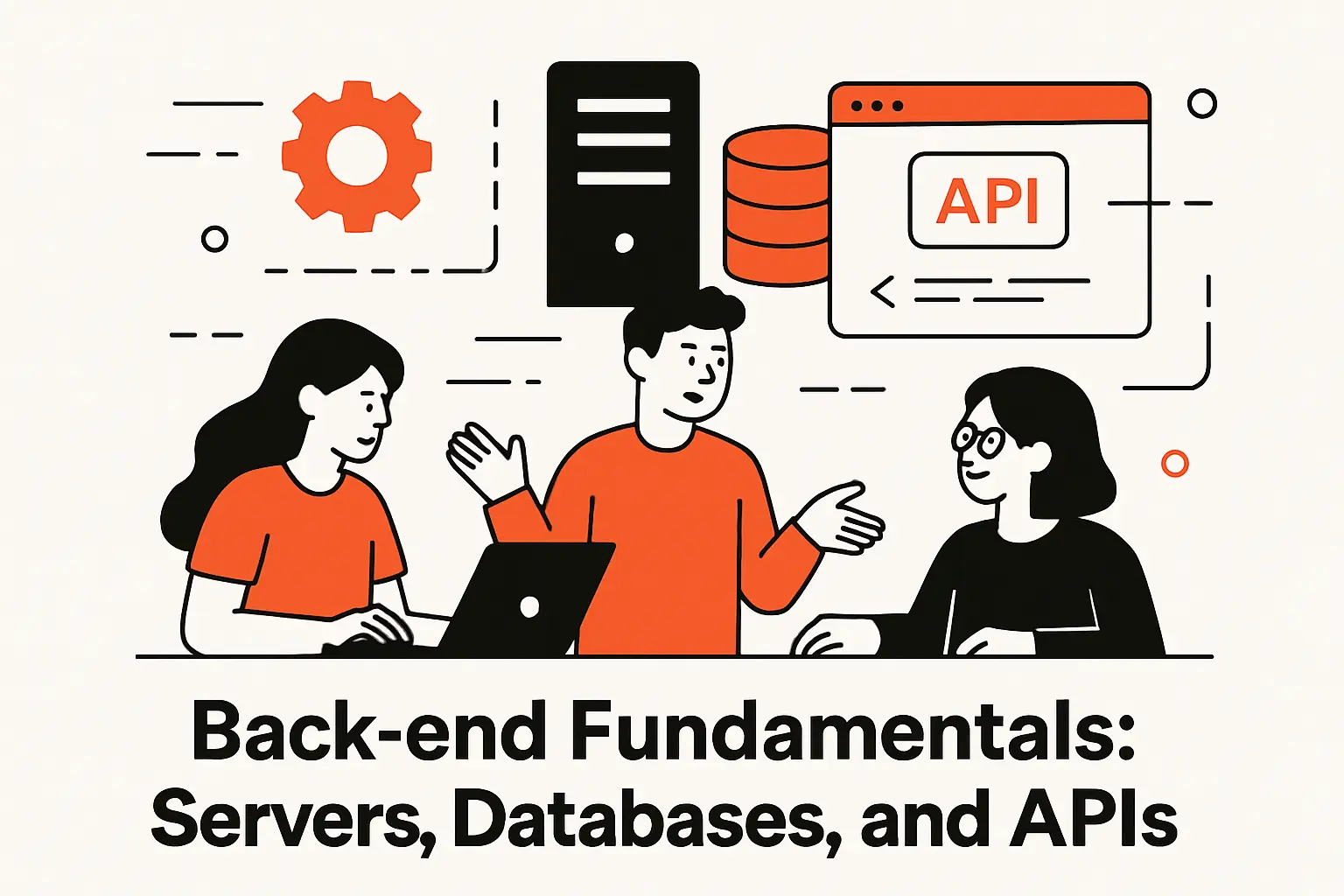
Back-end fundamentals: servers, databases, and APIs
1. What back-end development covers: server-side logic and behind-the-scenes behavior
The backend is where rules live. Authentication, authorization, data validation, business workflows, billing logic, audit logs, and integrations usually belong server-side because we cannot trust the client to enforce them. A browser can be inspected, modified, and automated; the server has to be the referee.
From a reliability lens, the backend also owns performance consistency. Smart caching, efficient queries, and careful API design protect the system from traffic spikes and from accidental “chatty” front-end behavior. When we debug production incidents, the root cause is often a mismatch between what the UI assumes and what the API actually guarantees.
2. Server-side languages and runtimes used in web development
Most backend stacks can be successful if the team uses them well. We commonly see JavaScript runtimes, Python frameworks, Ruby frameworks, Java or Kotlin services, and .NET platforms in real businesses. The difference is less about raw capability and more about ecosystem maturity, hiring reality, observability tooling, and how well the framework encourages safe defaults.
In beginner projects, we recommend choosing a backend path that matches the learning goal. If the goal is full-stack fluency, JavaScript on both sides can reduce context switching. If the goal is understanding APIs and data modeling, almost any server framework works as long as you learn request handling, validation, and error discipline.
3. Databases and SQL basics: storing and retrieving application data
Web apps become real once data persists. A database stores users, sessions, permissions, content, orders, and history—plus the awkward edge cases like “soft deleted” records and “pending” workflows. SQL databases are a strong default because they provide consistent constraints and expressive queries that scale from simple CRUD to complex reporting.
In our builds, data modeling is a design activity, not a clerical task. Naming tables, choosing keys, defining relationships, and enforcing constraints are choices that shape everything above them. If beginners learn one database lesson early, we hope it is this: it is cheaper to model data carefully than to patch around a messy schema forever. For a friendly starting point, we often share the PostgreSQL documentation.
4. API communication formats: JSON and XML for structured data exchange
APIs are how front ends and back ends cooperate without becoming a tangled mess. JSON is the default format for most modern web apps because it maps neatly to objects and arrays. XML still exists in many enterprise and legacy integrations, and beginners will eventually meet it in payment systems, procurement tools, or older SOAP services.
From an engineering standpoint, the more important skill is not the syntax; it is designing contracts. We define what fields exist, what errors look like, how pagination works, and how authorization affects results. When API behavior is consistent, the UI becomes simpler, tests become more meaningful, and debugging becomes less like guessing in the dark.
Recommended reading: Custom Web Applications: Definition, Benefits, and Development Guide for 2026
Tooling and environment setup for web app projects
1. Essential tools: a code editor and a web browser for building and testing
A good editor speeds up learning through autocomplete, linting, formatting, and quick navigation. The browser is equally important because DevTools is your microscope: inspect elements, watch network requests, debug JavaScript, profile performance, and test responsive layouts. Beginners who learn DevTools early level up faster than those who “just refresh and hope.”
On our side, we also treat the browser as a truth-teller. If the UI feels slow, we do not argue about opinions; we open the performance panel and measure. If an API call fails, we read the request and response. Tools reduce drama because they replace guesses with evidence.
2. Local workflow basics: organizing project folders and working with files
Local workflow is where good habits form. A clean folder structure separates source code, assets, and configuration so future you does not hate present you. We encourage beginners to keep naming consistent, avoid dumping everything into one directory, and write a short readme that explains how to run the project.
In real teams, workflow also includes environment variables for secrets, a predictable way to run the app locally, and a shared formatting standard. Even small projects benefit from discipline because web apps tend to grow. Once someone adds authentication, file uploads, and email, “tiny” disappears quickly.
3. Frontend build tooling: bundling, compiling, and development servers for SPAs
Modern front-end tooling exists to solve modern front-end complexity. Bundlers and dev servers help manage modules, optimize assets, and provide fast feedback during development. If you build single-page applications, tooling also helps with routing, code splitting, and environment-specific configuration.
Still, we advise beginners not to worship the toolchain. Tooling should serve learning and shipping, not become the project. When something breaks, step back and ask: are we failing to understand the browser, or are we failing to understand the tool? Keeping that distinction clear saves hours of frustration.
4. Version control, DevOps, and deployment basics: managing changes and shipping reliably
Deployment is where “it works on my machine” goes to die. DevOps basics—build scripts, environment configuration, and repeatable deploy steps—turn a fragile project into a product. For small apps, a simple pipeline that runs tests and deploys on merge is often enough to prevent painful regressions.
At Techtide Solutions, reliability is a design goal, not a last-minute patch. We like deployments that are boring: predictable, reversible, and observable. When teams learn to ship in small increments, they reduce risk, learn faster, and keep stakeholders confident even when the roadmap changes.
Recommended reading: Choosing Web App Development Services: A Practical Guide to Selecting the Right Partner
Build your first website end-to-end

1. Plan before you code: content goals, fonts, colors, and basic layout decisions
Before writing code, decide what the site is for. Is it a personal portfolio, a product page, a blog, or an event landing page? That goal shapes content hierarchy, navigation, and what “success” looks like. Planning also helps you avoid the beginner trap of styling random elements without a coherent layout.
From our experience, a simple style guide goes a long way: pick a primary font, a secondary font, a color palette, and a spacing scale. Even if the design is minimal, consistency makes it feel intentional. When the plan is clear, coding becomes execution rather than improvisation.
2. Create the content with HTML: start small and build a working page
Start with a single working page: header, main content, and footer. Add a heading that states the page purpose, then write real text, not placeholder noise. Real content reveals layout problems early, because the browser has to handle long words, short words, and uneven paragraph lengths.
As you add sections, prefer semantic elements and accessible forms. A button should be a button, a link should be a link, and a label should point to its field. When you build HTML this way, you are not just pleasing validators; you are building an interface that behaves well for keyboard users, screen readers, and automation tools.
3. Style the content with CSS: layout, color, and presentation improvements
Once the HTML reads well without styling, add CSS in layers. Begin with typography: font family, line height, and spacing. Then handle layout: widths, max widths, alignment, and responsive behavior. Only after that should you fine-tune colors, borders, and decorative details.
In client projects, we also think about CSS maintainability early. Use reusable classes for repeated patterns, keep selectors simple, and avoid styling that depends on fragile nesting. When you can move a component to another page without rewriting CSS, you are learning the right lessons.
4. Add interactivity with JavaScript: behavior, form interactions, and dynamic styling
Interactivity should solve a user problem, not just show off. A practical first step is form validation: give users clear feedback, highlight missing fields, and prevent accidental submits when the form is incomplete. Another approachable feature is dynamic UI state, like toggling a menu or switching themes.
When we teach JavaScript patterns, we emphasize event handling and state. Keep one source of truth for what the UI should be, then update the DOM based on that state. This prevents the “spaghetti interactivity” that happens when multiple click handlers fight over the same elements.
5. Publish your website: put files online so others can access your work
Publishing is a mindset shift. Locally, everything is fast and forgiving. Online, latency, caching, and security headers matter, and so does the simple fact that strangers will use your site in unexpected ways. A good beginner deployment uses HTTPS, serves static files efficiently, and has a clear way to roll back changes.
From a portfolio standpoint, shipping is the point. A deployed site proves you can finish, not just tinker. Once your site is live, ask friends to test it on different devices, then fix what breaks. That feedback loop is where real learning begins.
What is a web app and what it needs to work
1. Web app definition: interactive software accessed through a web browser
A web app is software delivered through the browser that responds to user input, stores data, and supports ongoing interaction over time. Unlike a static site, a web app usually has accounts, permissions, and personalized views. It also needs to handle failure gracefully, because real users do not retry politely when things go wrong.
In our client work, we describe web apps as “distributed systems wearing a UI.” Even small apps involve at least a browser, a server, and a database. Once you add email, payments, analytics, and third-party APIs, you are orchestrating multiple systems that can fail independently.
2. Core characteristics: web technologies plus data storage and CRUD operations
Most web apps revolve around creating, reading, updating, and deleting data. That sounds basic until you consider the messy realities: partial updates, concurrent edits, audit logs, and permissions that differ by role. The UI is responsible for helping users do CRUD safely, and the backend is responsible for enforcing the rules consistently.
At Techtide Solutions, we also watch for product “sharp edges.” Does deleting mean permanent deletion or archiving? Do updates need approval? Can users export their data? These questions shape technical architecture, because they affect database design, API endpoints, and even how you structure UI components.
3. Where web apps run: cloud-hosted and self-hosted options
Web apps can run on cloud platforms, traditional servers, or hybrid setups. Cloud-hosted approaches usually speed up delivery because infrastructure pieces—compute, storage, managed databases, observability—are easier to assemble. Self-hosted can make sense for strict compliance, unusual networking needs, or organizations that already operate strong internal platforms.
Either way, the operational questions remain: how do we deploy safely, monitor health, back up data, manage secrets, and respond to incidents? Beginners often focus on “where to host,” while experienced teams focus on “how to operate.” Hosting is a choice; operability is a practice.
Web application development tutorial: from idea to deployment
1. Ideation stage: source an idea, do market research, and define functionality
Good ideas are often small and specific: a recurring manual task, an annoying spreadsheet workflow, or a communication gap between teams. Rather than inventing something abstract, we prefer to start from pain. What is slow, error-prone, or opaque today? What would happen if it were automated, tracked, or made collaborative?
During ideation, research is not just “is there competition?” It is also “what do users already do to solve this?” If people hack together workarounds, that is a strong signal. From there, define a narrow first release: core user, core job, core success condition, and a list of nice-to-haves you will postpone on purpose.
2. Design stage: sketch screens, plan workflows, wireframe the UI, and validate early
Design is where you buy clarity cheaply. Sketch the main screens and draw the workflow as arrows: what happens after login, what the dashboard shows, how users create records, and what “done” looks like. Wireframes help you catch missing states: empty lists, error messages, loading screens, and confirmation steps.
Validation does not require perfection. Show the wireframes to a potential user and ask them to narrate what they think will happen when they click. Confusion at this stage is gold, because it is cheap to fix with a box and an arrow. Once you code the wrong flow, the cost of change multiplies.
3. Development stage: architect the database, build the frontend, and build the backend
Development is where architecture becomes either a helpful guardrail or an expensive regret. Begin with data: identify entities, relationships, and constraints. Then define API contracts that match the UI workflows. After that, build the front end with components aligned to user tasks, not just to pages.
In our engineering practice, we keep a tight loop between UI and backend. A “perfect API” that ignores user workflow becomes awkward to use. A “perfect UI” without backend validation becomes insecure. Healthy development treats both halves as one product, with shared definitions of permissions, error states, and data integrity.
Security-First Doesn’t Mean Security-Last
Authentication, authorization, input validation, and secure session handling should be part of the first usable version, not a cleanup sprint. When teams postpone security, they usually end up rewriting routes, refactoring data access, and scrambling to patch logic holes that were baked into early assumptions.
4. Launch stage: hosting, domains and SSL, deployment, and CI options
Launch is a checklist and a mindset. Hosting should match the app’s needs, but operational maturity matters more than provider choice. Set up domains, enforce HTTPS, configure environment variables correctly, and ensure the database is backed up. The first launch should also include a clear process for shipping updates without fear.
CI is your quiet ally. Even a basic pipeline that runs tests and builds artifacts reduces risk, because it catches obvious breakage before users do. From there, improve step by step: add staging environments, add smoke tests, and add monitoring alerts so the team learns about issues before customers start emailing.
5. Quality checklist for modern web apps: performance, accessibility, privacy, images, forms, PWAs, and testing
Quality is not a single feature; it is the absence of unpleasant surprises. Performance matters because slow UIs feel broken. Accessibility matters because real users rely on keyboards, screen readers, and clear focus states. Privacy matters because data is often the product, and trust is fragile once lost.
Security deserves a blunt business framing. IBM reports the global average cost of a data breach reached $4.88 million in 2024, and that reality is why we build with defense in depth: least-privilege access, careful secrets handling, safe defaults, and routine dependency hygiene.
Practical Checks We Run Before We Call Something “Done”
For forms, we verify validation on both client and server, clear error messaging, and safe handling of repeated submissions. For images, we look for responsive sizing, lazy loading where appropriate, and sensible fallbacks. And for testing, we aim for a balanced mix: unit tests for logic, integration tests for APIs, and end-to-end tests for critical flows like signup, checkout, or record creation.
TechTide Solutions: Custom web application development tailored to your customers

1. Discovery and requirements: turning customer needs into a clear, buildable product scope
Discovery is where we prevent expensive misunderstandings. We interview stakeholders, map user roles, and document workflows as they exist today. Then we translate that reality into a scope that engineering can build and the business can validate. The goal is not a giant requirements document; it is shared clarity.
In our projects, we also define “non-goals” early. If the first release is not handling billing, we say so explicitly. If the product is not replacing an internal system yet, we name that boundary. Clear scope protects budget, timeline, and team morale, while still leaving room for iteration once learning starts.
2. Custom engineering: scalable architecture, secure data handling, and maintainable codebases
Custom engineering is where we earn trust. We design systems that match the product’s risk profile: authentication strategies that fit the audience, data models that support reporting needs, and APIs that minimize client complexity. Maintainability is not a buzzword for us; it is the difference between a product that grows and a product that fossilizes.
Architecturally, we prefer boring reliability. Clear boundaries between modules, consistent error handling, and observability baked in from the start make the system easier to support. When scale arrives—more users, more data, more integrations—the app should bend without cracking, because the foundations were built for change.
3. Delivery and iteration: testing, deployment support, and continuous improvements after launch
Delivery is not a handoff; it is the start of the feedback loop. After launch, users reveal what wireframes never could: where they hesitate, what they misunderstand, and what they attempt that the product did not anticipate. That learning is the fuel for iteration, and we plan for it rather than pretending launch day is the finish line.
Operationally, we support deployments, monitoring, and incident response patterns so the app remains healthy. Testing evolves too: as features stabilize, we strengthen regression coverage and tighten release processes. Sustainable delivery is a practice, and the best teams treat improvement as part of normal work, not as a heroic rescue mission.
Conclusion: Keep leveling up with structured courses and real projects
1. Learn by topic: expand beyond basics into performance, accessibility, privacy, PWAs, and testing
Once the basics click, depth comes from targeted practice. Pick one topic—performance, accessibility, privacy, testing, or offline support—and build a small project around it. Focused projects create “sticky” learning because you see cause and effect: a caching choice changes perceived speed, a form pattern changes completion rates, and a testing strategy changes release confidence.
From our viewpoint, the strongest developers are not the ones who memorize the most APIs; they are the ones who can reason about tradeoffs. Learn to ask: what are we optimizing for, what are we risking, and what will maintenance look like six months from now?
2. Use guided learning paths: front-end, back-end, and full-stack routes with hands-on practice
Guided paths work because they reduce decision fatigue. A front-end route can emphasize UI architecture, component design, and state management. A back-end route can emphasize data modeling, API contracts, auth, and observability. A full-stack route should force you to make the two halves agree, because that is where real-world complexity lives.
Along the way, hands-on practice matters more than passive reading. Build small, ship often, and write down what surprised you. That habit—turning confusion into notes and notes into improved design—looks boring, yet it is how professional instincts form.
3. Next steps after this web application development tutorial: build, ship, validate, and iterate
Our suggested next step is simple: pick a tiny app idea with one core workflow, then ship it publicly. Add authentication only if the idea truly needs it. Store data in a database, expose it through an API, and build a UI that makes the workflow feel obvious. After launch, measure feedback with real users, tighten quality, and iterate with intent.
If we can leave you with one question, it is this: what is the smallest web app you can ship this month that would teach you the most about real users, real data, and real maintenance?

