At TechTide Solutions, we think about URLs the way civil engineers think about street addresses: most people only notice them when something goes wrong, yet the entire city depends on them working quietly and predictably. Every login link, product page, invoice PDF, and “reset password” email ultimately hinges on a URL that points to the right place, with the right permissions, at the right moment. Strip away the acronyms and browser chrome, and a URL is a contract between humans, software, and infrastructure.
Market overview: Gartner forecasts worldwide end-user spending on public cloud services will total $723.4 billion in 2025, while McKinsey estimates generative AI could add $2.6 trillion to $4.4 trillion annually in value—two signals that the web’s plumbing (routing, identity, linking, and observability) is now business-critical rather than “just technical.”
Real life keeps proving the point. In one engagement, a retailer’s promo links broke because marketing changed query parameters without telling engineering; revenue didn’t “dip,” it evaporated for a weekend. In another, a B2B portal leaked private data because a “share” URL embedded a guessable identifier; the bug wasn’t in cryptography, it was in address design and access control. So yes, we’re going to talk syntax—but we’re also going to talk about why URL literacy is operational literacy.
What is a URL and why it matters online
1. Uniform Resource Locator as the unique address of an internet resource
Conceptually, a URL is a locator: it tells a client where a resource is and how to access it. That “resource” might be a webpage, an image, a JSON payload from an API, a downloadable report, or an endpoint that triggers a workflow. In our day-to-day build work, we treat a URL as the thin edge of a very thick wedge: behind a clean address sits caching policy, authorization rules, content negotiation, analytics hooks, and failure modes.
Practically speaking, the “unique address” idea has nuance. Many distinct URLs can point to the same underlying content (think tracking parameters or language variants), while one URL can yield different representations depending on headers, cookies, or user identity. Still, the URL remains the first and most portable piece of the interaction—what users paste into Slack, what search engines index, and what monitoring tools ping when they check uptime. That portability is exactly why disciplined URL design pays off.
2. URL as a web address and a common type of Uniform Resource Identifier
In standards-land, URL is part of a broader family called URIs (Uniform Resource Identifiers). The URI umbrella includes locators (URLs) and names (often discussed as URNs), plus scheme-specific identifiers that don’t behave like classic web links. Engineers sometimes wave this away as pedantry, but we’ve found the distinction clarifies design conversations: are we building something that must be dereferenceable in a browser, or are we minting an identifier that only makes sense inside a system?
When we say “URL,” we usually mean the kind of address that starts with a scheme like HTTP or HTTPS and can be clicked. Yet the URI model is bigger: it includes email-style addresses, app deep links, and even “file” references on local devices. The useful mindset is this: a URL is a specialized URI that tells you how to fetch something, not merely how to label it.
3. Why URLs are important for finding content and understanding website structure
Search engines, social previews, browser history, and analytics pipelines all treat URLs as the spine of the web. A readable URL helps a user predict where they’ll land before clicking, and that tiny moment of confidence often determines whether they proceed. From our perspective, that predictability reduces support tickets, improves conversion funnels, and makes debugging less like archaeology.
Structure matters too. A website with coherent paths communicates hierarchy: categories, products, docs, and policies become discoverable because the address system mirrors the information architecture. Meanwhile, an application that hides everything behind opaque parameters often becomes harder to maintain, harder to monitor, and easier to break with a “small” change. Good URLs don’t just help people find content; they help teams reason about systems.
URL syntax and anatomy: scheme, authority, and beyond
1. Generic structure from scheme to fragment identifier
Under the hood, URL syntax is standardized as part of the broader URI grammar, and the canonical reference we keep bookmarked is RFC 3986 because it lays out the generic components and parsing rules in a way that still holds up in modern engineering. The big idea is compositional: a URL is built from parts that can be parsed consistently, even if different schemes impose extra rules.
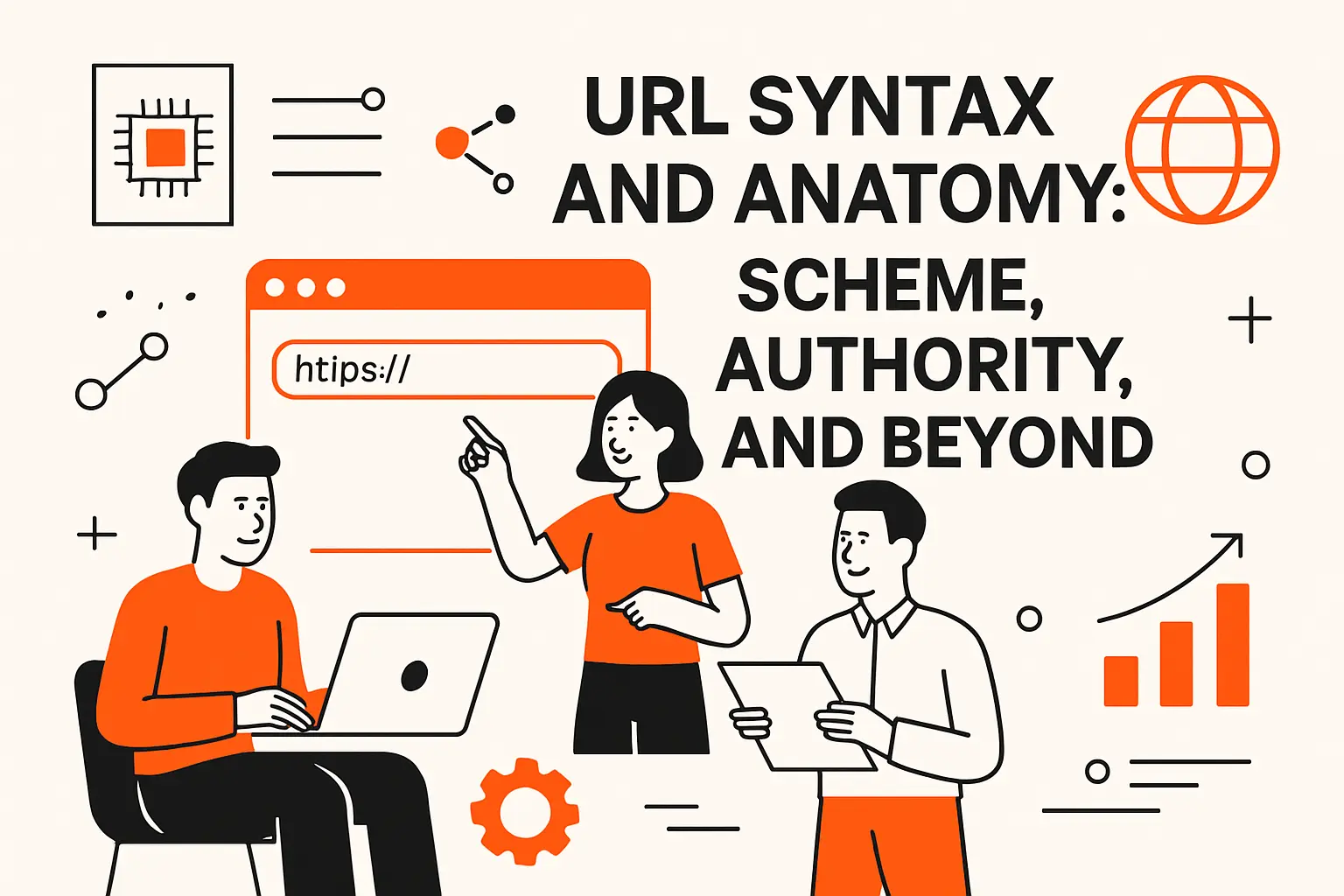
In everyday terms, we usually break a web URL into: scheme, authority (which includes host and sometimes credentials and port), path, query, and fragment. Each part is separated with reserved punctuation that signals meaning to parsers. Once you internalize those separators, URLs stop looking like magic strings and start looking like structured data—because that’s what they are.
2. Which URL parts are required vs optional depending on context
Not every URL needs every component. A fragment is optional, a query is optional, and even an authority can be absent in some schemes. Within HTTP-family URLs, you essentially need a scheme and a host, plus a path (even if the path is just the root). In contrast, within HTML and CSS you can often use a relative reference where the scheme and host are inherited from the current document.
Context changes what “required” means. An email campaign must use absolute URLs because the link will be clicked outside the site’s context; a single-page app might use relative paths for internal navigation. In our implementation reviews, we ask a simple question: “Where will this link be interpreted?” The right URL form falls out of that answer.
3. How browsers use URLs to retrieve webpages, media, and other files
From the browser’s point of view, a URL triggers a retrieval process: parse the string, resolve it against the current base (if needed), translate the hostname to a network address, open a connection, and issue a request using the scheme’s protocol rules. That’s the happy path, and it’s already more steps than most users realize.
Failures can happen at every stage: parsing can choke on illegal characters, DNS can fail, connections can time out, certificates can be invalid, servers can deny access, and caches can serve stale content. In our operational playbooks, we map symptoms to the layer that likely failed; doing so turns “the link is broken” into a diagnosable event rather than a vague complaint.
Connection Setup Is Not the Same as Content Retrieval
Importantly, “reaching the server” and “getting the right content” are separate. A URL might resolve and connect perfectly, yet still deliver the wrong representation due to authentication state, geolocation, or A/B testing rules. That’s why we treat URLs as inputs to a deterministic system and keep the rest of the request context explicit in our debugging tooling.
Schemes and protocols: HTTP vs HTTPS and other URL schemes
1. HTTP vs HTTPS and what encryption changes for users
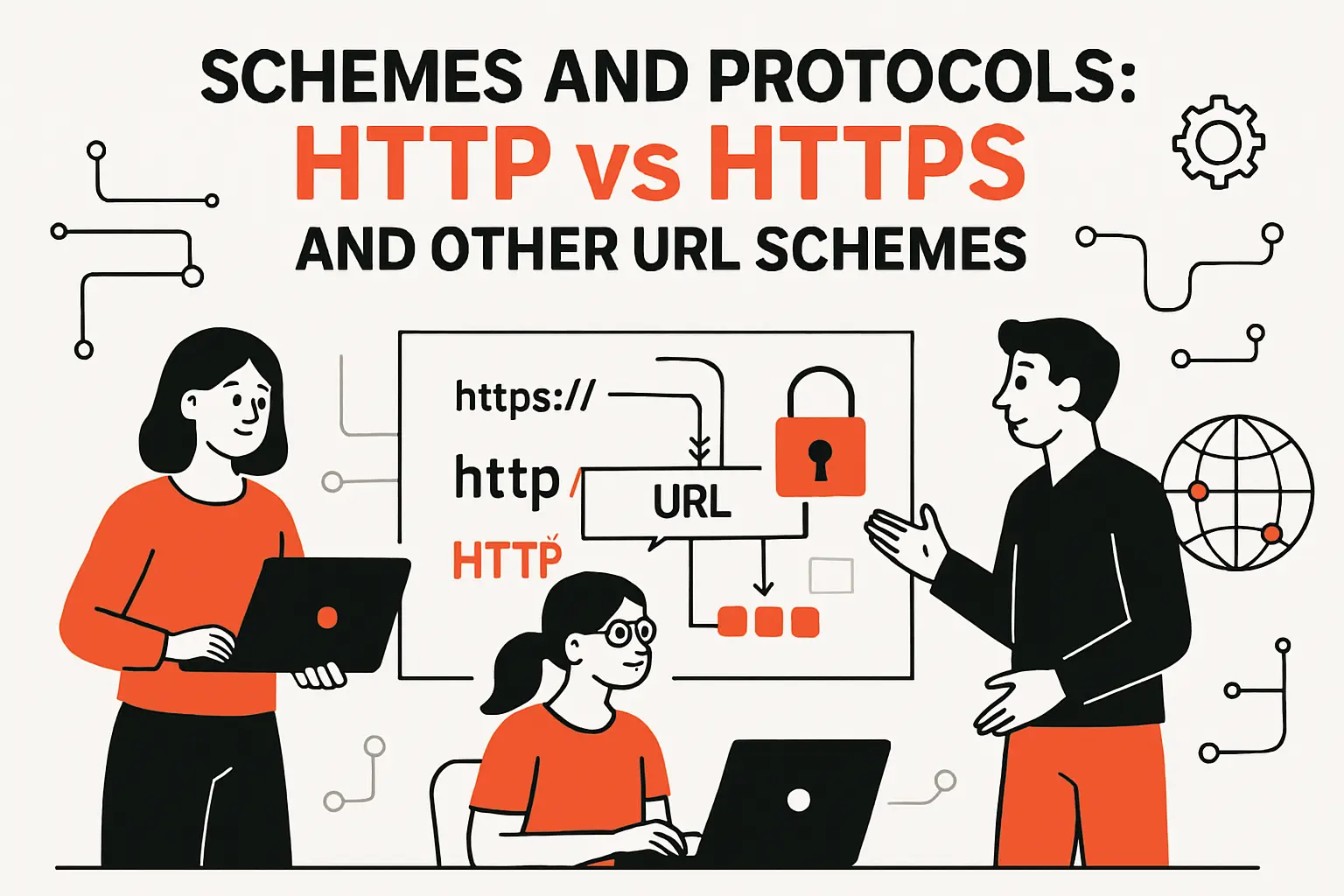
HTTP is the foundational scheme for web content, while HTTPS is the secure variant that wraps the exchange in encryption and integrity protections. Encryption changes the game in three ways users can actually feel: confidentiality (eavesdroppers can’t read data in transit), integrity (tampering becomes detectable), and authenticity (certificates help clients confirm they’re talking to the intended site). Even when the page “looks the same,” those protections affect everything from password safety to whether an ISP can inject content.
Security isn’t only about secrecy. In regulated industries we serve—healthcare-adjacent platforms, finance-adjacent workflows, and enterprise HR systems—HTTPS is also about reducing whole categories of legal and reputational risk. A clean URL that uses HTTPS is the beginning of trust; a mixed or insecure scheme is a red flag before a user reads a single word of content.
2. Common non-web schemes such as email and file retrieval
URL-like strings show up outside classic web browsing. Email links often use a “mailto” scheme to open a client with prefilled fields, and file references may use a “file” scheme to point at local resources. Developers also encounter “ftp” in legacy systems, plus application-specific schemes used for deep-linking into mobile apps.
In product design, non-web schemes are powerful but tricky. A “mailto” link can streamline user support, yet it can also expose personal data if query fields are overused. Likewise, file links are convenient in internal tools, but they can leak machine paths or fail across devices. Our rule of thumb is blunt: if a scheme depends on a client-side app you don’t control, treat it as best-effort UX, not a core workflow dependency.
3. How default ports relate to web protocols and when ports appear in a URL
Ports are the “apartment numbers” of network services, and most users never see them because browsers assume defaults. For classic web traffic, the default port for HTTP is 80, while the default for HTTPS is 443, so the port is typically omitted unless you’re using a nonstandard configuration. Development environments, internal services, and staged deployments are where explicit ports show up most often.
Operationally, an explicit port in a URL is a clue. It often signals “this is not the public entrypoint” or “this service sits behind a gateway.” During incident response, that clue helps us distinguish a production user journey from an engineer’s diagnostic hop, and it can quickly reveal misrouted traffic or misconfigured proxies.
Authority and hosting details: domain name, subdomain, port, and IP
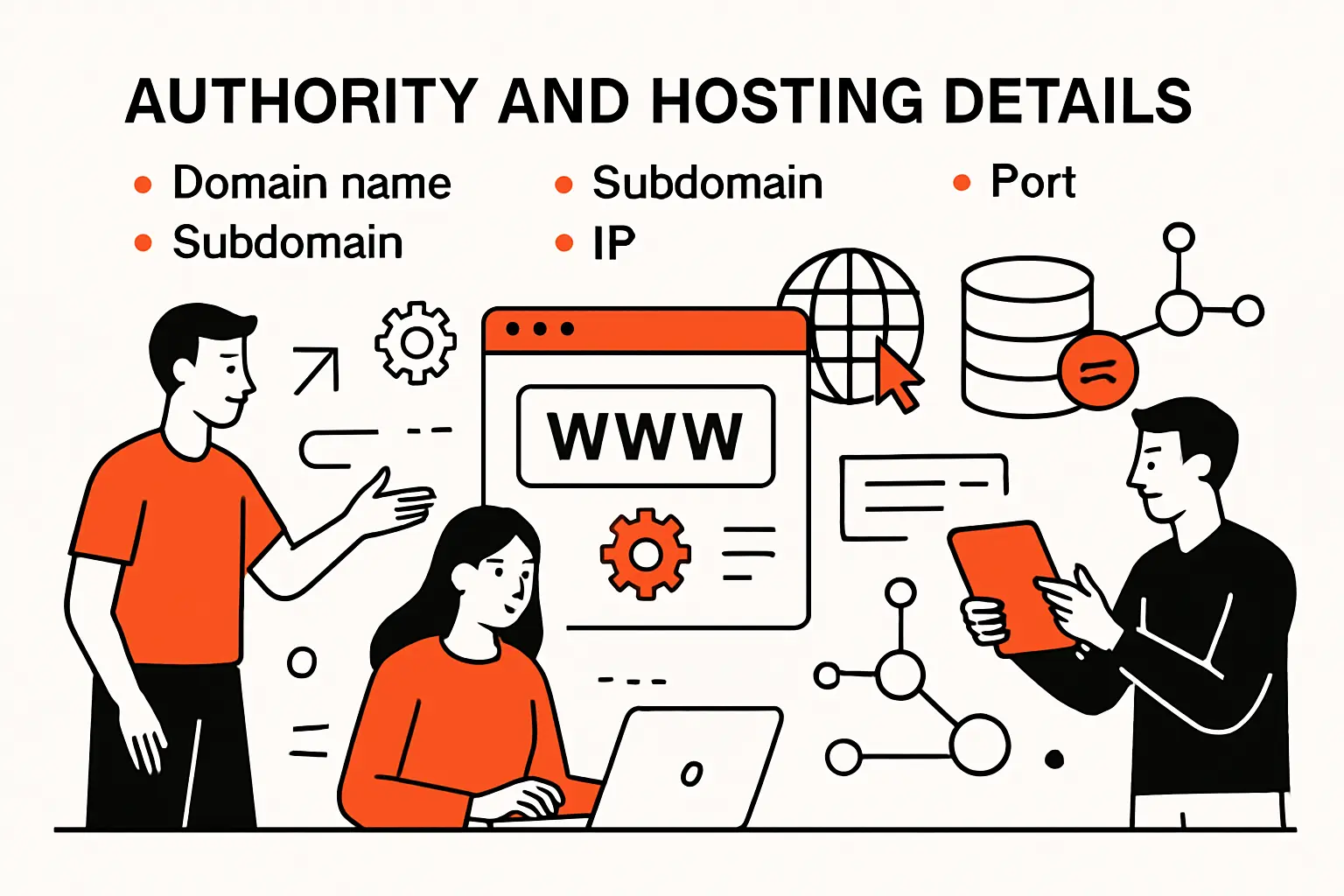
1. Domain name and hostname basics and how they differ from a full URL
A domain name (or hostname) is only one component of a URL. Users frequently say “the URL is example.com,” but that’s more like giving a city name without a street. The full URL includes a scheme and often a path, and those details matter because the same domain can host multiple applications behind different routes.
From a design standpoint, we like to separate concerns: the hostname expresses ownership and routing at the infrastructure level, while the path expresses information architecture at the application level. Confusing the two leads to brittle systems—especially when teams try to encode product structure into subdomains prematurely. A stable hostname paired with thoughtful paths is usually the most maintainable approach.
2. Subdomains as a way to organize sections and services on a site
Subdomains are a practical way to carve a domain into services: “app,” “api,” “docs,” “status,” and regional variants are common patterns. Security boundaries also enter the picture because cookies, CORS policies, and certificate scopes can behave differently across subdomains. In enterprise programs we’ve led, subdomains often evolve from organizational needs: separate teams ship independently, separate stacks coexist, or separate compliance regimes apply.
Still, subdomains are not free. Each additional hostname adds DNS management, TLS configuration, monitoring surface, and cognitive load for users. Our bias is to use subdomains when the separation is real—different applications, different auth domains, or different caching rules—not merely as a stylistic flourish.
3. Suffixes and top-level domains such as com org edu and gov
Top-level domains (TLDs) and public suffixes affect brand trust and security expectations. Users often associate certain suffixes with legitimacy, even though attackers can register lookalike domains in many places. For organizations, the suffix choice can also influence governance: who can register subdomains, how policies are enforced, and how certificates are managed.
In practical procurement conversations, we advise clients to treat domain strategy as part of risk management. Defensive registrations, consistent naming, and clear user education can reduce impersonation risk. Meanwhile, a coherent domain map makes future migrations less painful because you can redirect and deprecate with intention.
4. How DNS translates human-readable domain names into IP addresses
DNS is the directory service that maps names to network destinations. A browser can’t “connect to a domain,” so it asks DNS for an address, then uses that address to initiate the actual network connection. Caching plays a huge role: answers are stored at multiple layers (browser, operating system, resolver), which is why DNS changes can feel instantaneous in one place and stubbornly delayed in another.
In our infrastructure audits, DNS is often where “random” outages become explainable. Misconfigured records, expired zones, and inconsistent TTL planning can break perfectly good applications. Good URL behavior depends on good DNS behavior, so we monitor both as a single chain of reliability rather than separate disciplines.
CDNs and Anycast Make “Where” a Moving Target
Modern hosting often uses CDNs, load balancers, and anycast routing, which means a single hostname can resolve differently across regions and time. That’s not a flaw; it’s performance engineering. The business implication is subtle: a URL is a stable identifier for a service, even when the underlying machines are ephemeral.
Paths and semantic URLs: making addresses readable and maintainable
1. Path to resource as a server location that is often an abstraction
The “path” portion of a URL looks like a folder structure, but in modern web apps it often isn’t. Framework routers map paths to handlers, and handlers decide what data to fetch, which template to render, or which API call to proxy. That abstraction is a gift: it allows teams to change storage, refactor services, and introduce caching layers without changing the public address.
Abstraction, however, also creates responsibility. If a path looks like it points to a file, users will assume stability, and search engines will assume link permanence. In our experience, the most resilient approach is to treat paths as product interfaces—versioned, documented, and backward-compatible whenever feasible.
2. Semantic URLs and why human-readable wording helps usability and search
Semantic URLs are readable URLs that encode meaning: category names, human-language slugs, or descriptive resource identifiers. Users benefit because they can “smell” what a link does. Teams benefit because logs become intelligible, analytics segmentation gets easier, and support can reason about problems without reproducing every click.
Search engines also benefit indirectly. A semantic structure aligns with internal linking, breadcrumbs, and content hierarchy, which helps crawlers understand relationships. Even when ranking impact is debated, the UX impact is not: a user is more likely to click a link that feels honest than one that looks like a tracking trap.
3. Slugs and common patterns like dates authors and topics in the path
Slugs are the “readable identifiers” in a path, often derived from titles or names. Patterns vary: blogs might include author names and topics; documentation sites might mirror section hierarchy; ecommerce sites might include category and product names. Consistency matters more than cleverness because users form mental models quickly.
Our caution is to avoid encoding volatile data into paths. Titles change, product taxonomy shifts, and marketing rebrands happen. When slugs must change, redirects and canonicalization become essential, or else you leak SEO value and break inbound links. A stable internal identifier paired with a stable external URL strategy is the sweet spot.
Query strings, parameters, and fragments: directing dynamic pages and page sections

1. Query strings and parameters as key value pairs for dynamic behavior
Query strings are the portion after the question mark, typically expressing key–value pairs. They’re a workhorse for dynamic behavior: filters, search terms, sorting options, feature flags, and campaign attribution all live comfortably in parameters. Because query parameters don’t usually change the “route,” they’re often treated as optional modifiers on a base resource.
In system design, parameters are both power and liability. Excessive parameterization can produce infinite URL variants that fragment caches, confuse crawlers, and inflate analytics cardinality. Thoughtful parameter policy—what’s allowed, what’s ignored, what’s normalized—turns this chaos into a reliable interface.
2. Common parameter uses such as tracking filtering and pagination
Tracking parameters are ubiquitous in marketing, and they’re also a common source of accidental breakage. A third-party tool adds a parameter, a backend mistakenly validates “unknown keys” as errors, and suddenly the checkout flow fails only for paid traffic. We’ve debugged that exact pattern more times than we’d like to admit.
Filtering and pagination introduce another set of tradeoffs. Parameter-driven filters are flexible and shareable, which is great for users. Yet each combination can create a distinct URL that analytics must interpret and caching must handle. Our pragmatic approach is to support sharing, but also to define canonical forms so the system doesn’t treat minor variations as wholly different pages.
3. Fragments as in-page references that point to a specific section of a resource
Fragments (the portion after the hash) are often misunderstood because they behave differently from queries. In many contexts, the fragment is handled client-side; browsers use it to scroll to an element or to manage in-app state without triggering a full server fetch. That makes fragments ideal for “jump to section” links in documentation, FAQs, and long-form content.
From an engineering standpoint, fragments are safer than query parameters for purely presentational state because they typically don’t hit the server. Still, they can interact with single-page routing in complex ways. When we implement documentation systems, we test fragment behavior across navigation, copy/paste, and share flows to ensure the “deep link” promise actually holds.
Common URL use cases and edge cases: relative links, redirects, encoding, and shorteners
1. Absolute URLs vs relative URLs and how context determines what is needed
Absolute URLs include the scheme and host, so they stand alone in any context. Relative URLs omit some portion and rely on a base, which is often the current document’s URL. Inside a website, relative references reduce duplication and make it easier to move environments (development, staging, production) without rewriting every link.
Context is the deciding factor. Emails, PDFs, and third-party embeds should almost always use absolute URLs because there is no reliable “base.” Web apps can often use relative URLs internally, but even then, you need discipline: mixing absolute and relative forms without a rule creates subtle bugs during migrations and reverse-proxy deployments.
2. How websites use URLs in HTML CSS and JavaScript to load linked resources
Every layer of the front end pulls on URLs. HTML anchors navigate; image tags fetch media; script tags load code; stylesheets reference fonts and background images. JavaScript adds another dimension by constructing URLs dynamically for API calls, prefetching, and client-side routing.
In performance work, we watch how these URLs behave under caching and bundling. A “small” path change can invalidate caches across a CDN, while an unversioned asset URL can keep stale code alive in the wild. For that reason, our build pipelines often generate content-hashed asset URLs while keeping human-readable routes stable for actual pages.
3. URL encoding rules including ASCII limits spaces and percent encoding
URLs are strings with a restricted character set, which is why encoding exists. Reserved characters have special meaning, and spaces aren’t generally allowed in raw form. Percent-encoding replaces certain characters with a percent sign plus hexadecimal digits; in many contexts, a space becomes %20 so the URL remains unambiguous to parsers.
Engineering teams often get tripped up by when to encode and when to decode. Double-encoding is a classic bug: a value is encoded once, then encoded again, and the server receives nonsense. On the flip side, decoding too early can turn safe data into delimiter characters that alter parsing. In our code reviews, we insist on a single responsible layer for encoding decisions, and we document it like any other security boundary.
4. Internationalized URLs with Unicode characters and internationalized domain names
The global web needs URLs that can represent non-English scripts, accents, and local naming conventions. Internationalized domain names allow hostnames to be expressed in user-friendly characters while being stored and transmitted in an ASCII-compatible form. Paths can also include Unicode in many modern systems, although normalization rules and client compatibility still matter.
User experience is the upside: people can read and share links in their own language. Security is the tradeoff: visually similar characters can be used for lookalike attacks, and normalization differences can produce two URLs that look the same but aren’t. Our practical recommendation is to support internationalization intentionally, coupled with strong anti-impersonation measures such as clear branding, strict redirects, and careful display of canonical domains in UX-critical surfaces.
5. Redirects and URL shorteners including benefits tradeoffs and abuse risks
Redirects are the web’s forwarding addresses. They let you move content, consolidate domains, enforce secure schemes, and preserve old inbound links. In migrations, redirects are often the difference between a smooth launch and an SEO crater, and they’re also a safety mechanism for humans who bookmarked “the old way.”
Shorteners add another layer: they compress long URLs into compact tokens that are easier to share. Brevity can be useful in print, SMS, and constrained UI surfaces. Abuse risk is the shadow side, because short links hide the destination and are frequently used in phishing. In our security posture work, we treat any user-supplied redirect target or shortener expansion as untrusted input and apply strict allowlists and logging to keep the system honest.
TechTide Solutions for custom software and web development

1. Building custom web applications with clean routes and scalable URL structures
Clean routes are not a cosmetic preference; they’re an architectural commitment. When we design URL structures for custom applications, we start by mapping business capabilities—catalog browsing, account management, billing, reporting—into a route taxonomy that can survive growth. The goal is simple: new features should feel like natural extensions, not like duct tape appended to a fragile address space.
Scalability shows up in small choices. A route structure that cleanly separates public content from authenticated areas makes caching safer. A predictable pattern for resource collections and individual entities makes APIs easier to learn and document. Over time, that consistency becomes a multiplier: onboarding speeds up, incident response improves, and product evolution stops breaking old links.
Our Bias: URLs as Product Interfaces
In our internal style guides, we treat URLs as part of the product surface area, alongside UI and API contracts. That posture shifts conversations from “whatever the framework generates” to “what will still make sense a year from now.”
2. Implementing secure link handling including authentication flows redirects and access controls
Secure link handling is where URL theory turns into risk reduction. Password resets, email verification, invite links, and shared resources all depend on URLs that carry state. If that state is guessable, long-lived, or insufficiently scoped, the link becomes an attack primitive rather than a convenience feature.
Defense-in-depth is the only sane approach. Signed tokens should expire and be bound to the right context. Redirect targets should be validated against allowlists to prevent open-redirect abuse. Access checks must happen server-side even if the URL “looks private,” because appearance is not authorization. When clients ask us to “just make a share link,” we respond with the full threat model—because that’s what they’re actually buying.
Operational Guardrails We Put in Place
Beyond code, we recommend guardrails: log link creation and consumption, alert on anomalous usage, and rate-limit sensitive endpoints. Those measures turn URLs into auditable actions instead of untraceable strings floating through inboxes.
3. Designing SEO-friendly semantic URLs and analytics-ready parameters tailored to business needs
SEO-friendly URLs are not about gaming algorithms; they’re about clarity and durability. We design semantic paths that mirror content hierarchy, then we define canonicalization rules so tracking parameters don’t fragment discoverability. Analytics readiness comes from being explicit: which parameters represent attribution, which represent user-chosen filters, and which should be ignored by indexing.
Business needs shape the final form. A publisher may care about evergreen article URLs that survive headline edits. A SaaS company may prioritize stable documentation routes that match product versions without locking the team into brittle naming. An ecommerce brand may need category paths that support merchandising changes while preserving inbound links. Our job is to reconcile those constraints into an address system that stays legible under pressure.
Conclusion
1. How to quickly identify where a URL will take you by reading its major parts
For users, the fastest sanity check is to read left to right with intent. The scheme tells you the access method; the hostname tells you who you’re talking to; the path hints at what you’re requesting; the query often reveals what’s being customized or tracked; the fragment usually indicates an in-page jump. Even without technical background, that mental model helps people spot suspicious links that don’t match the brand they claim to represent.
For developers, the same habit is debugging gold. When a support ticket includes a URL, we can often infer the code path, the controller, the cache policy, and the likely auth boundary before we open a single log file. That’s why we teach URL anatomy early when onboarding engineers: it compresses time-to-understanding across the whole stack.
2. What to do when a URL fails including checking typos and recognizing moved resources
When a URL fails, the simplest explanation is still common: typos, truncated links, or missing characters copied from chat tools. If the hostname is correct, the next suspicion is that the resource moved and a redirect wasn’t put in place. In enterprise environments, failures also come from identity boundaries: a link that works for one logged-in user may fail for another because permissions differ or sessions expired.
From an operations standpoint, a good failure message is part of good URL design. Clear “not found” and “access denied” pages, plus links back to stable entrypoints, reduce frustration and support volume. Internally, we also like to preserve old URLs with redirects whenever feasible, because link rot isn’t merely annoying—it’s institutional memory loss.
3. Best-practice reminders for creating readable secure and maintainable web addresses
Readable URLs come from consistent semantics: stable nouns for resources, predictable hierarchies, and minimal surprise. Secure URLs come from treating every link as an attack surface: validate inputs, restrict redirects, avoid leaking secrets into query strings, and enforce authorization server-side. Maintainable URLs come from governance: document patterns, preserve backward compatibility, and instrument link behavior so changes are observable.
Next step is straightforward: pick a high-impact user journey in your product—signup, checkout, onboarding, password reset—and audit the URLs end to end for clarity, durability, and abuse resistance. If we were sitting with your team this week, which URL in that journey would we redesign first to make the whole system calmer to run?