Building a website starts long before themes and templates; it begins with deciding what the site must accomplish in real business terms. For a local accountant, success might mean fewer back-and-forth emails because the site answers common questions, while a new DTC brand might define success as qualified email sign-ups and first purchases.
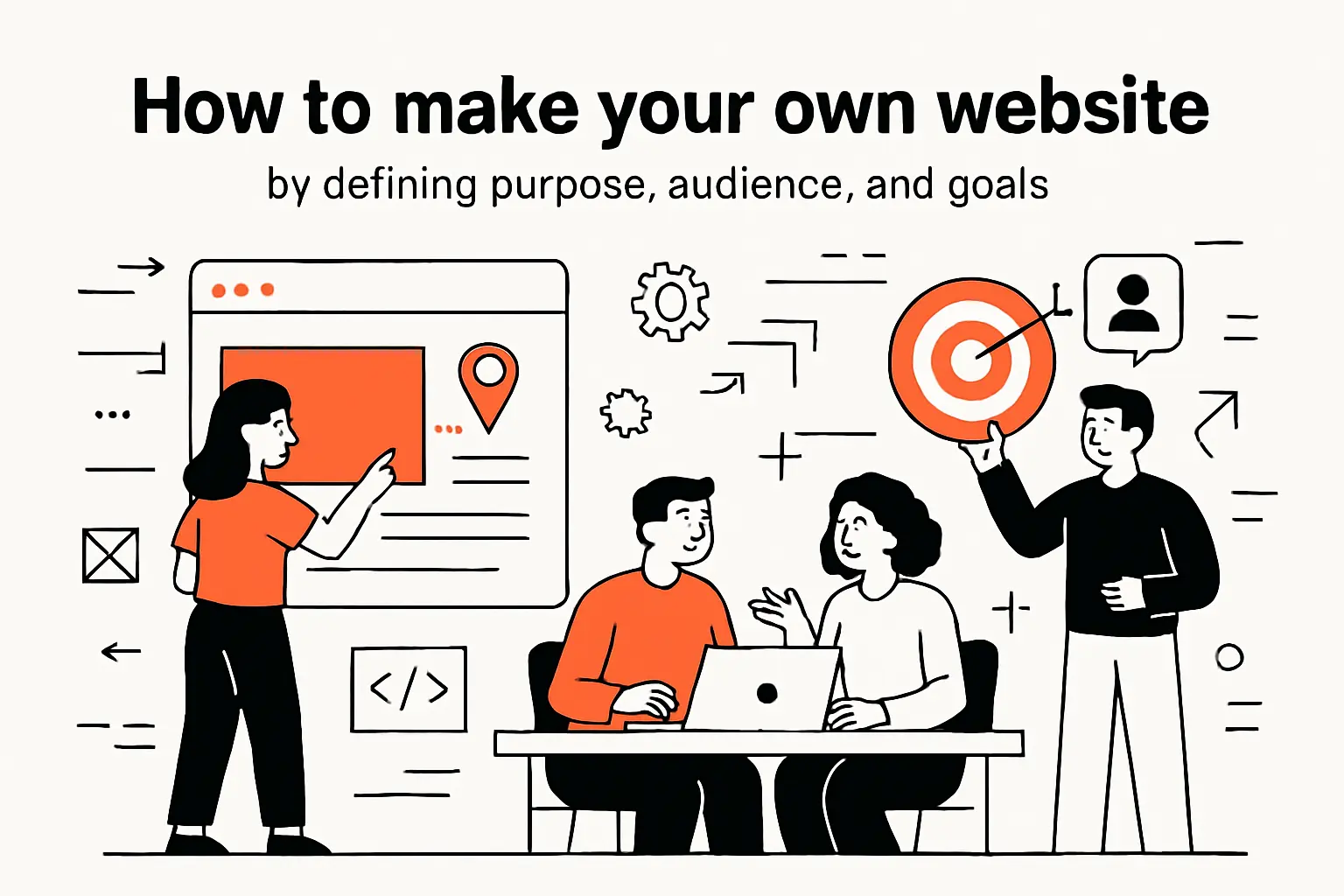
How to make your own website by defining purpose, audience, and goals
1. Establish concrete goals and define your brand
From our experience at Techtide Solutions, the fastest way to reduce indecision is to turn vague intentions into outcomes you can measure without guessing: “book consults,” “sell products,” “collect leads,” “publish expertise,” or “support existing customers.” Once that purpose is fixed, brand decisions—tone, positioning, and even page structure—stop being aesthetic debates and start becoming a clear system.
Brand Clarity That Helps Users Decide
Brand isn’t just a logo; it’s a promise plus proof. In practice, a strong brand system answers three questions on every page: what you do, who it’s for, and why the visitor should trust you enough to take the next step.
2. Carry out competitor research and collect design ideas
Competitor research is not about copying; it’s about mapping expectations so your site doesn’t feel “off” to a first-time visitor. When we review competitors for clients, we look for repeating patterns: navigation labels, pricing formats, page sections, and the kinds of objections competitors try to preempt.
Instead of saving screenshots randomly, it helps to build a simple swipe file with categories like “hero sections,” “service pages,” “product detail pages,” and “trust signals.” Over time, that collection becomes a design brief you can hand to a builder tool, a freelancer, or a development team without losing the plot.
A Practical Research Lens
On the business side, the key question is, “What are prospects comparing us against?” On the technical side, the key question becomes, “What information architecture are they trained to navigate?” Matching that mental model is often more important than inventing something novel.
3. Decide what type of website you want: blog, portfolio, services, or online store
Different website types create different “must-have” requirements, and confusing them leads to painful rebuilds. A portfolio site is essentially a credibility engine, so the work, story, and proof carry the load; a services site is an objection-handling machine, so details, scope, and next steps matter most.
For an online store, the site becomes operational infrastructure: inventory, payments, shipping policies, returns, and customer communication. Meanwhile, a blog is a compounding asset that can attract search traffic and build expertise over time, but only if your publishing workflow is sustainable and your topics are tied to customer intent.
Real-World Example: The “Menu Problem”
A restaurant that only needs updated hours and a menu can launch quickly with a simple builder, whereas a meal-prep business typically needs recurring orders and delivery zones. Clarifying the “type” early prevents choosing tools that can’t support the business model later.
4. Choose your approach: website builder, WordPress, or learning to code and self-host
Choosing an approach is really choosing a maintenance model. Website builders trade flexibility for speed and guardrails, WordPress offers an ecosystem with meaningful extensibility, and coding your own site offers maximal control at the cost of owning every decision—including security and performance.
In our client work, the best choice is rarely ideological; it’s contextual. A solo founder who needs momentum may be better served by a builder today, while a growing firm with integrations, custom workflows, and long-term SEO content strategy often benefits from a platform that supports deeper customization.
A Market Reality Check
Hosting and web infrastructure decisions increasingly intersect with cloud strategy, and that context matters when you plan for scale and reliability. Gartner’s forecast that worldwide public cloud end-user spending will total $723.4 billion in 2025 is a useful reminder that “where your site lives” is now tightly coupled to broader platform economics.
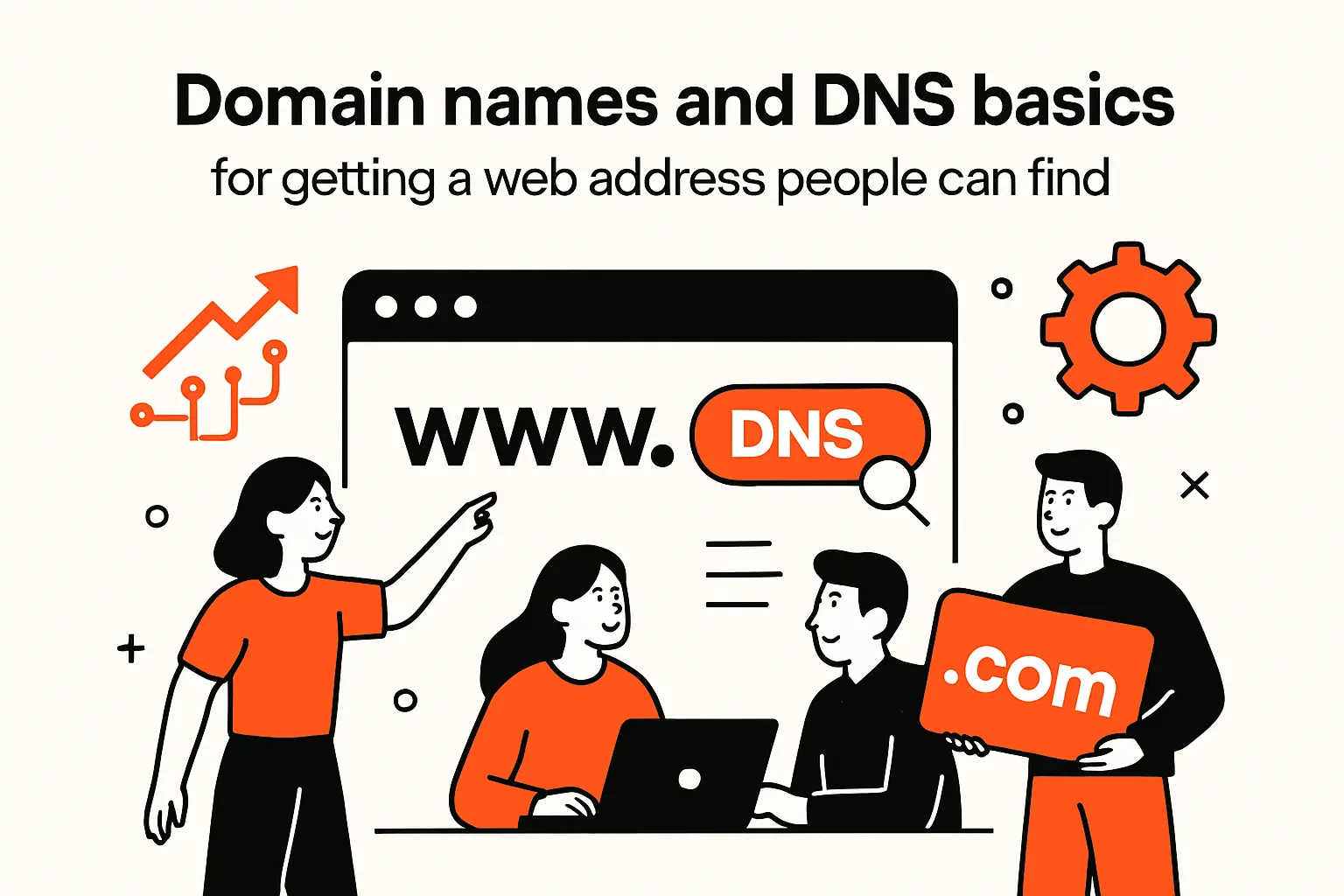
Domain names and DNS basics for getting a web address people can find
1. Pick a domain name that supports credibility and memorability
A domain name is your address, your first trust signal, and—often—your brand’s most repeated text string. Memorability is about reducing friction: short, readable, and easy to say out loud without spelling gymnastics.
From a credibility standpoint, consistency matters more than cleverness. If your business name, social handles, and email domain don’t align, visitors feel the mismatch even if they can’t explain it, and that tiny hesitation is often the difference between a form submission and a bounce.
Our Naming Heuristic
At Techtide Solutions, we prefer names that survive voice dictation, phone calls, and quick glances on a mobile screen. In a world where mobile devices account for 62.54 percent of global website traffic, legibility and simplicity become conversion features, not branding trivia.
2. Why public domain names require registration through domain registrars
Public domain names aren’t “claimed” by publishing a site; they’re allocated through a formal registration process that maps your chosen name to global DNS infrastructure. The practical implication is that buying a domain is less like buying property and more like leasing a globally recognized identifier under shared rules.
For clarity and accountability, we recommend understanding the registrar relationship before you bundle everything into a single vendor. ICANN’s explanation that Domain names may be registered with ICANN-accredited registrars or their resellers is the cleanest mental model for why “domain ownership” and “website hosting” are related but separable concerns.
Vendor Lock-In, Explained Without Drama
Lock-in usually happens accidentally: a site is built on a platform that also sells the domain, email, and DNS, so changing one piece later becomes a migration project. Separating responsibilities (domain at a registrar, DNS where you want, hosting where you want) keeps your future options open.
3. How DNS connects your domain name to a server IP address
DNS is the translation layer that turns human-friendly names into network destinations. When DNS is configured correctly, visitors type your domain and reach the correct server; when DNS is misconfigured, they hit errors, old content, or the wrong service entirely.
Cloudflare’s documentation captures the core idea succinctly: DNS translates a domain name into an IP address, and that lookup process is what ultimately connects a browser to your hosting environment.
Records You’ll Actually Touch
Most site owners eventually encounter A/AAAA records (website destinations), CNAME records (aliases), TXT records (verification and email authentication), and MX records (mail routing). Understanding those names doesn’t require becoming a network engineer; it just keeps you from treating DNS like magic.
4. Set up domain-based email for a more professional online presence
Domain-based email is one of the quickest credibility upgrades you can buy, because it signals that your business is established enough to operate under its own identity. A contact form is helpful, yet customers still want a direct email address for receipts, contracts, and ongoing communication.
Operationally, domain-based email pushes you to manage DNS deliberately (usually via MX and TXT records) and to think about deliverability. Even if you start with a simple shared inbox, the long-term benefit is control: you can rotate staff, change providers, and maintain continuity without changing the address customers trust.
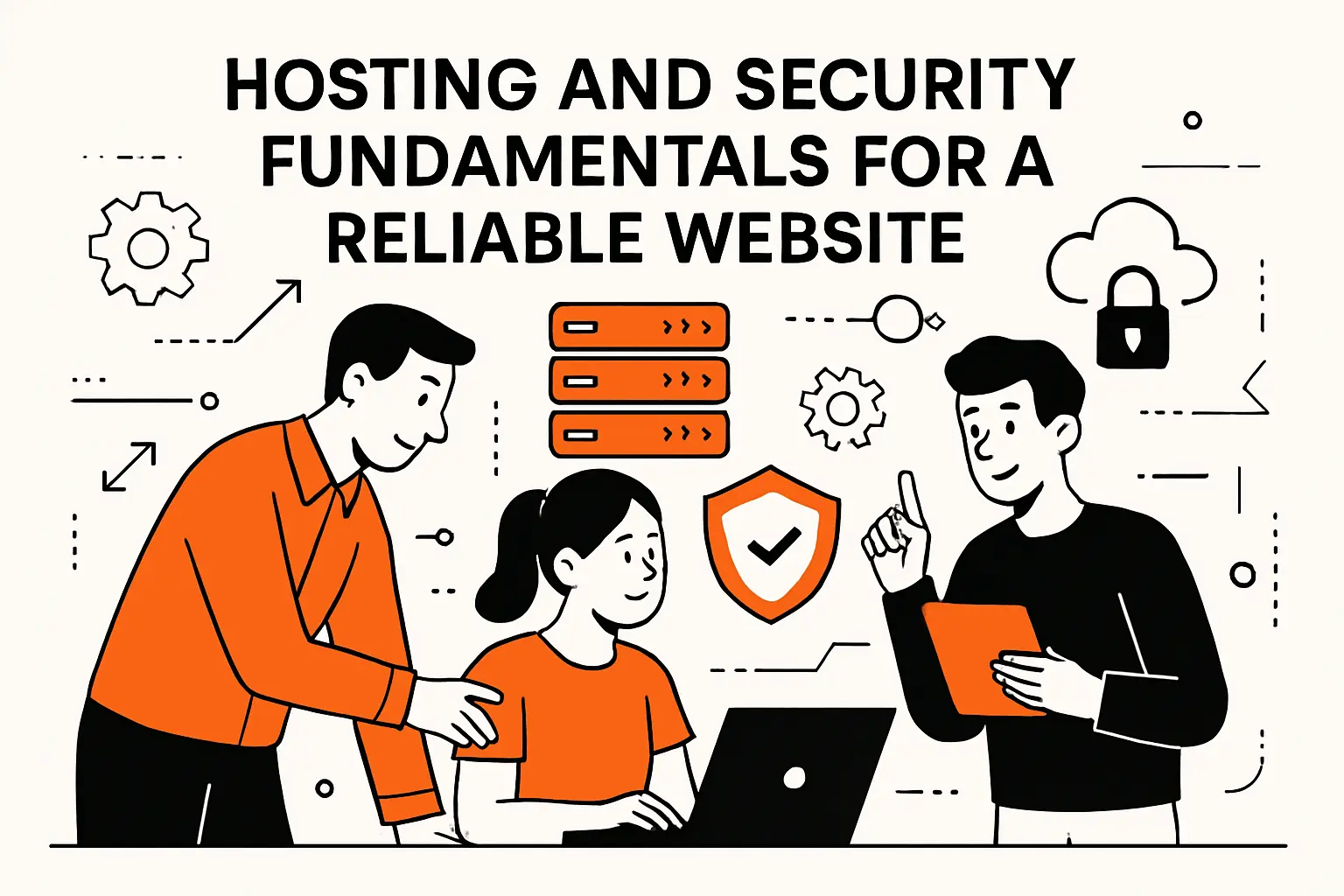
Hosting and security fundamentals for a reliable website
1. Pick a hosting plan and decide whether you also need a web builder
Hosting is where your site runs, while a builder is how you produce and manage what runs there. Some platforms bundle both, which is convenient for speed; other setups separate them, which can be healthier for flexibility and long-term scaling.
In practical terms, the right question is not “Which host is best?” but “Who is responsible for what?” If your team wants to focus on content and business operations, managed stacks reduce overhead; if your team needs custom behavior, a more modular architecture can be worth the effort.
2. Managed hosting on modern platforms: uptime, HTTPS, and platform-level protection
Managed hosting is attractive because it removes entire categories of work: server patching, routine monitoring, and many configuration pitfalls. For many small businesses, this is the difference between launching and stalling, because the platform becomes an opinionated guardrail.
From our perspective, the best managed environments provide “secure by default” patterns: HTTPS enabled, backups handled, and risk reduced by limiting unknown code paths. That last point is subtle but important—reducing the number of moving parts often improves reliability more than any single optimization.
3. Self-hosting considerations: static IP requirements and networking realities
Self-hosting can be empowering, especially for technical teams or hobbyists who want full control, but it is not “free” just because a server exists in your closet. Network reliability, power issues, ISP constraints, and incident response become your problem, not a vendor’s.
From an engineering viewpoint, self-hosting is best treated as a product you operate: you need monitoring, change management, backups, and an update cadence. Without that discipline, a self-hosted site often degrades quietly until the day it fails loudly.
4. Basic security mindset: hardening, updates, and avoiding unknown scripts until you understand them
Security is less about paranoia and more about minimizing the attack surface you don’t understand. Unknown scripts, abandoned plugins, and copy-pasted snippets from random forums are common causes of preventable breaches because they create invisible behavior inside your site.
For a simple baseline, we anchor our thinking to OWASP Top 10, not because every website owner should become a security specialist, but because it highlights how often issues come from access control mistakes, insecure design choices, and outdated components.
Choose a website building solution that matches your needs and skills
1. Website builders: drag-and-drop creation and faster time to launch
Website builders are built for momentum: you choose a template, edit sections, and publish without thinking about servers, databases, or deployment pipelines. For many businesses, that speed is a competitive advantage because a “good enough” site today can outperform a “perfect” site that never ships.
From our vantage point, builders work best when the site is primarily content, marketing pages, and light transactional features. Once your needs shift toward deep integrations, custom permissions, or complex workflows, the builder model can start to feel like building a house inside a moving truck.
2. WordPress for added flexibility and extensibility with plugins
WordPress is often chosen because it sits in the middle: more flexible than a typical builder, yet accessible enough for non-developers to maintain with the right setup. The plugin ecosystem can accelerate features like SEO tooling, forms, ecommerce, and analytics, provided you curate the stack carefully.
From the technical side, the tradeoff is governance: plugins add capability, but each plugin also adds risk, update requirements, and potential performance overhead. Strong WordPress sites are not defined by “how many plugins,” but by how intentionally the site owner manages dependencies.
3. Wix platform highlights: templates or AI website builder, hosting, SEO tools, marketing, and analytics
Wix is a strong option when you want an all-in-one environment that handles hosting, editing, and common business features under a single dashboard. Many teams like Wix because it reduces the “stack assembly” phase: fewer vendors, fewer handoffs, and a shorter path from concept to launch.
On the AI side, Wix has shifted its tooling over time, and it’s worth tracking what is current. Wix’s support documentation notes that November 10th 2024 marked the end of support for legacy ADI sites, while the current editor workflow includes guidance to generate a site with AI as a starting point you can further customize.
4. Squarespace platform highlights: templates or AI website builder, drag-and-drop editing, built-in marketing, ecommerce, and scheduling
Squarespace tends to win when design quality and consistency matter, especially for portfolios, studios, creators, and professional services that sell trust. The editor experience is intentionally structured, which helps maintain visual cohesion even when multiple team members contribute content.
For teams that want AI-assisted starting points, Squarespace positions Blueprint as a faster on-ramp: Create a personalized website in minutes with AI is the promise, and the practical benefit is that you can get a coherent draft quickly and then refine it with normal editing tools.
5. Weebly with Square: website building plus ecommerce tools, shipping, and payments
Weebly’s positioning is straightforward: it’s a website builder that leans into small business commerce, especially when Square is already part of how you take payments. That “same ecosystem” feel can simplify daily operations because products, orders, and payments can be managed with less friction.
For a quick feature snapshot, Weebly’s education materials explicitly emphasize commerce options, including the ability to Accept payments using Square, Stripe or PayPal, which is often enough for early-stage stores that need to prove demand before investing in custom development.
6. Website.com builder approach: themes, sections, responsive templates, online store, scheduling, and domain bundles
Website.com’s builder approach is designed to bundle core small business needs into a single path: select a template, customize sections, and layer in adjacent tools like stores and scheduling. For service businesses—salons, consultants, clinics, home services—scheduling can be the “real product” the site sells.
From their product navigation, the intent is clear: Integrate your website with user-friendly online scheduling capabilities sits alongside templates and ecommerce, which is a useful clue that the platform is optimized for do-it-yourself operators who want fewer moving parts.
7. Google Sites: create in Sites or Drive, store in Drive, and control sharing and editors
Google Sites is underrated for internal sites, lightweight public pages, and teams already living inside Google Workspace. The collaboration model feels familiar because it mirrors how teams work in Docs and Drive: simple sharing, fast edits, and low training overhead.
Google’s own help documentation focuses on simplicity: you can create & name a Google site quickly, then collaborate by controlling who can edit via Invite others to edit your site when you need multiple contributors without passing files around.
Design your website with templates, themes, and customization tools
1. Start from a professionally designed template or an AI-generated draft
Templates exist because most websites solve the same user problems in different industries: credibility, clarity, navigation, and conversion. Starting from a professional template reduces the chance that you ship something that feels “homemade” in the wrong way—confusing spacing, uneven typography, or inconsistent component styles.
AI-generated drafts can speed up the blank-page stage, yet they still need human judgment. In our view, AI is best used for structure, placeholders, and ideation, while final messaging and proof points should come from your real experience with customers and your actual offer.
2. Use drag-and-drop editors to customize layouts, images, colors, and fonts
Drag-and-drop editing looks simple, but the best results come from thinking in components: sections, grids, and reusable patterns. When you treat each page like a set of modules, you avoid the trap of “designing every page from scratch,” which usually creates inconsistency.
From a technical perspective, consistent modules also improve maintainability. Even on a builder, a disciplined component approach makes future updates faster because you can change a pattern once and apply it everywhere instead of hunting through pages for one-off styling decisions.
3. Create a consistent visual system: theme, color scheme, font pairing, and logo
A visual system is the difference between “a collection of pages” and “a brand experience.” Color, typography, and spacing should work together like a set of rules, so new pages naturally look like they belong without constant reinvention.
At Techtide Solutions, we often advise teams to treat the website as a product interface, not a poster. That mindset leads to better decisions: fewer colors, fewer font styles, more repetition, and a clearer hierarchy that helps visitors scan and decide quickly.
4. Choose fonts for readability and ensure proper contrast across devices
Readability is a conversion factor because comprehension is a prerequisite for trust. Thin fonts, low-contrast palettes, and dense paragraphs can make even great content feel exhausting, especially on phones where users skim while multitasking.
From an implementation angle, testing matters more than taste: try your typography on different screens, in different lighting, and with real content instead of lorem ipsum. When the design holds up under those conditions, your site becomes easier to use and easier to maintain.
Build the site structure visitors expect with core pages and clear navigation
1. Home page essentials: tagline, trust signals, and clear calls to action
Your home page is usually a routing layer, not your full story. Visitors arrive with a question—“Is this for me?”—and the fastest way to answer is a clear tagline paired with immediate proof: client logos, certifications, recognizable outcomes, or a short value proposition supported by specifics.
On the conversion side, calls to action should match intent. A high-trust service might lead with “book a consult,” while an early-stage brand might lead with “see pricing” or “view work,” because visitors aren’t ready to commit until they understand scope and fit.
2. About Us: tell your story and show credibility with bios, photos, awards, and testimonials
About pages are where trust becomes concrete. Story helps, but specificity is what convinces: who is behind the work, what experience shaped the offer, and what values guide decisions when things get complicated.
From our perspective, authenticity beats hype. A simple founder photo, a real team bio, and a short “how we work” section often outperform polished but vague language, because clarity feels honest and honesty converts.
3. Products and Services: highlight benefits, add details, and include images and policies when relevant
Service pages should reduce ambiguity, because ambiguity creates friction and friction kills momentum. A strong page explains outcomes, process, deliverables, timeline expectations, and what the customer needs to provide for success.
For products, the job is slightly different: show the item clearly, explain who it’s for, and remove common objections with policies and support. Operational details like shipping, returns, or scheduling constraints are not “fine print”; they’re trust infrastructure.
4. Testimonials: increase confidence with recommendations and quotes from customers
Testimonials work when they are specific and contextual. A quote that mentions the problem, the experience, and the outcome is far more persuasive than a generic compliment, because specificity signals reality.
In practice, we recommend pairing testimonials with the page they support: service testimonials near service descriptions, product testimonials near product questions, and credibility testimonials near decision points like pricing or consultations.
5. Contact Us: include phone number, hours, location, and an email that matches your domain
Contact pages should feel like an open door, not a puzzle. Clear contact options reduce anxiety: some visitors want to call, others want a form, and many just want reassurance that a real business exists behind the site.
Operationally, it helps to route contact requests intentionally. A general inbox is fine at the start, yet separating sales inquiries from support requests becomes important as volume grows, because response time and clarity shape your reputation.
6. Google Sites navigation: add pages, move pages, and create subpages for a clean hierarchy
Google Sites navigation is easiest when you treat the Pages panel as your site map and keep hierarchy shallow. The goal is predictability: visitors should find key pages in obvious places, and editors should be able to maintain structure without breaking links.
Google’s help center outlines the workflow clearly: Add, delete & organize pages is where you learn the mechanics of adding pages, moving them, and nesting structure so your site stays navigable as content expands.
Launch, optimize, and grow after you publish your site
1. Preview, test, and publish: updates are saved while editing, but the site is not public until publishing
Launching is not just clicking “publish”; it’s validating the experience. Preview on mobile and desktop, click every primary action, submit your forms, and verify that confirmation messages and emails land where they should.
For Google Sites specifically, publishing is a deliberate step rather than an automatic result of editing. Google’s documentation emphasizes the workflow: changes are made in the editor and then you click Publish, as described in Create, name, delete, or copy a site.
2. SEO foundations: keywords, links, and technical essentials that many builders handle for you
SEO is easiest when you treat it as product communication rather than a bag of tricks. Clear page titles, descriptive headings, internal links that mirror real user journeys, and reliably fast pages form the foundation—then keywords become a refinement, not the whole strategy.
Google’s own framing is refreshingly direct: SEO is about helping search engines understand your content, which is a useful guardrail when SEO advice online starts drifting into superstition.
3. Create people-first content and strengthen credibility with E-E-A-T principles
People-first content wins because it answers real questions with real experience. Thin content tends to collapse under scrutiny, while specific content—examples, constraints, tradeoffs, and lessons learned—builds trust even when it doesn’t promise perfection.
Google’s guidance on helpful, reliable, people-first content aligns with what we see in practice: demonstrate experience, explain your “why,” and make authorship and accountability visible so readers know who is behind the advice.
4. Use built-in growth tools: email marketing, social sharing, ads, and scheduling or bookings where needed
Growth tools matter when they match your customer journey. Email marketing can nurture trust over time, social sharing can amplify credibility signals, and booking tools can remove friction for service businesses that sell time rather than products.
From our viewpoint, the trap is adopting tools because they exist, not because they serve a workflow. A simple site with one strong call to action, one lead magnet, and one consistent follow-up sequence often outperforms a bloated stack that nobody maintains.
5. Track performance with analytics and iterate on content, structure, and conversions
Use analytics to answer practical questions: which pages attract attention, where visitors drop off, and which calls to action visitors actually use. Once you can see those patterns, iteration becomes a disciplined loop rather than a series of random tweaks.
In our delivery process, we prefer to pair analytics with qualitative feedback: watch how real users navigate, then compare that behavior to the numbers. When the story from users matches the story from data, you know what to fix next.
TechTide Solutions: custom development support beyond template builders
1. Discovery and solution design tailored to customer needs
At Techtide Solutions, we treat discovery as engineering work, not a formality. The goal is to map business intent to a system: user journeys, content needs, integrations, and operational constraints like approvals, compliance, or multi-team editing.
Good discovery prevents expensive rework. When requirements are clear, you can choose the right platform confidently—whether that’s a builder, WordPress, or a custom application—because you tie the decision to workflows, not trends.
2. Custom web app and software development for unique features and integrations
Template builders shine in common cases—that’s their superpower. Save custom development for the uncommon cases that actually create competitive advantage. Typical triggers include complex quoting logic, multi-step onboarding, integration with internal systems, custom dashboards, or specialized permissions.
From a technical angle, custom development also enables better architecture choices: clean APIs, secure authentication, performance tuning, and testable deployments. When the website becomes part of how the business operates—not just how it markets—custom work stops being “extra” and becomes foundational.
3. Launch, maintenance, and iterative improvements for long-term growth
A website is never truly “done,” because your business keeps moving. Launching is the handoff into operations: monitoring, content iteration, security updates, performance checks, and continuous improvements based on customer behavior.
Our preferred posture is iterative: ship something coherent, observe, refine, and expand. That way, the site stays aligned with reality—where users build trust and where conversions actually happen.
Conclusion: next steps for how to make your own website and keep improving it
1. Use a simple launch checklist: finalize pages, verify mobile usability, and publish confidently
A practical launch checklist keeps you calm and thorough: confirm navigation, verify contact flows, confirm SEO basics (titles and descriptions), review typography on mobile, and test every primary action. After that, publish with confidence and treat the first release as the beginning of learning, not the end of building.
2. Revisit your platform choice as needs grow from basic pages to advanced functionality
Platform choice is not a one-time identity decision; it’s an operational decision that should evolve with your needs. As your site grows, you may outgrow limitations in layout control, integrations, or workflow complexity, and that’s not failure—it’s normal business growth.
From our perspective, the healthiest teams plan for change by documenting what matters: content structure, domains and DNS ownership, analytics, and integrations. With those foundations clear, migrations become manageable rather than terrifying.
3. Maintain and grow over time: refresh content, monitor security, and refine SEO and marketing efforts
Maintenance is where websites become business assets instead of digital brochures. Fresh content, updated policies, accurate pricing and service details, and ongoing security hygiene protect your credibility in ways most people underestimate.
Looking ahead, the most useful next step is to pick one improvement cycle—content, conversion, or performance—and commit to it consistently. What would happen if, over the next quarter, you treated your website like a product and shipped improvements on purpose rather than only when something breaks?