


Class C IP addresses sound old because they are old. At Techtide Solutions, we build software, but we still run into the phrase in home setups, office LAN plans, and hosting calls. IPv4 is still economically relevant too. ARIN reported 1,795 transfers to specified recipients in 2025, which tells us address planning is not just textbook trivia.
We should be honest from the start. “Class C” belongs to the old classful IPv4 model. Modern engineers plan with prefixes, usually written in CIDR notation. Even so, the term survives as shorthand for a small IPv4 subnet, especially on private local networks.
What Class C IP Addresses Are
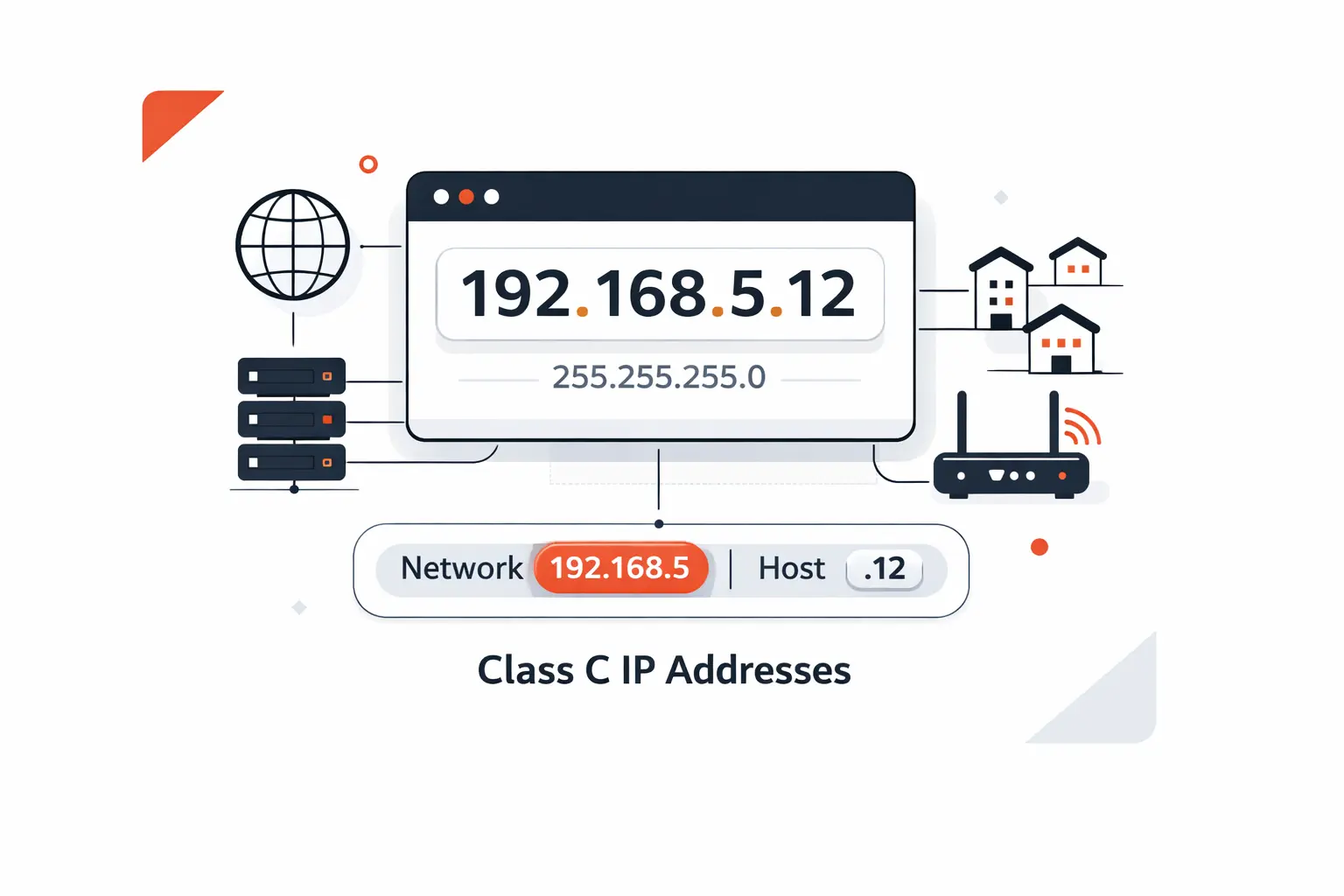
Before we talk ranges or masks, we need the basic idea. A Class C address was the classic choice for a smaller IPv4 network. The label still helps beginners because it points to a network size, not just a random string.
1. How Class C Fits in the IPv4 Addressing Model
In the original IPv4 scheme, the first octet for this category ran from 192 through 223. The design kept the last octet, or final number, for the local host part. That made Class C a natural fit for many separate small networks.
2. Why IP Address Classes Matter
Networking keeps old words long after the underlying rules change. That is why people still say “Class C” in training rooms, support tickets, and router conversations. The phrase gives a quick mental picture of a small IPv4 subnet. In actual design work, we usually think in prefixes and subnets instead.
3. How Class C Differs from Other IP Address Classes
Compared with the large old address categories, Class C favored smaller LANs. That meant less waste for networks that did not need a huge host count. For a home, lab, or modest office, that mental model is still useful.
Recommended reading: How to Change an IP Address
Class C IP Address Range and Structure
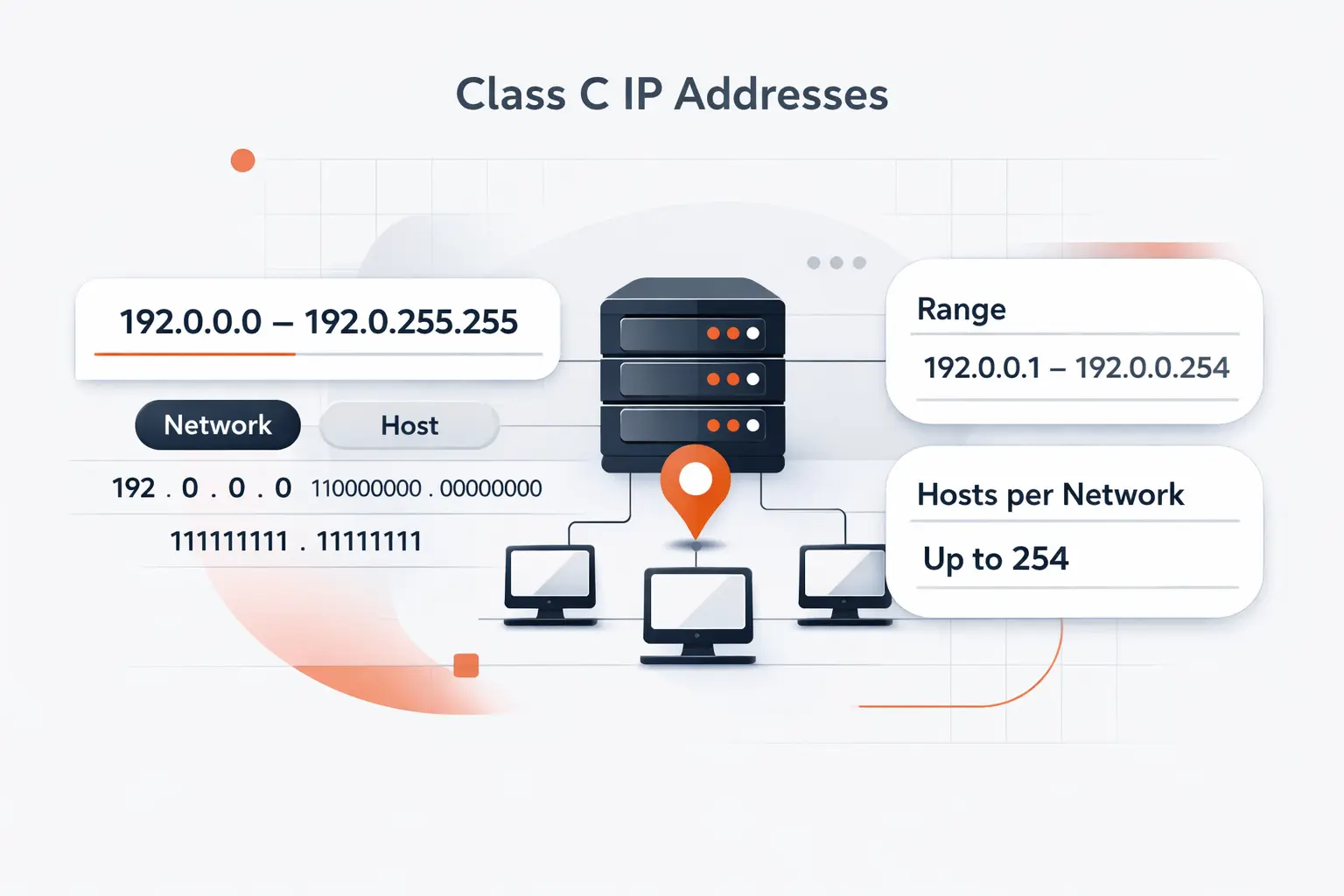
This is where the idea becomes concrete. Once you know the common range and the split between network and host parts, the address stops looking mysterious.
1. The Typical Range for Class C IP Addresses
The private slice most people recognize is 192.168.0.0 through 192.168.255.255, which IANA reserves for private networks. That block contains many smaller networks inside it. A classic Class C-style segment is one of those smaller pieces.
2. The Network Portion and Host Portion
In the classic layout, the first three numbers identify the network and the last number identifies the host. So when devices share the same first three octets, beginners can treat them as living on the same local street. It is a simple picture, and we think it is a good one.
3. The Default Subnet Mask for Class C Networks
In the traditional model, the standard mask is 255.255.255.0, or /24. That keeps the network portion in the first three octets and leaves the last octet for host numbering. Once we show people that pattern, the address stops looking like noise.
Recommended reading: What Is FTP Hosting and How Does It Work
How Class C IP Addresses Work in Practice
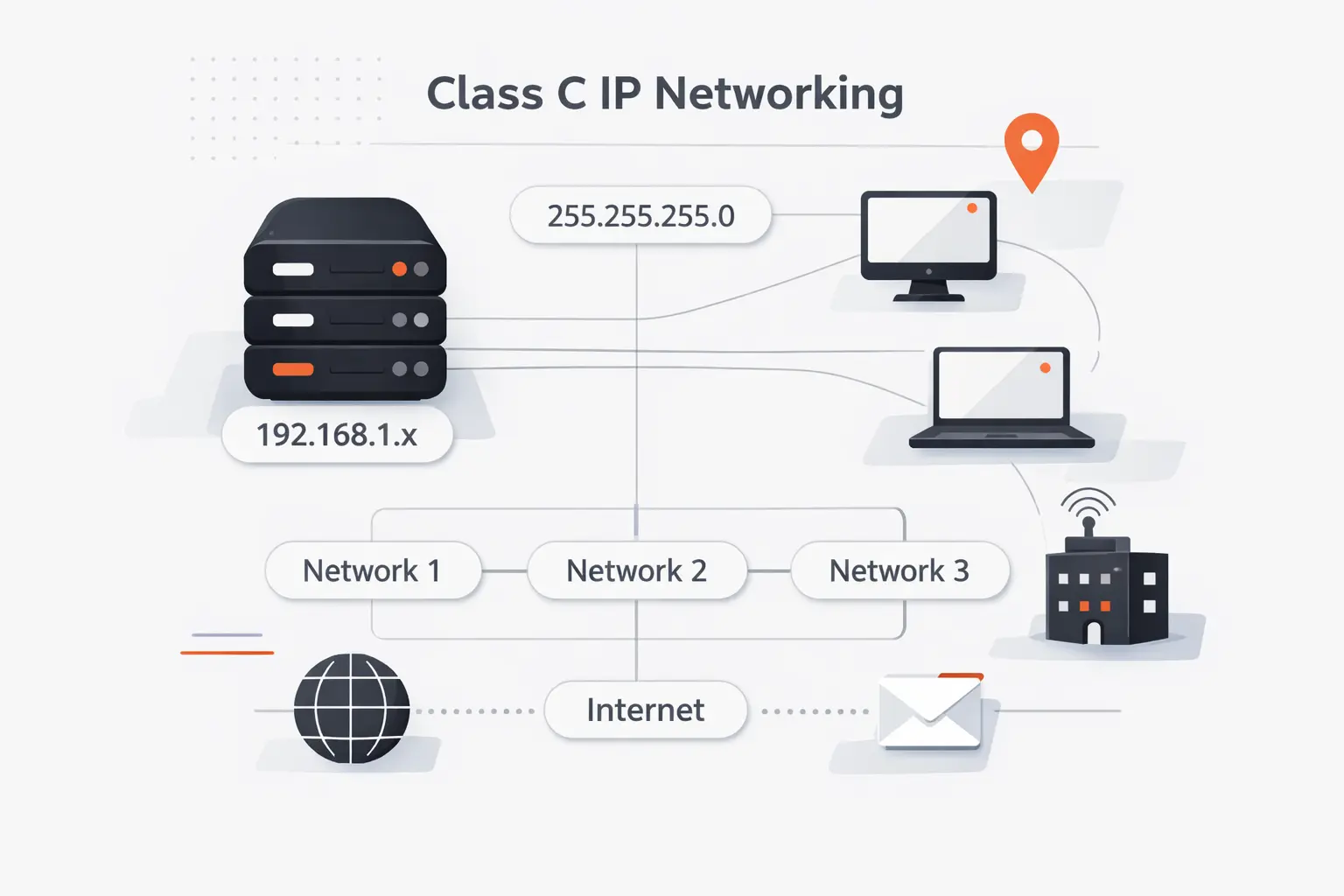
Theory helps, but addresses only click when we read them in context. Dotted decimal looks awkward at first, yet the logic is surprisingly plain.
1. Reading a Class C Address in Dotted Decimal Format
An IPv4 address uses four decimal numbers separated by periods. Each number stands in for one octet. In a Class C-style setup, the early octets tell us the neighborhood and the final octet tells us which device inside that neighborhood we mean.
2. Breaking Down an Address Like 192.168.1.1
When we read that sample address, we do not read one giant number. We read the shared network part first, then the host part. On many small networks, it ends up on the router or default gateway, but it can belong to any assigned host.
3. Understanding Network, Host, and Broadcast Roles
Every block also has special roles. One address names the network itself. Another reaches every host on the segment at once. The ordinary host addresses live between those two bookends, which is why planning and documentation matter.
Recommended reading: How Proxies Are Bridging Global Internet Access: Security, Performance, and Reliable Connectivity
Host Capacity and Address Limits in Class C Networks
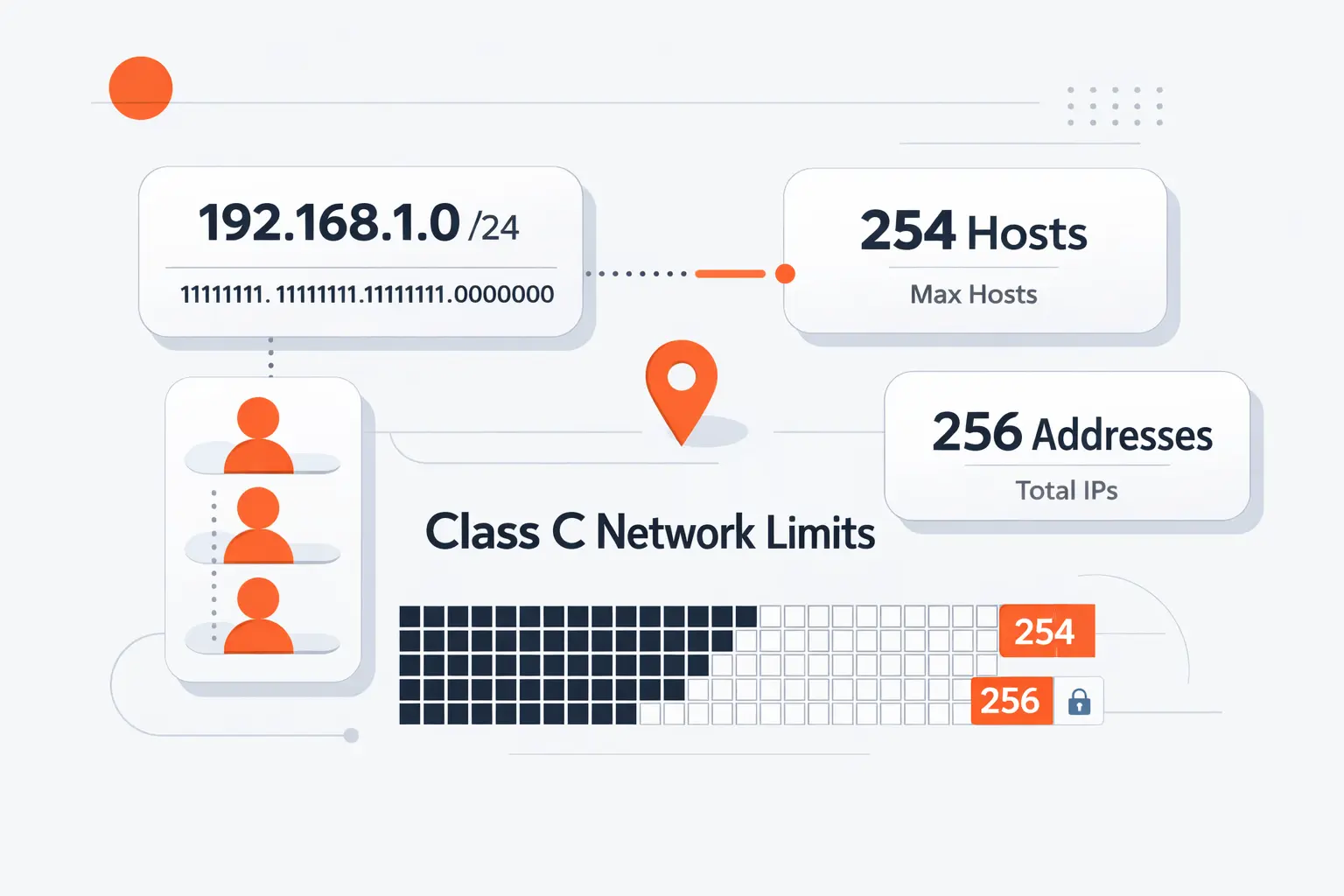
Capacity is the practical question. A subnet can look roomy on paper and still feel tight once people add phones, cameras, access points, and guest devices.
1. How Many Devices a Single Class C Network Can Support
With the default mask above, a classic block contains two hundred fifty-six addresses in total and two hundred fifty-four usable host slots. That is enough for many homes and small offices. It is not enough for every branch, lab, or device-heavy site.
2. Why Not Every Address Is Usable
Not every slot can go to a laptop or printer. One address marks the network. One is reserved for broadcast traffic. That is why the raw block size and the usable host count do not match.
3. When Multiple Class C Blocks Become Necessary
Once one segment fills up, we usually add another subnet instead of stretching one flat LAN forever. Microsoft’s Azure quickstart still defaults to 256 addresses in a subnet, which shows how natural this size still is in real deployments. Multiple Class C-sized blocks are often just the sign of a network growing up.
Recommended reading: What Your IP Address Is: How to Find It, What It Reveals, and How to Protect It
Common Uses for Class C IP Addresses
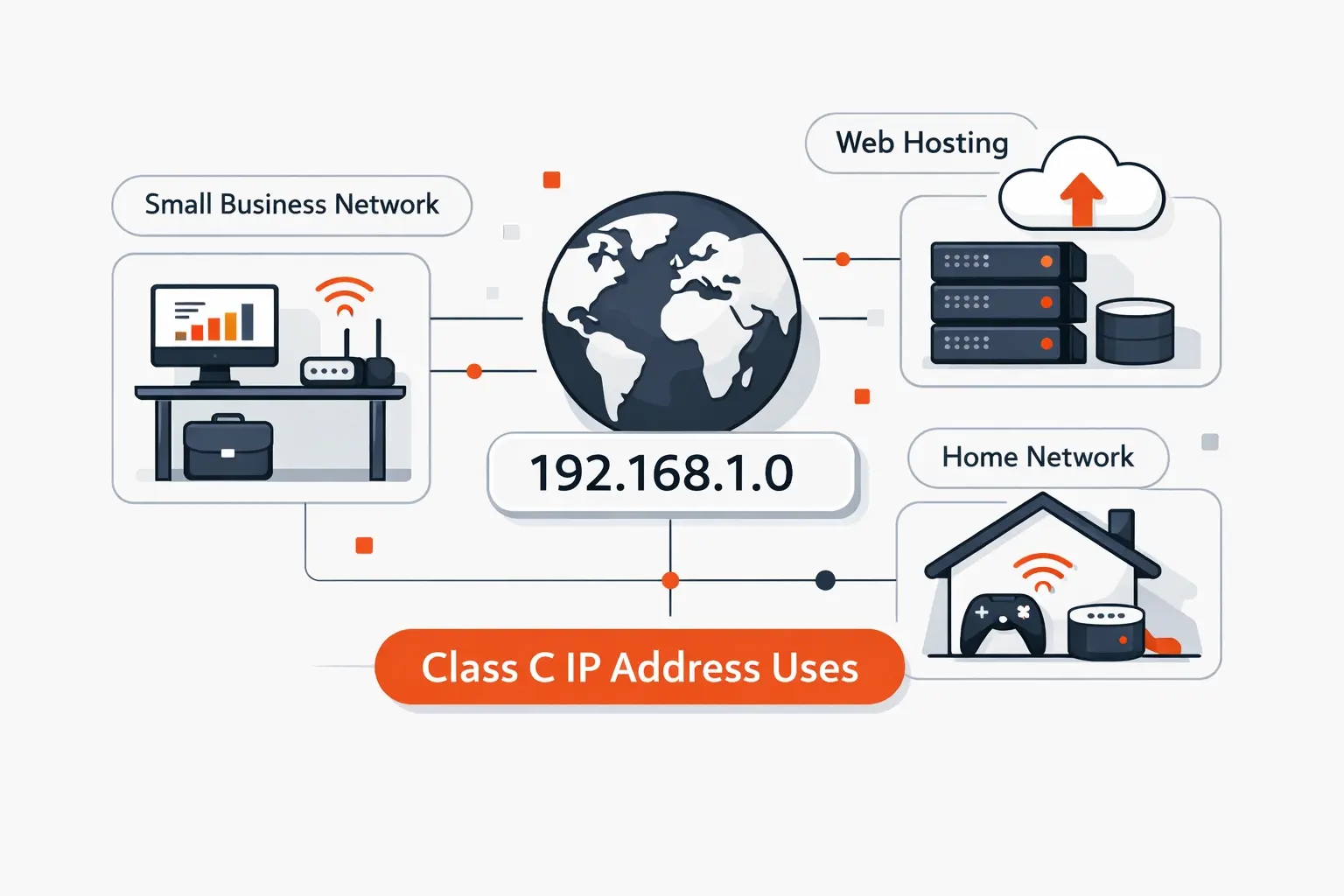
This is where the old term keeps its street value. Small networks still look and behave a lot like the classic model, even when the engineer is really thinking in modern prefixes.
1. Home Networks and Everyday Connected Devices
Most people first meet the idea through a consumer router. NETGEAR notes that login often happens at 192.168.1.1 or 192.168.0.1, which is why so many phones, TVs, printers, and laptops end up on a familiar private LAN. The term Class C sticks because the experience is so common.
2. Small Business and Office LANs
We see the same pattern in small offices. One subnet may hold staff devices. Another may hold guest Wi-Fi, phones, or printers. That keeps addressing predictable and troubleshooting human-sized.
3. Private Addressing for Internal Network Traffic
Private addresses let internal devices communicate without placing every host on the public internet. A router or firewall handles the boundary, often with network address translation, or NAT. For a small business, that is a clean way to keep local traffic local and outside exposure deliberate.
Recommended reading: How to Use FTP: Connect, Browse, and Transfer Files Safely
Benefits of Class C IP Addresses for Smaller Environments
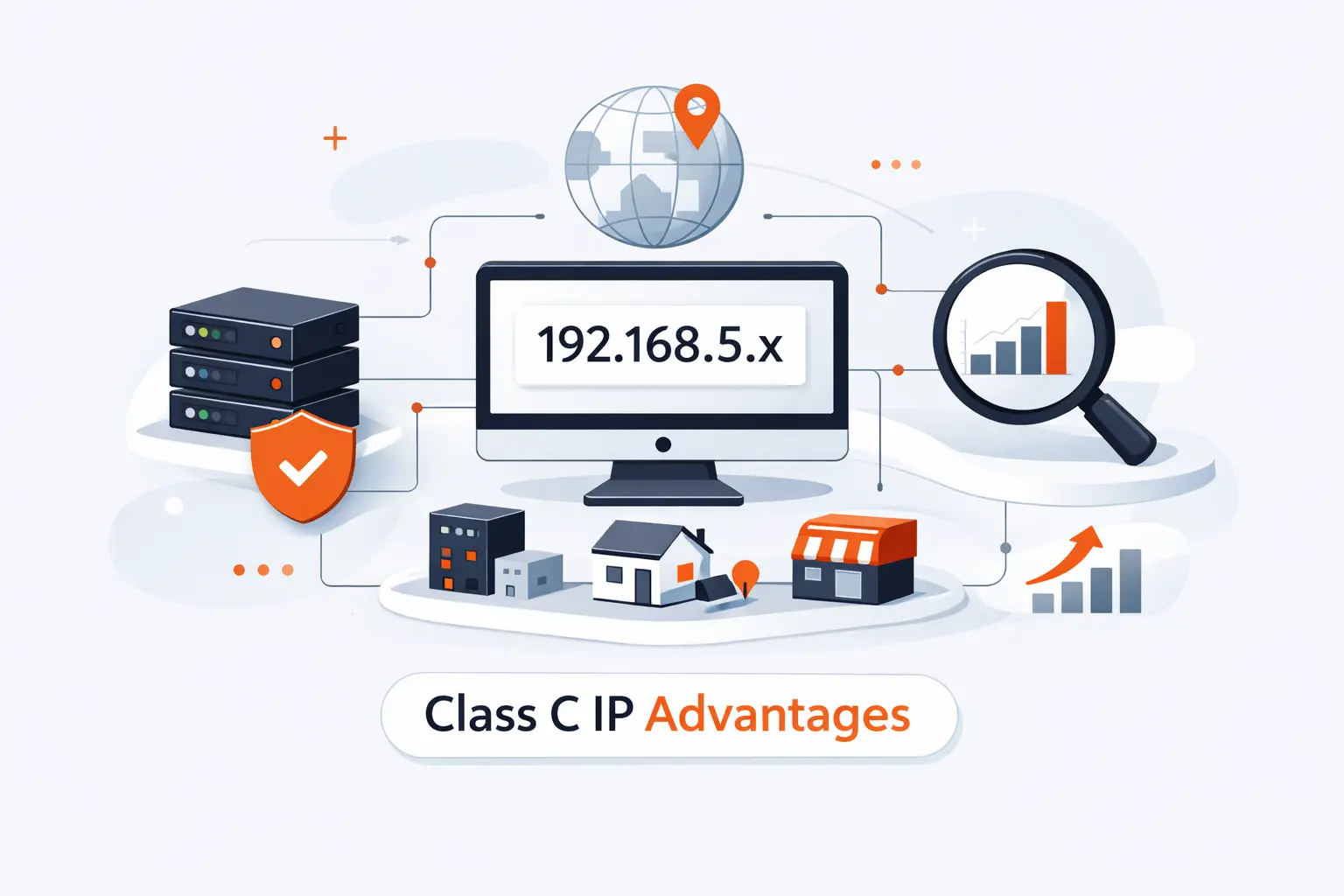
For smaller environments, the appeal is not glamour. It is clarity. A Class C-style layout is easy to read, easy to document, and hard to misunderstand.
1. Simpler Management for Local Networks
When an admin can spot the pattern at a glance, daily work gets easier. DHCP pools, printer reservations, firewall rules, and help desk notes stay readable. We like designs that a sleepy engineer can still understand at 2 a.m.
2. Practical Capacity and Less Wasted Address Space
A compact subnet also keeps teams honest. If you only need a modest number of hosts, a smaller block avoids the sprawl that often comes with giant private ranges. In our experience, tighter boundaries usually produce cleaner documentation.
3. Private Use for Internal Connectivity
For internal services, this layout is often enough. Desktops reach file shares. Cameras reach recorders. Local apps reach local databases. The network stays understandable because the address plan stays close to the real environment.
Limitations of Class C IP Addresses
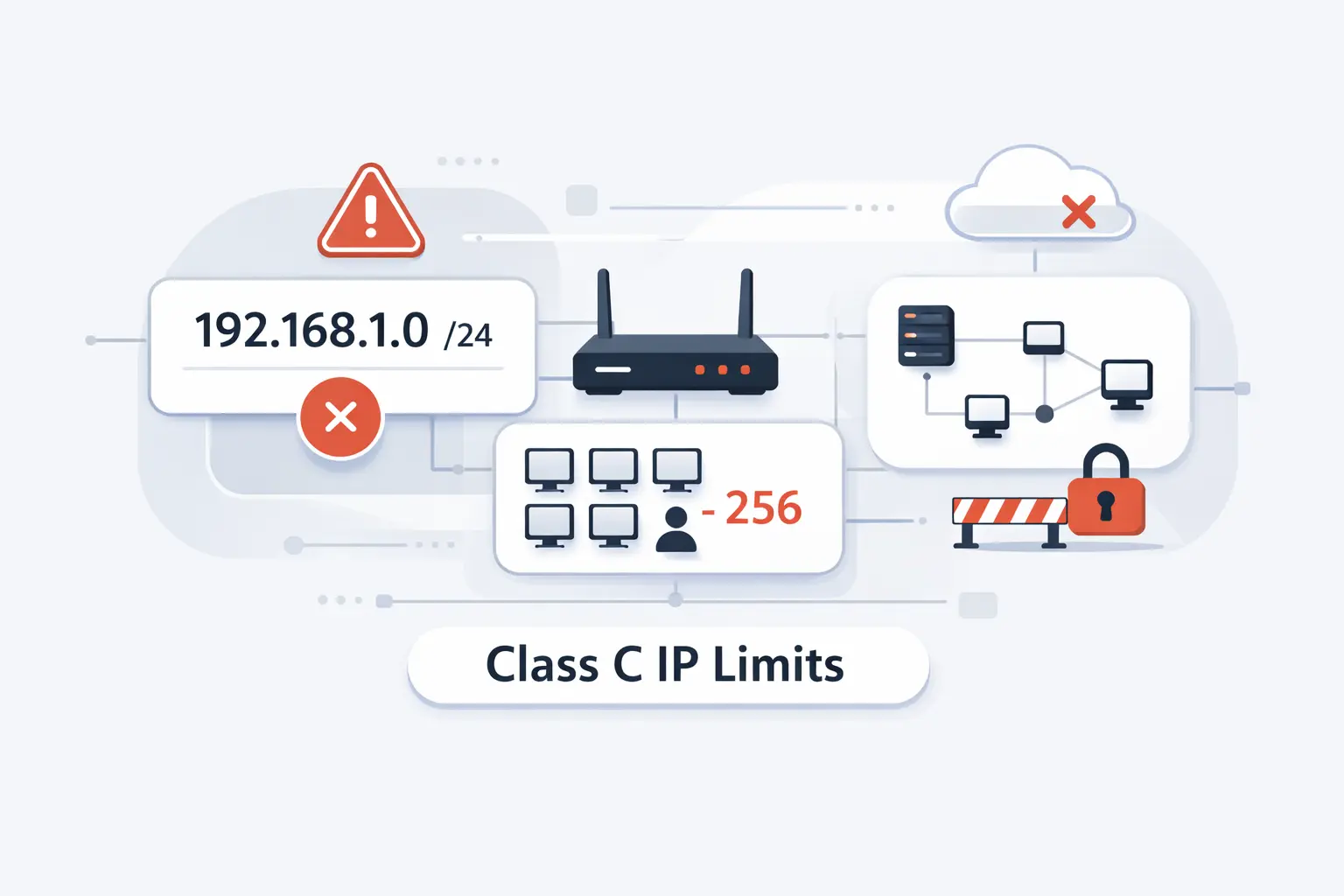
Still, every simple model has a ceiling. What feels tidy on day one can feel cramped a year later if the site grows fast.
1. Why Larger Networks Outgrow a Single Class C Block
A single small subnet can fill sooner than expected. Add employees, guest devices, cameras, sensors, and lab gear, and the count starts climbing. Broadcast traffic and troubleshooting noise climb with it.
2. When Network Growth Calls for More Than Class C
This is the point where we stop treating the old label as a design rule. We move to actual subnet planning, virtual LAN boundaries, routing, and access control. The network stops being one room and starts becoming a building.
3. Why Multiple Class C Blocks Can Enter the Picture
Multiple blocks usually appear for ordinary reasons. Teams split voice from data, guests from staff, or cameras from workstations. The phrase sounds exotic, but the reason is usually straightforward separation.
Multiple Class C IP Addresses in Hosting Discussions
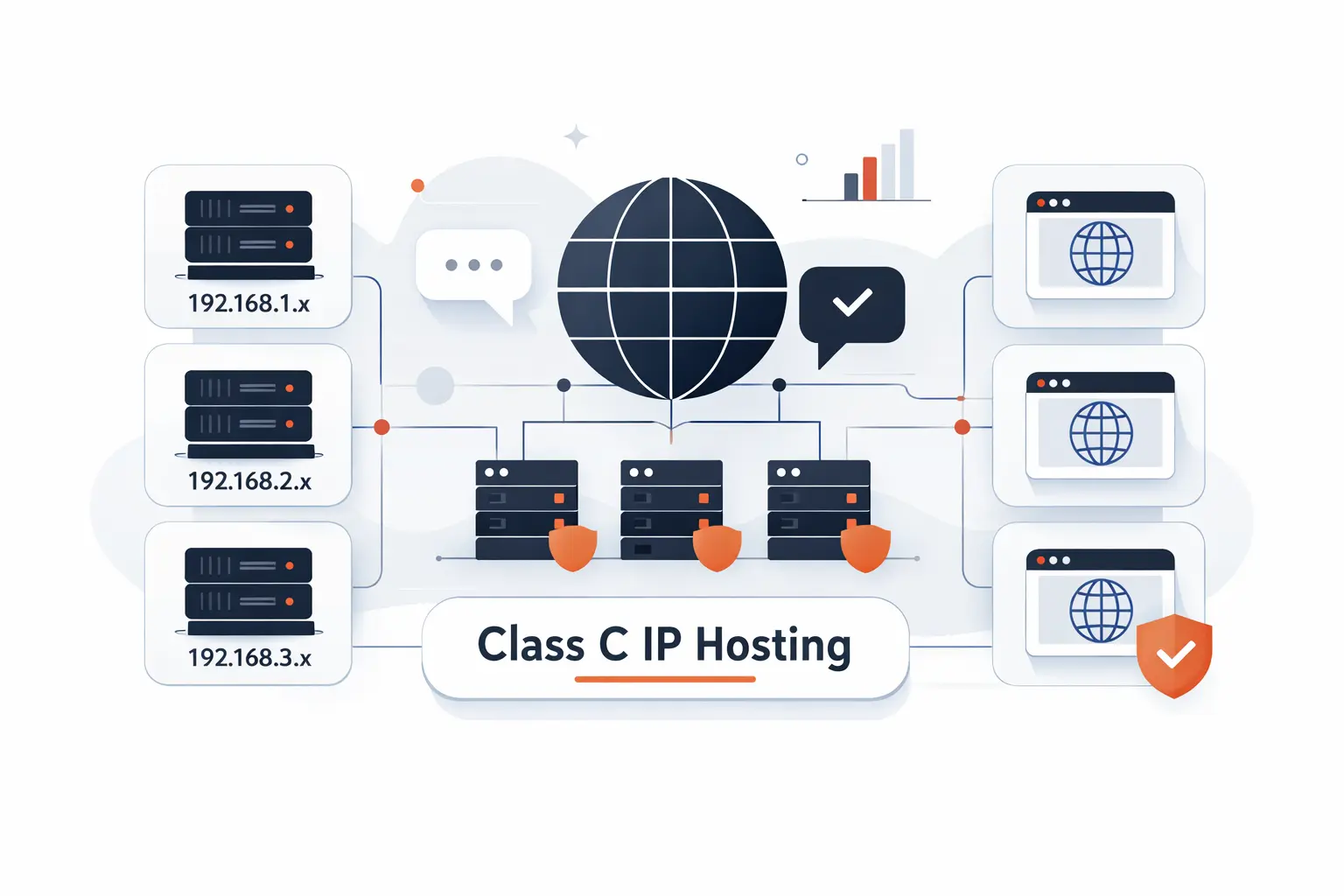
This phrase gets even noisier in hosting discussions. Sometimes it refers to legitimate network design. Sometimes it is just sales language dressed in networking clothes.
1. What Multiple Class C IP Addresses Mean
Usually it means addresses spread across different small network blocks instead of one shared block. In hosting, that can matter for customer separation, email reputation, reverse DNS planning, or service isolation.
2. How Different C Blocks Are Used in Hosting Environments
A provider may place public-facing services, customer nodes, mail, and management functions on different blocks for operational reasons. That can simplify controls and reduce cross-talk between services. We see it as housekeeping, not sorcery.
3. Why This Topic Appears in SEO Hosting Conversations
We do not treat it as a ranking shortcut. Google says its systems consider many factors and signals, so we treat IP diversity as an infrastructure choice, not SEO magic. If a host sells it as pure ranking juice, we would read that pitch with a raised eyebrow.
Frequently Asked Questions about Class C IP Addresses
These are the questions we hear most often from founders, office managers, and junior admins. Short answers work best here.
1. How Do You Define a Class C IP Address?
In the old classful IPv4 model, it is a smaller-network address category. In modern speech, people often use the term as shorthand for a small private subnet of the classic size.
2. How Many Addresses Exist in a Class C Network?
In the traditional layout, a single block contains two hundred fifty-six addresses in total. Two are reserved for network and broadcast duties, so two hundred fifty-four are usually assignable to hosts.
3. Does 192.168.1.1 Belong to the Class C Range?
Yes. It falls inside the historic first-octet band associated with Class C, and it also sits inside the familiar private 192.168 space. In real life, it is simply a common private host address.
4. Which Subnet Mask Is Standard for Class C?
The classic answer is the familiar mask discussed earlier. It keeps the first three octets as the network portion and leaves the last octet for hosts.
5. Which Networks Most Often Use Class C IP Addresses?
Home networks, small offices, labs, branch VLANs, and simple internal segments use them most often. The term also pops up in hosting whenever people talk about small block separation.
Key Takeaways on Class C IP Addresses
1. Why Class C Remains Useful for Small Networks
It remains useful because the mental model is easy to grasp. Small networks need clear boundaries more than fancy language. Class C still gives beginners a solid foothold.
2. What to Remember about Range, Structure, and Capacity
Remember the big picture. The term comes from the old IPv4 class system. The best-known everyday examples live inside the familiar private range. The classic layout works best when the network is modest and well organized.
3. When to Move beyond a Single Class C Network
Move beyond a single block when address count, security, or operations start to pinch. At that point, think in subnets and roles, not old letters. That is how we at Techtide Solutions keep small networks tidy and growing networks sane.

