


Market signals matter, because scraping is never “just a script.” Gartner’s market share research puts data integration software at $5.9 billion, and we treat web data as part of that same integration story. At TechTide Solutions, we see scraping as a production system. It feeds pricing engines, risk models, search relevance, and product catalogs. If extraction breaks, decisions break. That is why we evaluate tools like we evaluate infrastructure.
Our bias is practical. We prefer boring reliability over flashy demos. We also like clear failure modes. A scraper that fails loudly is easier to operate than one that fails silently. Teams that internalize that difference move faster, ship safer, and waste fewer nights on brittle pipelines.
Quick Comparison of best web scraping tools
Market overview sets expectations for tooling. McKinsey reports 88 percent of survey respondents say their organizations use AI, and scraped web data increasingly becomes model fuel. Our comparison highlights tools that keep pipelines dependable. We also favor tools that fail transparently. That combination reduces time-to-value and reduces governance risk.
| Tool | Best for | From price | Trial/Free | Key limits |
|---|---|---|---|---|
| Bright Data | Enterprise-scale unblock and extraction | Usage-based | Limited | Complex setup for newcomers |
| Oxylabs | High-reliability API scraping with proxies | Usage-based | Sales-led | More opinionated workflows |
| Zyte | Managed extraction with strong compliance posture | Usage-based | Limited | Less control over internals |
| ScraperAPI | Simple API-first scraping for teams | Low entry | Yes | Advanced edge cases need tuning |
| ZenRows | Developer-friendly scraping with rendering options | Low entry | Yes | Some sites still need custom logic |
| Apify | Automated crawlers and reusable actors | Free tier | Yes | Quality varies by actor design |
| Diffbot | Structured extraction and knowledge graphs | Enterprise quote | Limited | Black-box tradeoffs for precision |
| Octoparse | No-code extraction for operations teams | Free tier | Yes | Scaling requires governance |
| Scrapy | Custom crawlers with full control | Free | Yes | Requires engineering discipline |
| Playwright | Robust browser automation for complex pages | Free | Yes | Resource-heavy at high volume |
We use this table as a first filter. After that, we map tools to target sites and governance needs. The best tool is rarely universal. The best tool is the one your team can operate calmly.
Recommended reading: Top 30 AI Assisted Coding Tools for Faster, Higher-Quality Software Delivery
Top 30 best web scraping tools to use for scraping at any scale
We picked tools that win on outcomes, not buzzwords. Each entry here can plausibly take you from “I need data” to “I have a pipeline” without fragile glue. We favored products that reduce three recurring pains: blocking, browser complexity, and messy output. We also looked for clear pricing, predictable limits, and a path to scale.
To keep comparisons fair, every tool gets a weighted score on a 0–5 scale. Value-for-money and feature depth carry the most weight, because costs and capability compound at scale. Ease of setup and integrations matter next, since time-to-first-value is often the real budget. UX, security, and support round it out, because scraping breaks on Fridays. Scores reflect typical use, not edge-case heroics.
1. ScraperAPI
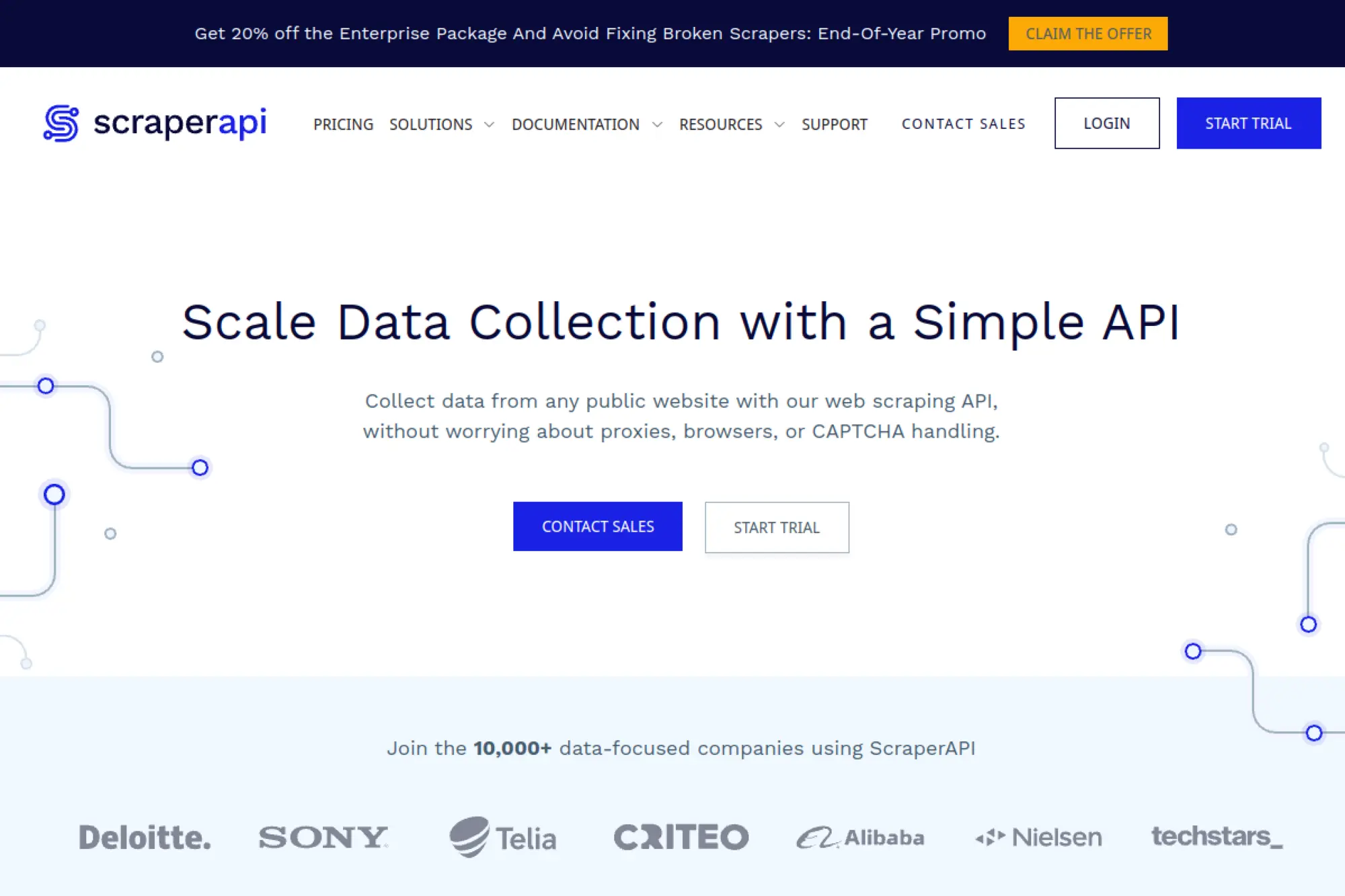
ScraperAPI is a managed scraping API built by a team obsessed with unblocking. You send a URL, and they handle proxies, retries, and common anti-bot friction. That focus shows in day-to-day reliability for “scrape lots of pages” work.
Outcome: ship a scraper that keeps running while you sleep.
Best for: product engineers and lean data teams shipping scrapers fast.
- Proxy rotation and retries → fewer midnight fixes after target sites change.
- Geotargeting and rendering options → saves 3–5 infrastructure decisions per project.
- Simple request model → time-to-first-value is often under 30 minutes.
Pricing & limits: From $49/mo. Trial is 7 days and includes 5,000 API credits. The $49 plan includes 100,000 API credits and 20 concurrent threads.
Honest drawbacks: Credit math can feel fuzzy on heavier pages. US/EU-only regions on entry tiers can block localization-heavy use cases.
Verdict: If you want “give me HTML reliably,” this gets you to a stable baseline in a day. Beats DIY proxy stacks on setup speed; trails custom rigs on fine-grained control.
Score: 4.3/5 and .
2. Scrapingdog
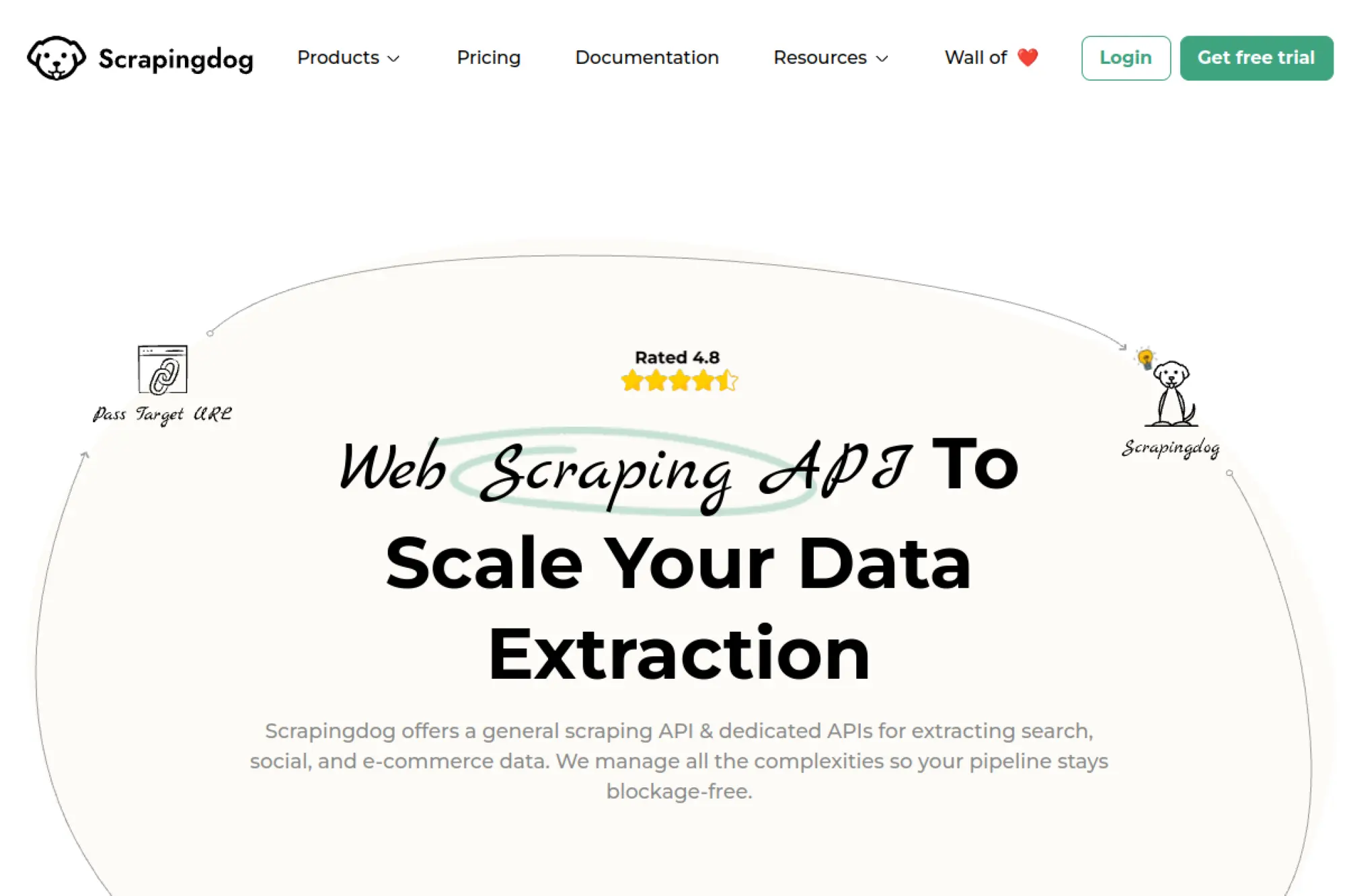
Scrapingdog is a scraping API provider with a pragmatic, volume-first product. The team’s angle is straightforward: credits, concurrency, and a menu of APIs aimed at common targets. It reads like it was built by people who got tired of babysitting scrapers.
Outcome: collect pages at scale with fewer blocked requests.
Best for: solo developers and SMB data teams needing predictable throughput.
- Credit-based scraping API → turns “blocked” into “retried” without custom logic.
- Geotargeting across plans → saves 2–3 steps versus juggling proxy vendors.
- Fast onboarding docs → time-to-first-value is usually 20–40 minutes.
Pricing & limits: From $40/mo. You can start with 1,000 free credits to test reliability. The $40 plan includes 200,000 credits and 5 concurrency.
Honest drawbacks: Lite tier skips email support, which is rough during incidents. Team management only appears on higher tiers.
Verdict: If your goal is to run steady, mid-volume scraping jobs, this keeps your pipeline moving this week. Beats many “cheap proxy” setups on success rate; trails premium enterprise tools on governance.
Score: 4.1/5 and .
3. ScrapingBee
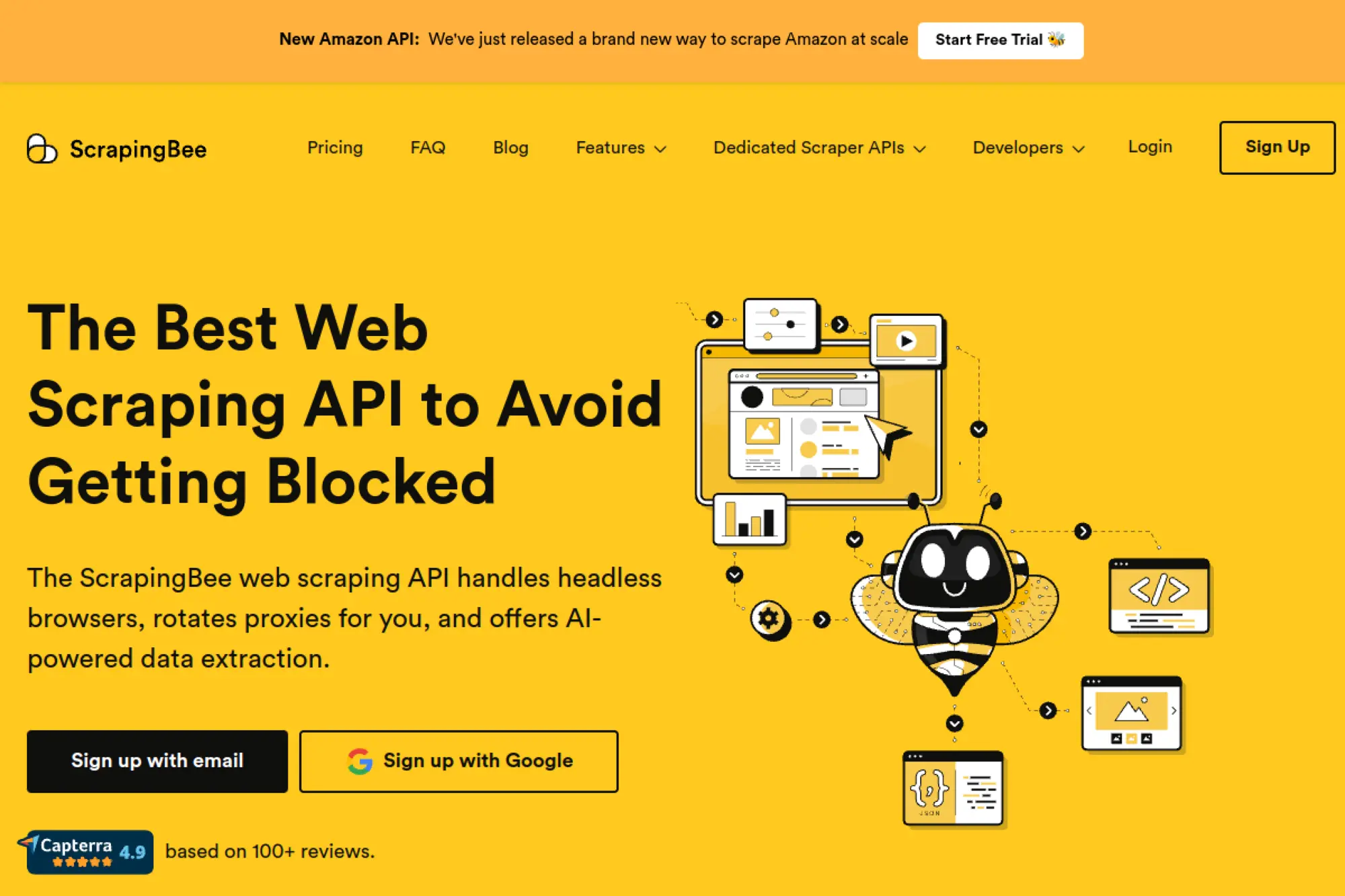
ScrapingBee is a developer-first web scraping API with a clear product surface. The team’s strength is packaging the boring parts: proxies, rendering, and common extraction helpers. It feels built for engineers who want one endpoint, not a platform.
Outcome: turn URLs into usable HTML without building a scraping stack.
Best for: API-first builders and small teams shipping data features.
- Request-based API with rendering options → unlocks JS-heavy pages without browser ops.
- Built-in extras like screenshots and search API → saves 2–4 tools in a pipeline.
- Clean developer experience → time-to-first-value is often under 1 hour.
Pricing & limits: From $49/mo. There’s a free test allowance of 1,000 API calls. The $49 plan includes 250,000 API credits and 10 concurrent requests.
Honest drawbacks: Higher concurrency gets expensive as volume climbs. Some advanced capabilities require careful credit budgeting on complex pages.
Verdict: If you need dependable scraping primitives for production, this helps you ship within days. Beats lighter APIs on polish; trails heavier platforms like Apify on end-to-end orchestration.
Score: 4.2/5 and .
4. ZenRows
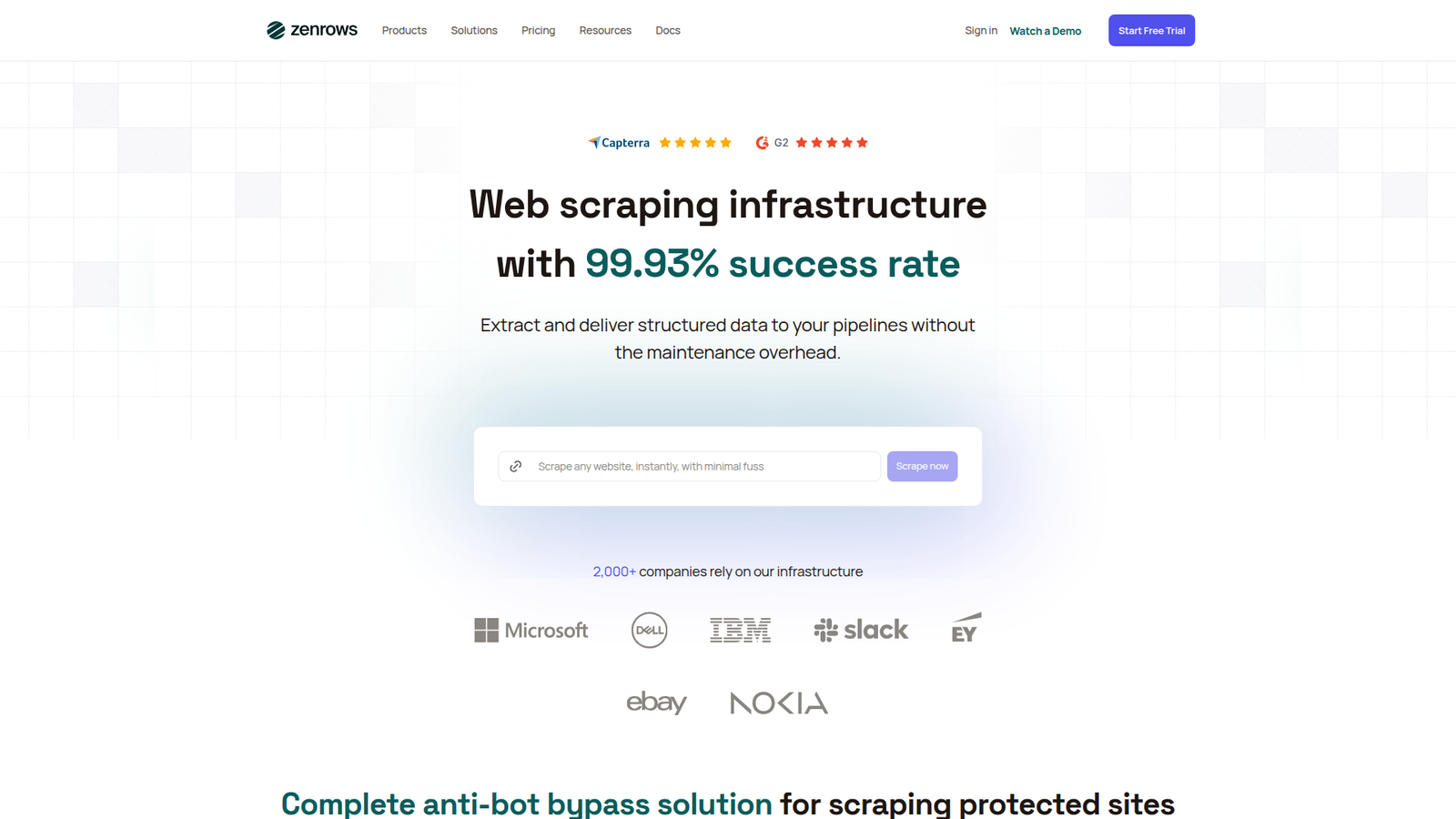
ZenRows is built by a team focused on bypassing modern anti-bot defenses. The product is positioned as “zero upkeep,” and it leans into protected-site success. It’s a good fit when a normal request flow fails.
Outcome: scrape protected pages without hand-tuning fingerprints.
Best for: developers scraping tough sites and teams scaling protected-page volume.
- Universal Scraper API with unblocker features → increases success rates on hard targets.
- Shared balance across products → saves 1 billing decision across API and browser use.
- Guided free trial → time-to-first-value is typically 30–60 minutes.
Pricing & limits: From $69/mo. Free trial is 14 days with no card required. Trial includes 1,000 basic results, 40 protected results, 100MB browser bandwidth, and 5 concurrent requests.
Honest drawbacks: Pricing can feel abstract because “basic” versus “protected” usage differs. Some teams will want clearer forecasting for finance.
Verdict: If you keep hitting walls on protected sites, this gets you unstuck in hours. Beats general scrapers on protected success; trails simpler APIs on transparency for easy pages.
Score: 4.4/5 and .
5. Scrape.do
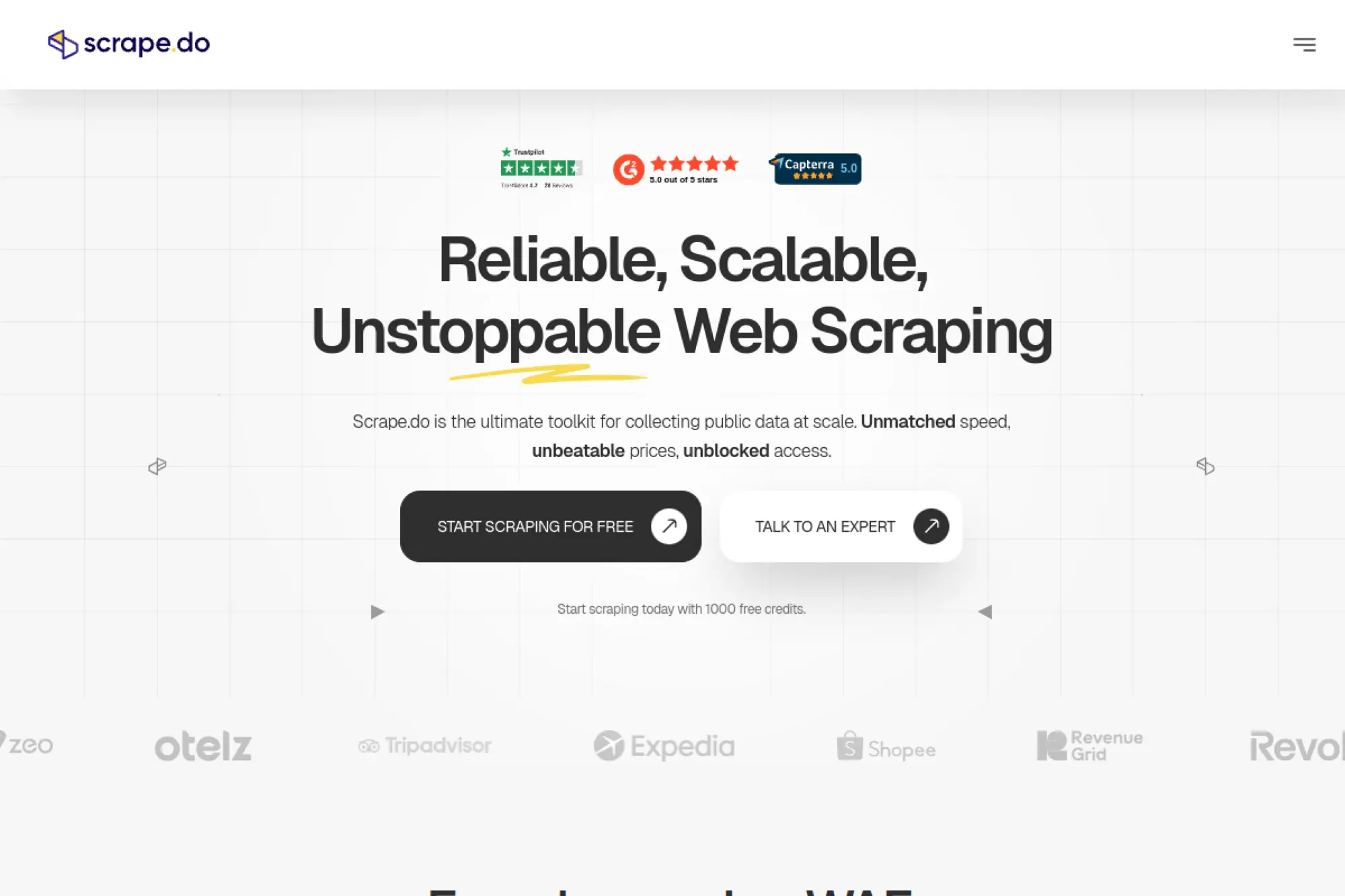
Scrape.do is a scraping API vendor with an aggressive “all features unlocked” posture. The team sells simplicity: start small, then scale without redesigning your stack. It’s especially appealing if you want residential, mobile, and rendering in one place.
Outcome: run scraping jobs with fewer blocks and less plumbing.
Best for: developers building scrapers for multiple targets and growth teams.
- Success-based credits model → reduces wasted spend on failed attempts.
- Geo-targeting plus browser interactions → saves 3–6 custom workarounds per site.
- Free plan for real testing → time-to-first-value can be under 20 minutes.
Pricing & limits: From $29/mo. A Free plan exists at $0/mo for testing. The Free plan includes 1,000 credits and 5 concurrent requests.
Honest drawbacks: “Start free trial” is shown on paid tiers, but details can feel unclear. Some buyers may want more explicit billing behavior for trials.
Verdict: If you want a wide-capability API without add-on surprise fees, this helps you ship a resilient scraper in a weekend. Beats minimalist APIs on breadth; trails ZenRows on protected-site narrative clarity.
Score: 4.2/5 and .
6. Gumloop
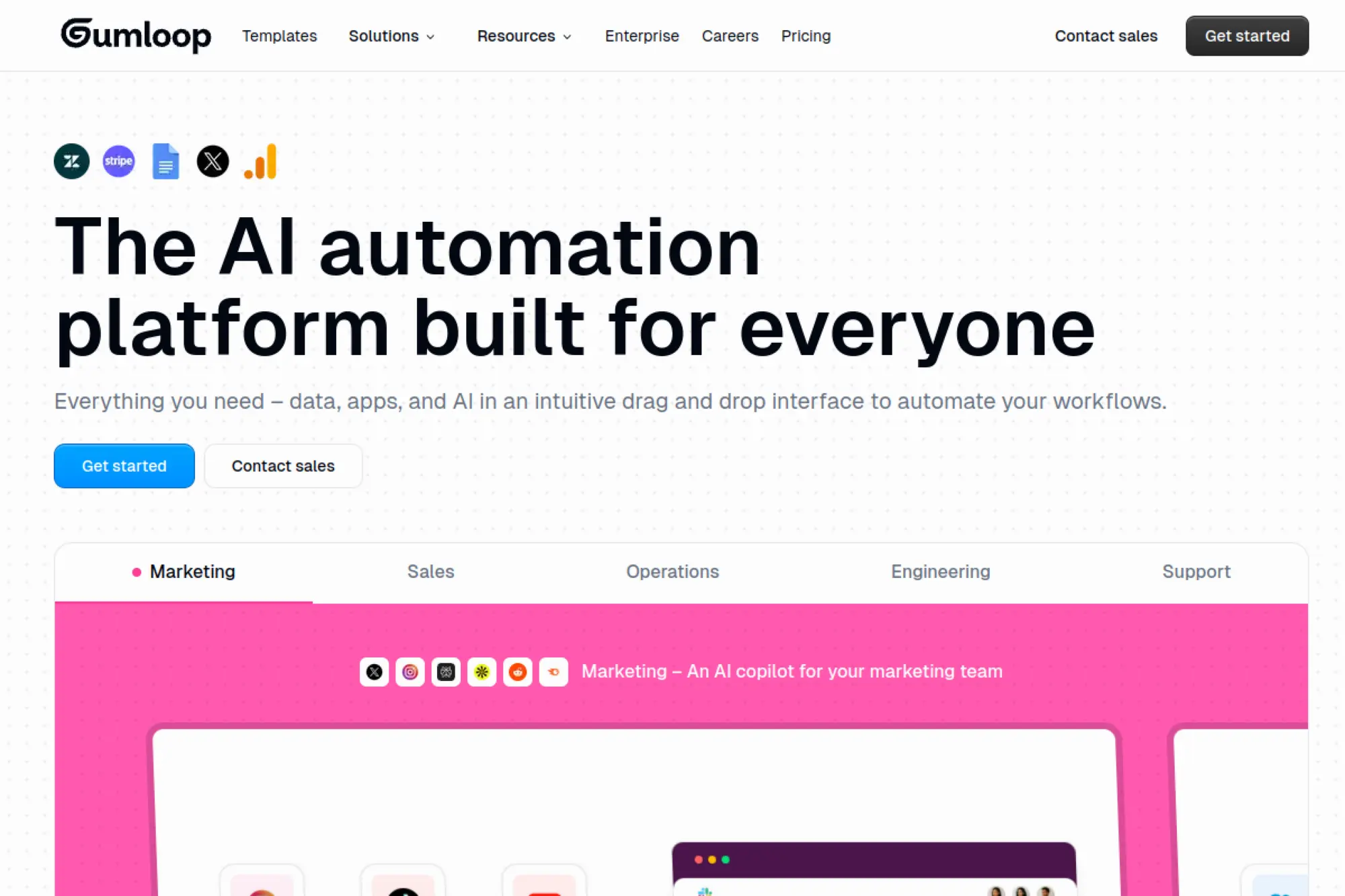
Gumloop is an automation platform built by a team aiming at “workflow before code.” It’s not a pure scraping tool, but it can be used to pull web data as part of broader automations. Think of it as the conductor, not just the crawler.
Outcome: turn scraping into an automated business workflow.
Best for: ops leads and no-code builders automating recurring web tasks.
- Flow-based automation → delivers scheduled outputs without maintaining scripts.
- Webhooks and BYO API keys → saves 2–4 integration steps for data delivery.
- Templates and nodes → time-to-first-value is often 1–2 hours.
Pricing & limits: From $37/mo. Free plan includes 2k credits per month, 1 seat, 1 active trigger, and 2 concurrent runs. Team is $244/mo with 10 seats and includes a 14-day free trial.
Honest drawbacks: Credit systems can be hard to forecast early. Deep scraping logic may still require technical shaping upstream.
Verdict: If you want scraping to feed alerts, sheets, and downstream actions, this helps you automate the loop in days. Beats point tools on orchestration; trails dedicated APIs on raw scraping throughput.
Score: 3.9/5 and .
7. Octoparse
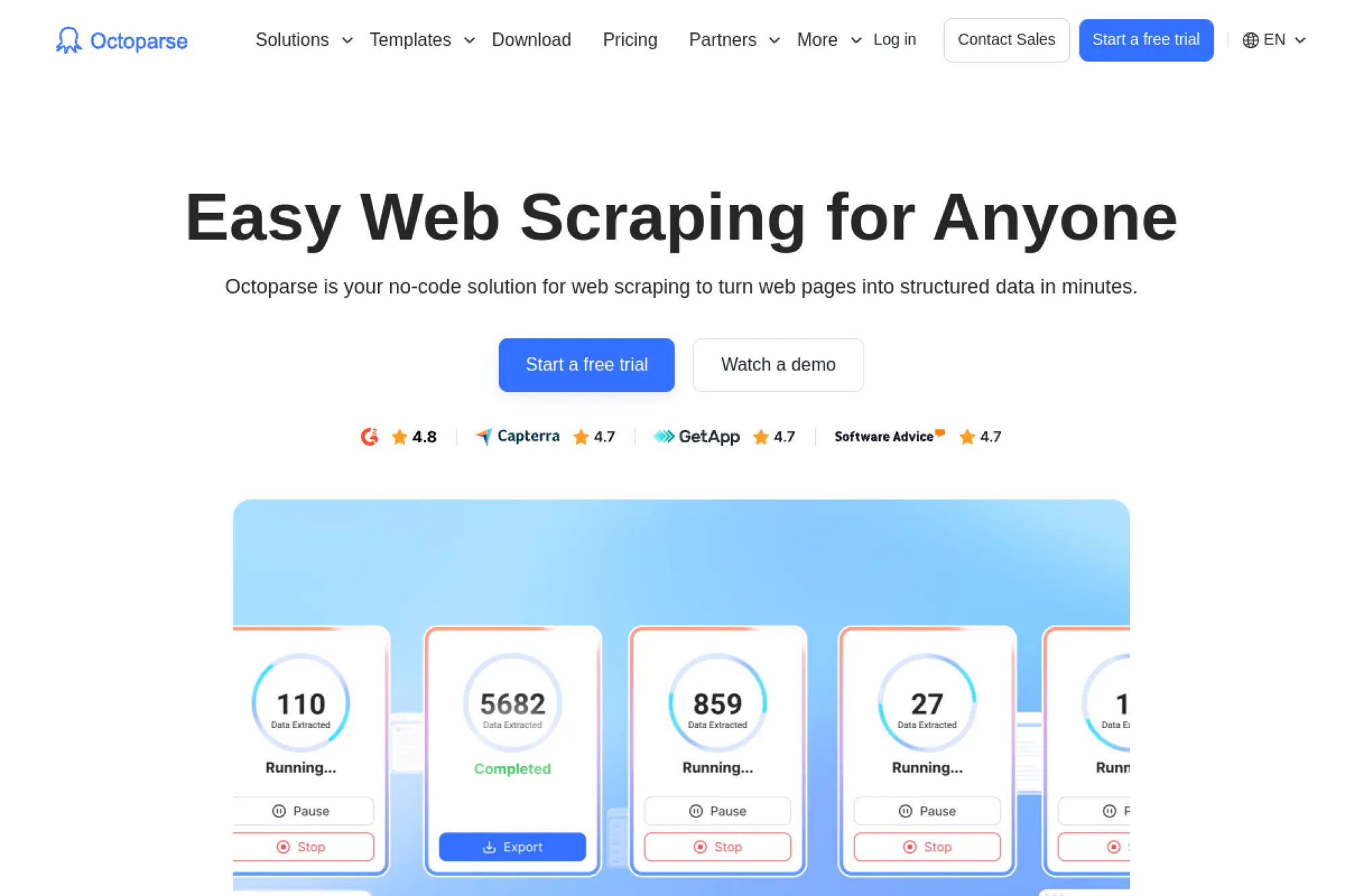
Octoparse is a long-running no-code scraping product built by a team that favors visual workflows. Its core promise is simple: click what you want, then run it locally or in the cloud. It’s one of the more approachable tools for non-developers.
Outcome: go from website to structured export without writing code.
Best for: analysts and ops teams scraping recurring reports.
- Visual task builder → turns page elements into repeatable extraction runs.
- Exports and integrations like Google Sheets and databases → saves 2–3 manual cleanup steps.
- Freemium onboarding → time-to-first-value can be 1–3 hours for simple sites.
Pricing & limits: From $119/mo after trial. Octoparse offers 14-day free standard or professional trials. The free plan includes 10 tasks, 1 device, 1 user, and 2 concurrent local runs.
Honest drawbacks: Advanced sites still require scraping intuition. Trial auto-conversion behavior can surprise teams that forget to cancel.
Verdict: If you need non-engineers shipping usable datasets weekly, this helps you deliver within a few days. Beats ParseHub on GUI familiarity; trails code frameworks on maximum flexibility.
Score: 4.0/5 and .
8. Browse AI
Browse AI is a no-code extraction platform built by a team targeting “live datasets.” It’s strongest when you want monitoring, scheduled runs, and easy handoff to business tools. The product feels designed for repeatability, not one-off scrapes.
Outcome: keep a dataset fresh without babysitting scripts.
Best for: growth teams and analysts monitoring competitors or listings.
- Robots that monitor pages → delivers scheduled updates with less manual checking.
- Integrations like Sheets, Airtable, Zapier, and webhooks → saves 3–6 delivery steps.
- Quick setup UI → time-to-first-value is often under 2 hours.
Pricing & limits: From $19/mo. Free plan includes 2 websites and 3 users. The $19 plan includes 5 websites and 2,000 credits per month.
Honest drawbacks: Credit usage depends on rows and page depth, so forecasting takes practice. Power users may hit limits on long-running tasks, since max execution time is 60 minutes.
Verdict: If your goal is “track changes and export clean rows,” this helps you get there this week. Beats browser extensions on monitoring; trails developer APIs on low-level control.
Score: 3.8/5 and .
9. Thunderbit
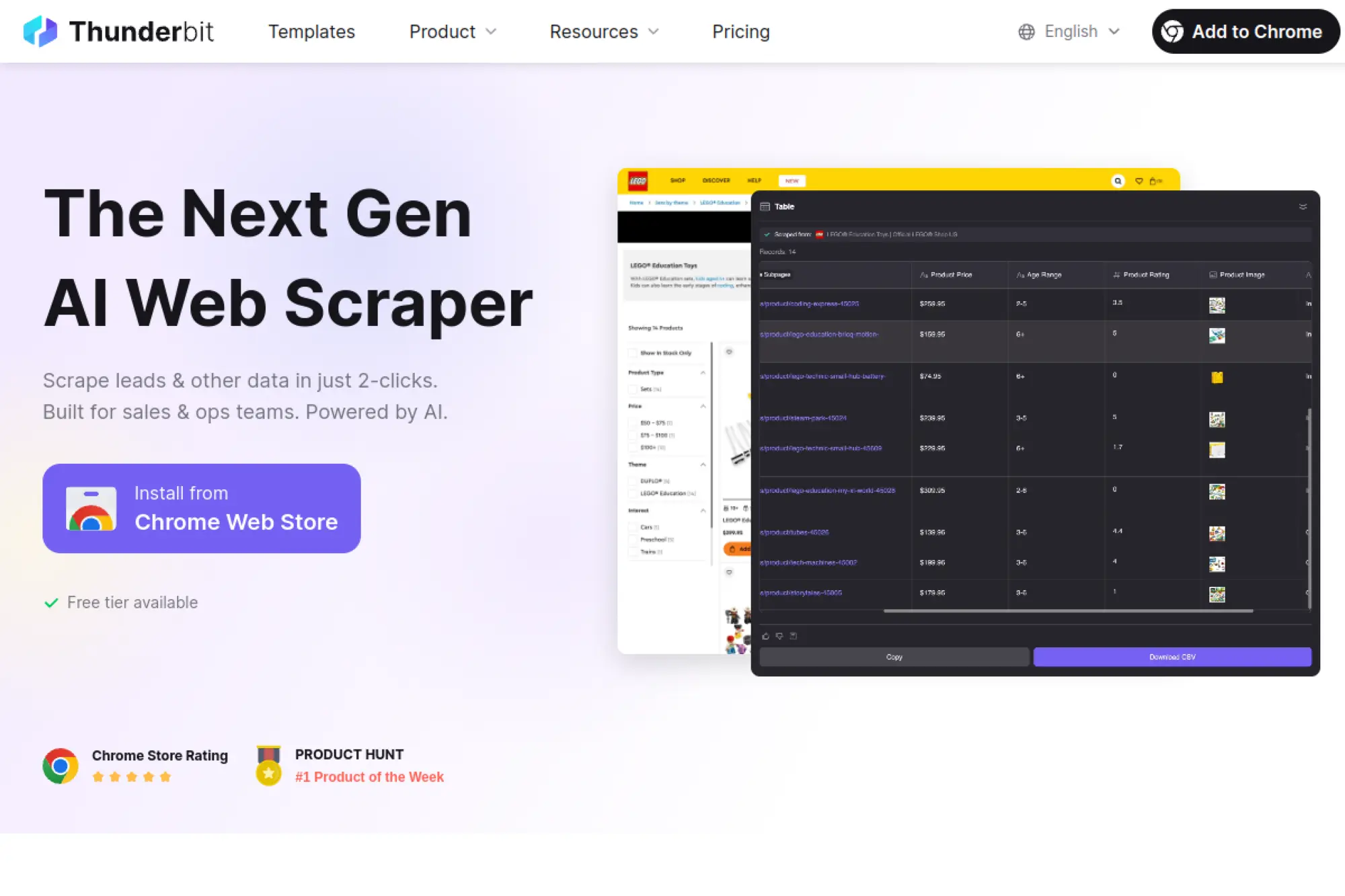
Thunderbit is an AI-first scraping and browser automation product built by a team pushing “two-click” extraction. The experience is geared toward speed, not configuration depth. It’s especially handy for quick tables and lightweight workflows.
Outcome: extract rows fast, then push them where work happens.
Best for: solo operators and sales ops teams doing quick list builds.
- AI-driven extraction → turns messy pages into columns with less setup.
- Exports to tools like Sheets, Airtable, and Notion → saves 2–3 copy-paste loops.
- Low-friction start → time-to-first-value can be 10–20 minutes.
Pricing & limits: From $9/mo (billed yearly). Free plan includes 6 pages per month. Starter includes 5,000 credits per year, and Pro includes 30,000 credits per year.
Honest drawbacks: Yearly billing on entry tiers can be a blocker. Complex pagination and fragile sites may require more hands-on tuning than the “two-click” story suggests.
Verdict: If you need quick extraction for ad-hoc work, this helps you deliver today. Beats heavy no-code tools on speed; trails Octoparse on advanced project management.
Score: 3.7/5 and .
10. Firecrawl
Firecrawl is a web data API built by a team aiming at AI-friendly outputs. It focuses on turning pages into clean, structured content for downstream processing. The product feels modern, with clear credit models and concurrency controls.
Outcome: turn sites into crawlable, AI-ready data streams.
Best for: AI product teams and developers building search, RAG, or agents.
- Scrape and crawl endpoints → reduces custom crawler work for multi-page collection.
- Extra endpoints like map and extract → saves 2–4 pipeline steps for discovery.
- Fast API start → time-to-first-value is often under 45 minutes.
Pricing & limits: From $16/mo (Hobby, billed yearly). Free plan includes 500 credits and 2 concurrent requests. Hobby includes 3,000 credits and 5 concurrent requests.
Honest drawbacks: Yearly billing on lower tiers may not fit pilots. Some teams will want more transparent costs for complex extraction work.
Verdict: If you need crawling plus cleaner outputs for AI workflows, this helps you ship in days. Beats generic scrapers on AI-oriented endpoints; trails browser automation stacks on interactive workflows.
Score: 4.1/5 and .
11. ScrapeSimple
ScrapeSimple is a done-for-you scraping service run by a team that builds and maintains scrapers for clients. You write a spec, they build the crawler, and you get CSV deliveries on schedule. It’s a service, not a toolkit, and that is the point.
Outcome: get the data in your inbox, without owning the scraper.
Best for: busy founders and ops teams outsourcing scraping completely.
- Human-built scrapers → reduces engineering time spent on brittle selectors.
- Scheduled CSV delivery → saves 3–5 recurring manual export steps.
- Managed maintenance → time-to-first-value is typically 1–2 weeks.
Pricing & limits: From $250/mo. Trial length is not listed. Ongoing jobs require at least a $250 monthly budget.
Honest drawbacks: You give up self-serve iteration speed. If your scope changes weekly, service cycles can feel slow.
Verdict: If you want reliable recurring datasets with minimal internal effort, this helps you start receiving data in weeks. Beats DIY on time savings; trails self-serve tools on rapid experimentation.
Score: 3.6/5 and .
12. ParseHub
ParseHub is a visual scraper built by a team that leans into “complex sites without code.” It sits between no-code and low-code. You click elements, build flows, and run projects with worker-based speed controls.
Outcome: automate complicated page flows without writing a scraper framework.
Best for: analysts and researchers scraping multi-step sites.
- Visual project builder → captures clicks, pagination, and flows into repeatable runs.
- Worker-based parallelism on paid tiers → saves time versus single-thread scraping.
- Guided templates and tutorials → time-to-first-value is often one afternoon.
Pricing & limits: From $189/mo. There is a free plan, not a timed free trial. Free plan supports up to 5 projects and a maximum of 200 pages per run.
Honest drawbacks: Local app workflows can complicate collaboration. API limits exist, including rate limits per IP, which can shape integrations.
Verdict: If you need to model “click, load, extract” flows, this helps you build scrapers in days. Beats raw libraries on accessibility; trails cloud platforms on team operations.
Score: 3.9/5 and .
13. Scrapy
Scrapy is an open-source scraping framework maintained by a long-lived community. It’s built for developers who want control over crawling, parsing, pipelines, and throttling. The “team” here is the ecosystem, and that matters.
Outcome: build industrial-strength crawlers you fully control.
Best for: data engineers and backend developers running custom crawlers.
- Spider and pipeline architecture → supports clean ETL-style data delivery.
- Middleware ecosystem → saves weeks when adding retries, throttling, and caching.
- Mature patterns and docs → time-to-first-value is 2–6 hours for developers.
Pricing & limits: From $0/mo. Trial length is not applicable. Limits depend on your compute, proxies, and target site constraints.
Honest drawbacks: You own blocking mitigation unless you add services. Setup can feel heavy for one-off tasks.
Verdict: If you want a crawler you can tune and scale, this helps you ship a robust pipeline within a sprint. Beats GUI tools on control; trails managed APIs on quick wins.
Score: 4.3/5 and .
14. Oxylabs Web Scraper API
Oxylabs’ Web Scraper API is built by a team selling enterprise scraping infrastructure. The product is designed for scale, with success-based pricing and target-specific “results” accounting. It’s a good fit when scraping is core revenue, not a side task.
Outcome: scale scraping with predictable enterprise-grade controls.
Best for: data platform teams and enterprises with compliance requirements.
- Success-based results billing → reduces wasted spend on failed requests.
- Rate limits by plan and rich targeting → saves 3–5 infrastructure decisions per rollout.
- Free trial with real limits → time-to-first-value can be under 1 hour.
Pricing & limits: From $49/mo (Micro). Free trial requires no card and includes up to 2,000 results. Micro can reach up to 98,000 results on some targets and supports up to 50 jobs per second.
Honest drawbacks: “Results” vary by target and rendering, so forecasting needs care. It can be more than you need for small, simple sites.
Verdict: If you need a serious scraping backbone, this helps you stabilize throughput in days. Beats smaller APIs on enterprise depth; trails DIY on absolute cost at tiny volumes.
Score: 4.4/5 and .
15. Diffbot
Diffbot is an extraction-first company built around structured data and knowledge graph ideas. The team’s promise is that you should not have to write brittle selectors for common content types. It’s less “scrape HTML” and more “extract entities.”
Outcome: get structured entities without hand-built parsers.
Best for: ML teams and analysts needing normalized content at scale.
- Extraction APIs → reduces custom parsing and post-processing work.
- Knowledge graph access and crawl capabilities → saves weeks building enrichment layers.
- Fast start with a free tier → time-to-first-value is often under 60 minutes.
Pricing & limits: From $0/mo. Free plan includes 10,000 credits and 5 calls per minute. Startup starts at $299/mo with 250,000 credits and 5 calls per second.
Honest drawbacks: It can feel opinionated if you need raw HTML control. Advanced crawling and higher throughput push you into higher tiers.
Verdict: If you want structured outputs for downstream analytics, this helps you produce usable data in days. Beats selector-based scraping on normalization; trails Scrapy on fully custom extraction logic.
Score: 4.2/5 and .
16. Cheerio
Cheerio is an open-source HTML parsing library for Node.js, backed by a community of maintainers. It’s not a scraper by itself. Instead, it’s the sharp knife you use after you fetch the page.
Outcome: parse and extract data from HTML with speed and clarity.
Best for: Node developers building custom scrapers and ETL jobs.
- jQuery-like selectors → speeds up extraction logic for common DOM patterns.
- Pairs with any HTTP client or scraper API → saves tool lock-in and rewrites.
- Lightweight runtime → time-to-first-value is 30–90 minutes for developers.
Pricing & limits: From $0/mo. Trial length is not applicable. Limits come from your input HTML size and your crawler throughput.
Honest drawbacks: It does not execute JavaScript. You still need fetching, retries, proxies, and scheduling elsewhere.
Verdict: If you already have HTML and need fast extraction, this helps you ship clean parsers today. Beats heavier browser tools on speed; trails Playwright when the DOM needs rendering.
Score: 4.1/5 and .
17. BeautifulSoup
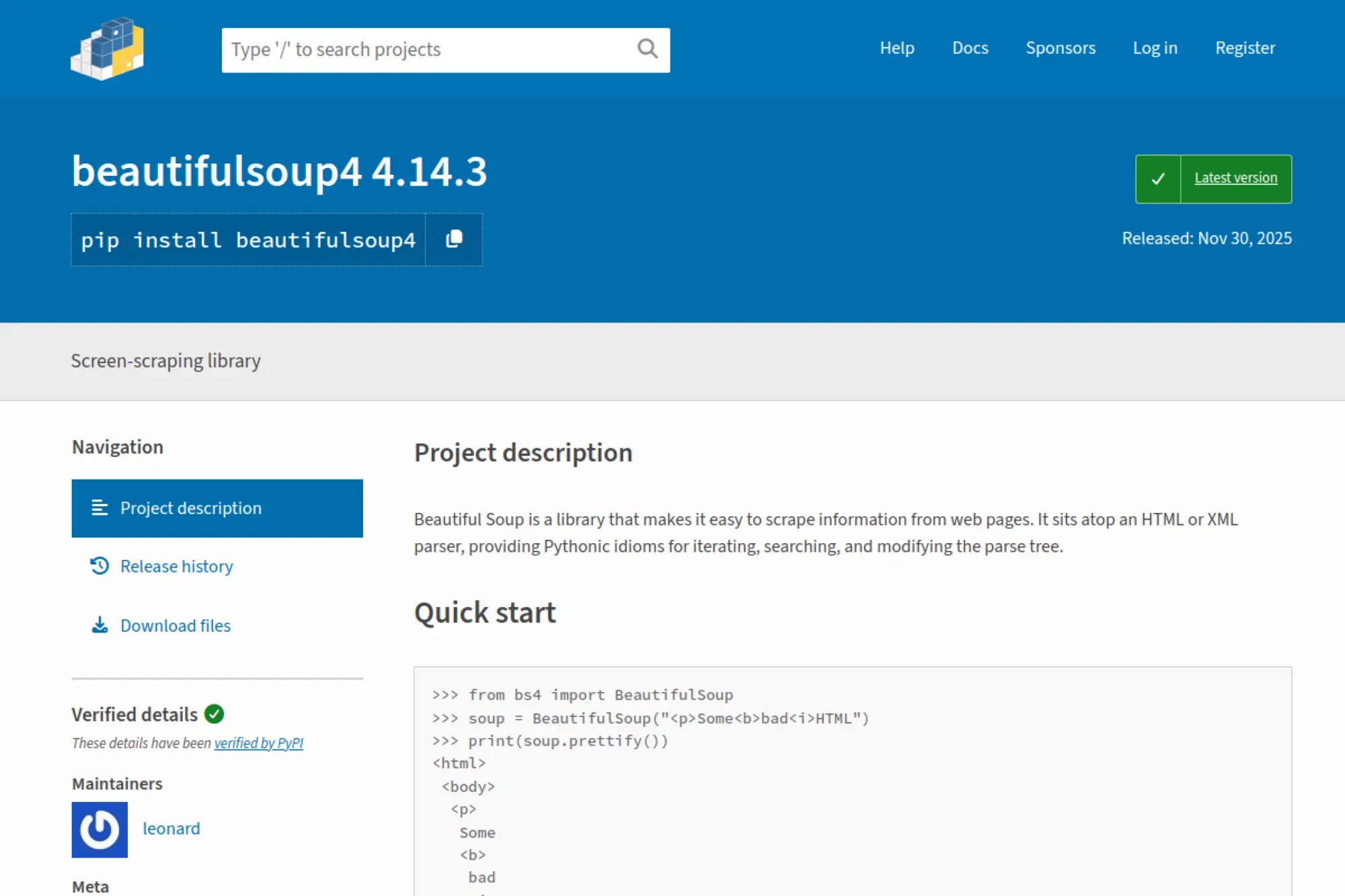
BeautifulSoup is a classic Python parsing library maintained by an open-source community. It’s the friendly layer between messy markup and clean text. Many teams use it as the “last mile” of extraction.
Outcome: transform ugly HTML into structured fields with less pain.
Best for: Python developers and data analysts writing custom parsers.
- Forgiving parser behavior → handles imperfect HTML without constant breakage.
- Works with requests, Scrapy, or APIs → saves a full rewrite when your crawler changes.
- Easy mental model → time-to-first-value is often under an hour.
Pricing & limits: From $0/mo. Trial length is not applicable. Usage is limited by your compute and the size of documents parsed.
Honest drawbacks: It does not solve blocking or rendering. Performance can lag faster parsers for huge volumes.
Verdict: If your goal is clean extraction from already-fetched pages, this helps you deliver reliable fields this afternoon. Beats ad-hoc regex on maintainability; trails Scrapy pipelines on end-to-end scale.
Score: 4.0/5 and .
18. Puppeteer
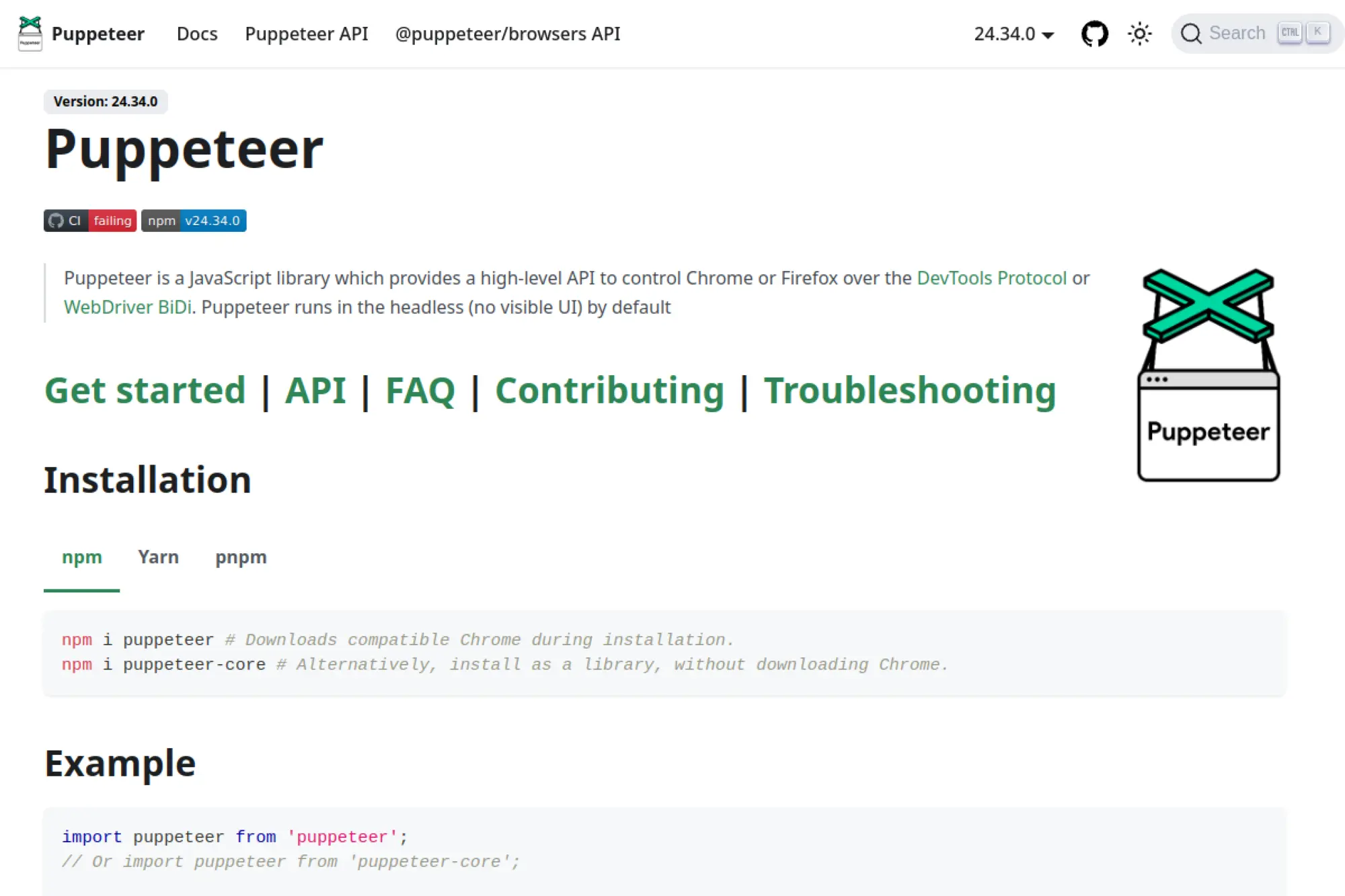
Puppeteer is a browser automation library maintained in the JavaScript ecosystem. It gives developers programmatic control of a real headless browser. That makes it powerful for JS-heavy sites and interactive flows.
Outcome: scrape dynamic sites by driving a real browser reliably.
Best for: Node engineers scraping SPAs and automation-heavy flows.
- Real browser control → handles rendering, clicks, and scroll-based loading.
- Automation primitives like screenshots and network hooks → saves 2–3 debugging steps per run.
- Strong examples and patterns → time-to-first-value is 2–6 hours.
Pricing & limits: From $0/mo. Trial length is not applicable. Limits depend on machine resources and target-site defenses.
Honest drawbacks: You must manage proxies, fingerprints, and scaling. Browser fleets get expensive fast without careful orchestration.
Verdict: If you need to extract from complex, JS-rendered pages, this helps you build a working scraper within a sprint. Beats Cheerio on dynamic pages; trails managed browsers on operations overhead.
Score: 4.2/5 and .
19. Mozenda
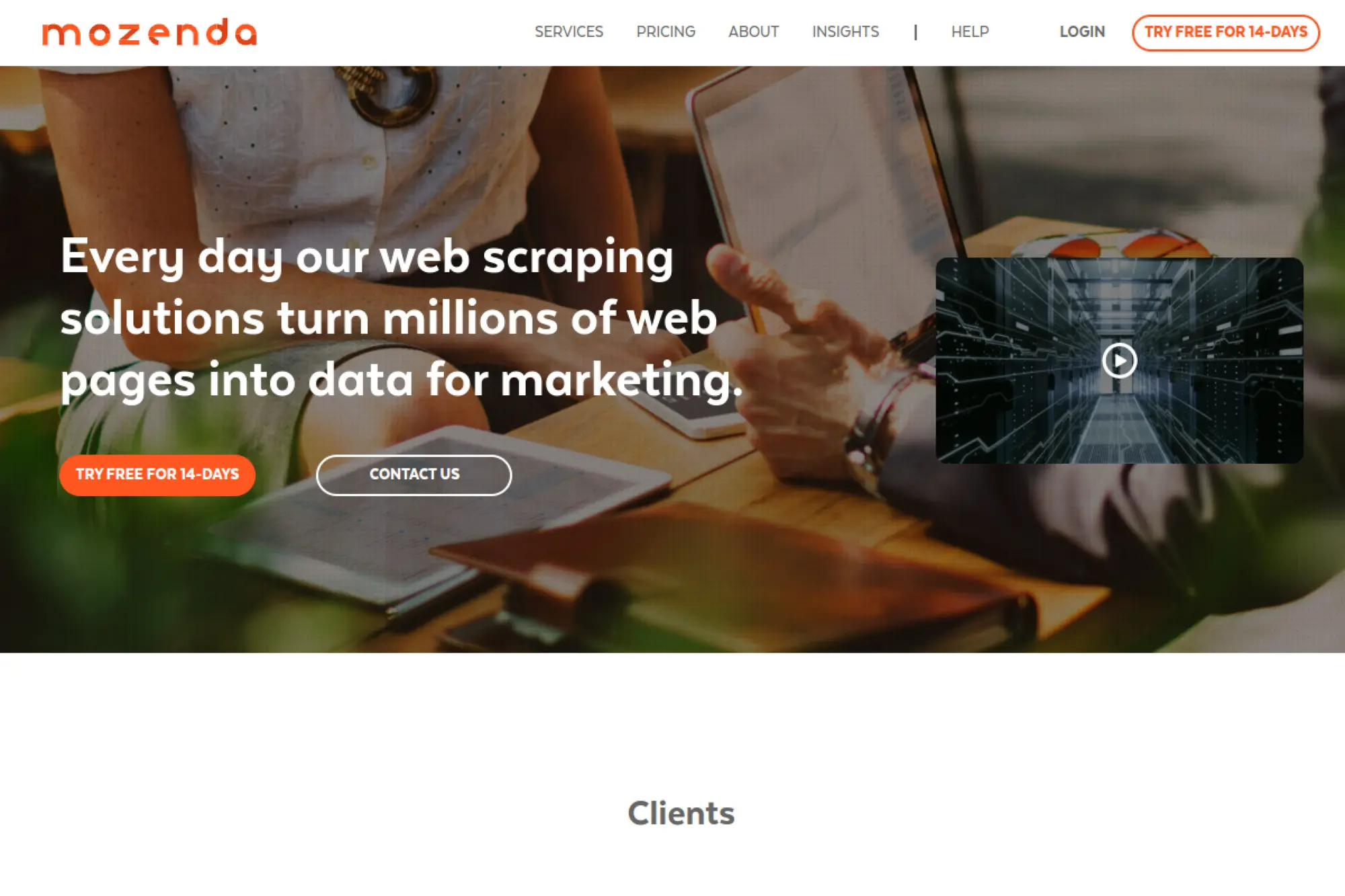
Mozenda is a long-running scraping platform with a hosted model. The team’s pitch is enterprise-style control: agents, processing credits, and managed storage. It’s aimed at organizations that want a vendor-backed system, not a GitHub stack.
Outcome: manage scraping agents with clearer operational structure.
Best for: enterprise analysts and teams needing centralized scraper management.
- Agent-based workflows → keeps multiple scrapers organized across targets.
- Hosted execution model → saves 2–4 setup steps for infrastructure and scheduling.
- Structured plan packaging → time-to-first-value is usually 1–3 days.
Pricing & limits: From $500/mo (Pilot). Trial length is not listed. Pilot includes 1 user, 5,000 processing credits per month, 10 agents, 10GB storage, and 1 concurrent job.
Honest drawbacks: Entry price is high for small teams. Additional charges can apply for downloads, storage overages, and premium harvesting.
Verdict: If you need a packaged, managed environment for multiple scrapers, this helps you centralize operations within weeks. Beats DIY on vendor accountability; trails modern APIs on pricing accessibility.
Score: 3.5/5 and .
20. ScrapeHero
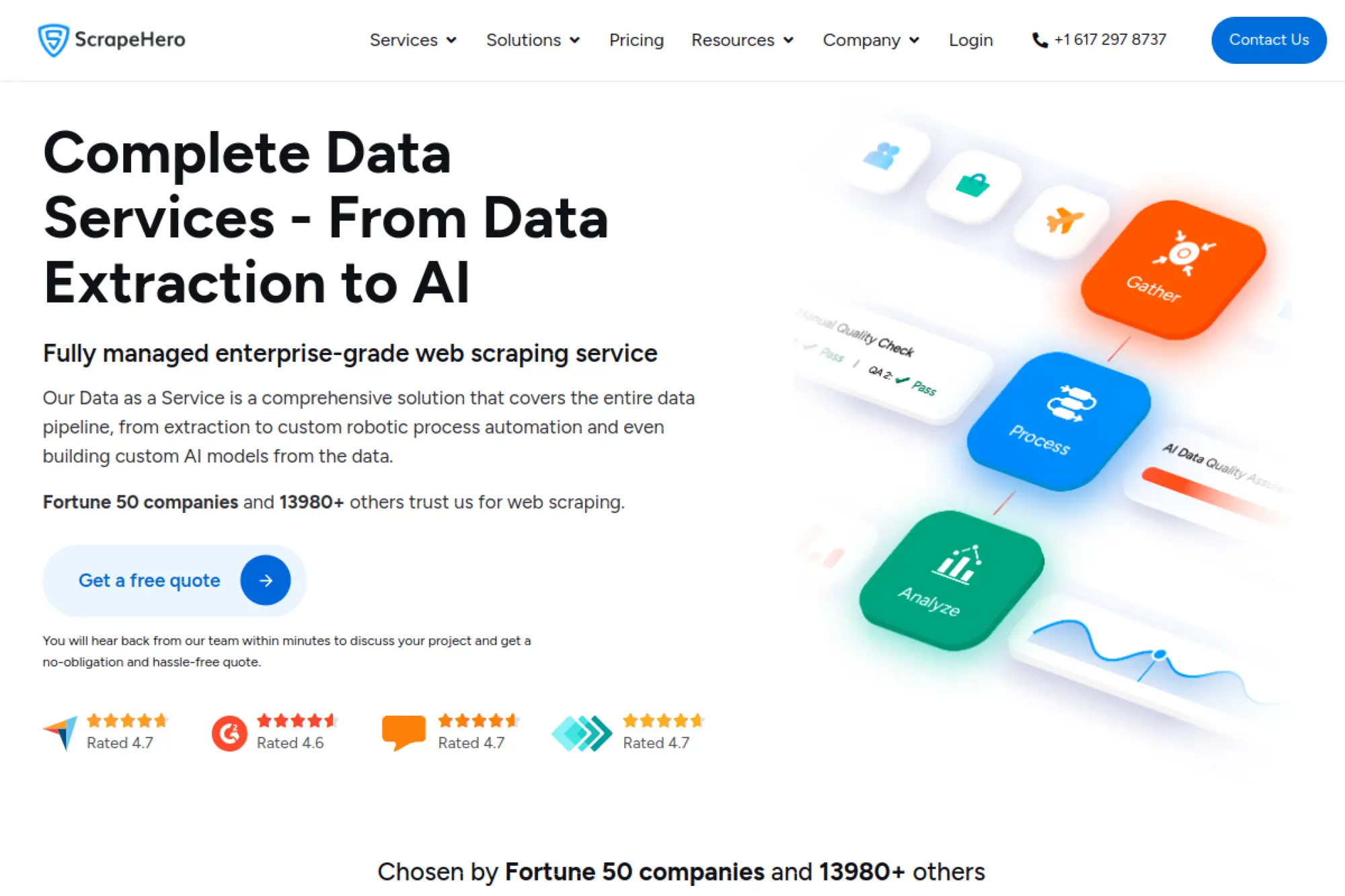
ScrapeHero spans two worlds: a self-serve cloud tool and a full-service scraping team. That duality is the product strategy. You can start cheap, then graduate to “we handle everything” when stakes rise.
Outcome: get data delivered, either self-serve or fully managed.
Best for: ops teams starting small and enterprises outsourcing complex scraping.
- Cloud apps with credits → delivers usable exports without building crawlers.
- Integrations like Dropbox, S3, and Drive on higher plans → saves 3 delivery steps.
- Free plan onboarding → time-to-first-value is often under 1 hour.
Pricing & limits: From $0/mo on ScrapeHero Cloud. Free Cloud plan includes 400 credits, 1 concurrent job, and 7 days retention. Full-service subscriptions start at $199/mo per website for 1–5K pages per site.
Honest drawbacks: The product line can feel fragmented between cloud and services. Full-service work can include a setup fee and longer iteration cycles.
Verdict: If you want a low-risk start with a path to outsourcing, this helps you move from idea to data within days. Beats agencies on entry cost; trails pure platforms on a single unified workflow.
Score: 3.8/5 and .
21. Web Scraper
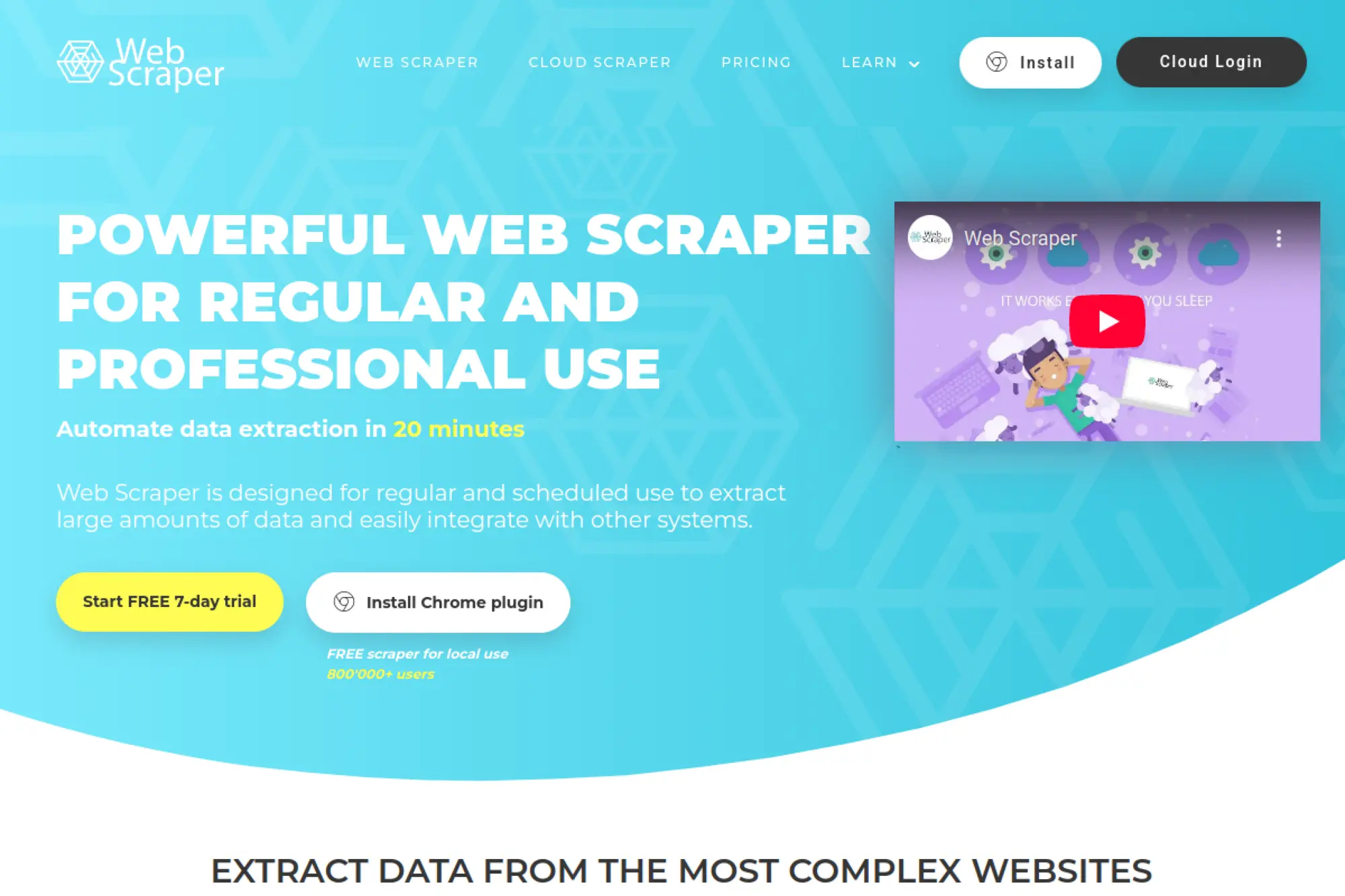
Web Scraper is known for its browser extension and optional cloud execution. The team’s approach is refreshingly concrete: URL credits, parallel tasks, and simple trials. It’s a good fit when you want control without heavy engineering.
Outcome: build scrapers visually, then run them in the cloud.
Best for: analysts and small teams scraping repeatable directory-style sites.
- Point-and-click sitemap builder → turns browsing into structured extraction logic.
- Cloud automation with URL credits → saves 2–3 steps versus running local machines.
- 7-day trial on paid plans → time-to-first-value can be the same day.
Pricing & limits: From $50/mo for Cloud Project. Trial is free for 7 days with no credit card required. Project includes 5,000 URL credits and 2 parallel tasks.
Honest drawbacks: Complex, protected sites can still be difficult. Proxy add-ons and rendering choices add cost planning work.
Verdict: If you need affordable cloud scraping for repeatable sites, this helps you deliver weekly exports in days. Beats heavier suites on simplicity; trails enterprise APIs on anti-bot depth.
Score: 3.9/5 and .
22. Selenium
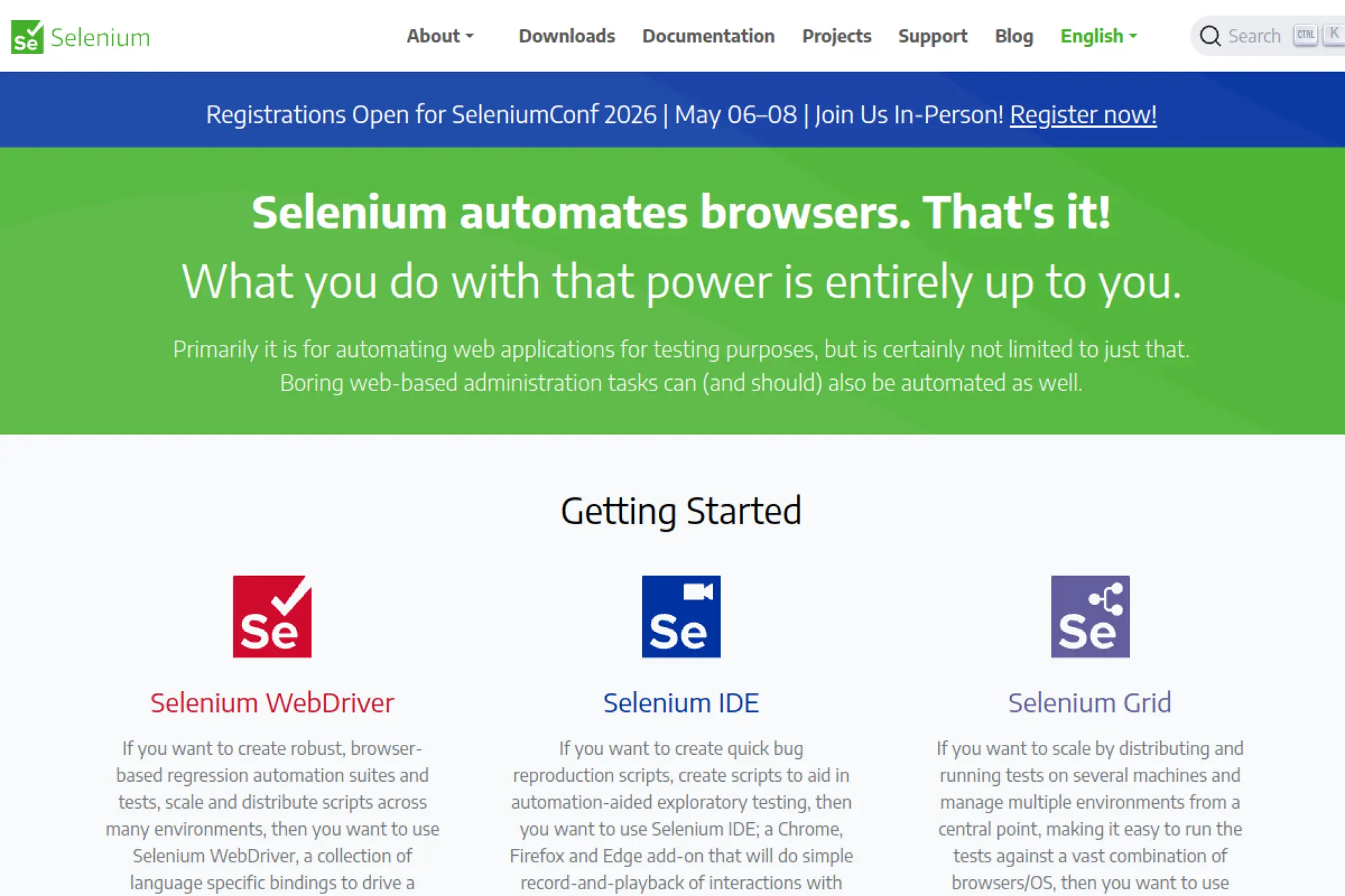
Selenium is a foundational open-source browser automation project with a huge community. It’s built for testing, but scraping teams use it when they need real browser behavior. Its strength is portability across languages and browsers.
Outcome: automate real browsers to extract data from interactive sites.
Best for: QA-minded developers and teams needing cross-browser automation.
- Cross-language drivers → keeps automation consistent across Java, Python, and more.
- Works with grid setups and cloud providers → saves rebuilding when scaling execution.
- Mature ecosystem → time-to-first-value is 2–8 hours for developers.
Pricing & limits: From $0/mo. Trial length is not applicable. Limits depend on how you host browsers and manage concurrency.
Honest drawbacks: Scraping reliability requires extra work on stealth and blocking. Debugging flaky browser runs can consume real time.
Verdict: If you must drive browsers across environments, this helps you build a reliable automation base within a sprint. Beats niche tools on ecosystem; trails Playwright on modern ergonomics.
Score: 3.9/5 and .
23. Apify
Apify is a full platform built by a team that understands scraping as operations. You get hosted runs, scheduling, storage, and a marketplace of prebuilt actors. It’s a “build or buy” system with strong leverage for teams.
Outcome: run scrapers as managed jobs, not fragile scripts.
Best for: data teams scaling pipelines and startups needing fast time-to-data.
- Actors and scheduled runs → turns scraping into repeatable cloud jobs.
- Store credits and pay-as-you-go compute → saves 3–5 vendor and hosting decisions.
- Free plan with monthly credit → time-to-first-value is often under 1 hour.
Pricing & limits: From $39/mo. Free plan includes $5 to spend monthly and no card required. Starter includes $39 to spend, plus pay-as-you-go compute at $0.3 per compute unit.
Honest drawbacks: Costs can climb fast for inefficient actors. Teams may need governance to avoid “marketplace sprawl.”
Verdict: If you want scraping to behave like a production platform, this helps you ship stable jobs within days. Beats most tools on end-to-end ops; trails raw code on absolute flexibility.
Score: 4.5/5 and .
24. Browserless
Browserless is a hosted browser infrastructure provider built for teams running automation at scale. The product abstracts away browser fleets into a unit-based model. It’s a strong fit when your code is fine, but your browser ops are not.
Outcome: run headless browsers reliably without managing servers.
Best for: developers scaling Playwright or Puppeteer workloads.
- Hosted browsers with concurrency controls → reduces ops burden for browser fleets.
- Proxy options and captcha solving → saves 2–4 integration steps in hard workflows.
- Free plan onboarding → time-to-first-value is often 30–60 minutes.
Pricing & limits: From $35/mo (Prototyping, monthly). Free plan includes 1k units per month, 1 max concurrent browser, and 1 minute max session time. Prototyping includes 20k units and 3 max concurrent browsers.
Honest drawbacks: Unit pricing requires monitoring to avoid surprises. Some teams will prefer owning infra for data residency reasons.
Verdict: If you already have automation scripts and need dependable execution, this helps you stabilize runs this week. Beats self-hosting on convenience; trails DIY on cost at very high volumes.
Score: 4.2/5 and .
25. Playwright
Playwright is a modern open-source browser automation framework backed by a strong engineering community. It’s built for reliability, multi-browser support, and developer ergonomics. For scraping, it shines when you need stable automation and fewer flaky runs.
Outcome: automate modern sites with fewer flaky browser failures.
Best for: engineers scraping JS apps and teams building browser-based collectors.
- Multi-browser automation → reduces “works on my machine” behavior across environments.
- Powerful selectors and waiting model → saves 2–3 debugging loops per target.
- Great developer tooling → time-to-first-value is usually 2–4 hours.
Pricing & limits: From $0/mo. Trial length is not applicable. Scaling depends on your hosting, concurrency strategy, and proxy approach.
Honest drawbacks: Blocking mitigation is still your job. Large-scale fleets need orchestration and cost controls.
Verdict: If you need robust browser automation for scraping, this helps you build stable collectors within a sprint. Beats Selenium on modern DX; trails managed services on ops simplicity.
Score: 4.4/5 and .
26. Hyperbrowser
Hyperbrowser is a credit-metered platform focused on browser sessions, scraping, and agent-style automation. The team’s pricing model is transparent in unit economics. You can subscribe or directly purchase credits, then spend them across features.
Outcome: pay per page, hour, or step without building a browser backend.
Best for: developers experimenting with agents and teams needing flexible browser usage.
- Page-based scrape pricing → makes per-page cost explicit for planning.
- Proxy and AI extract options → saves 2–4 separate services in early prototypes.
- Credit-first setup → time-to-first-value can be under 60 minutes.
Pricing & limits: From $0/mo if you buy credits as needed. Credits are priced at $1 per 1,000 credits. Directly purchased credits expire after 12 months.
Honest drawbacks: Subscription tiers and included limits can feel unclear from docs alone. Cost control needs instrumentation if you use token-based extraction heavily.
Verdict: If you want flexible usage pricing for scraping and agents, this helps you prototype quickly this week. Beats self-hosting on startup time; trails mature platforms on documented plan clarity.
Score: 3.7/5 and .
27. HasData
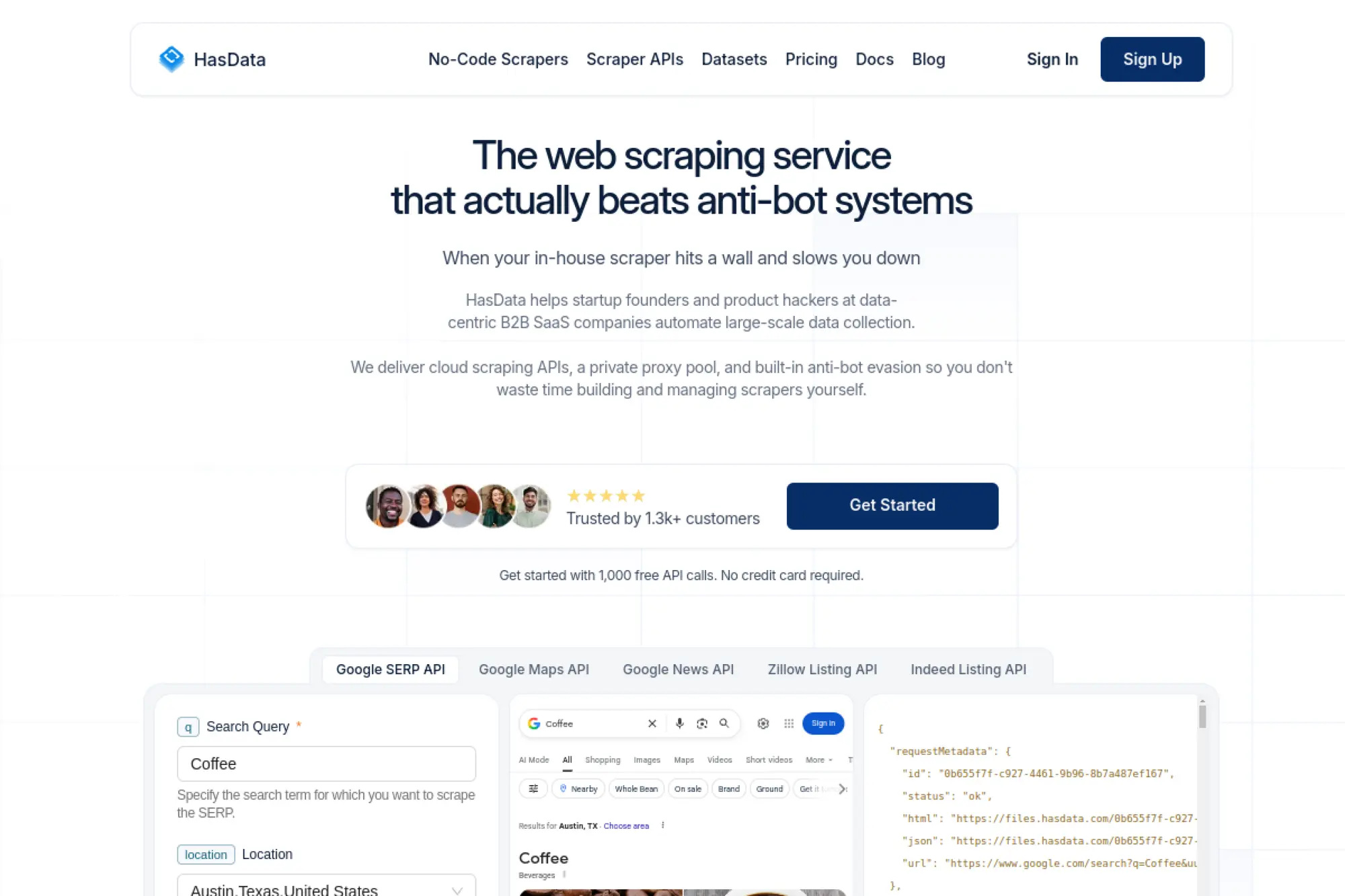
HasData is a scraping provider offering both API and no-code scrapers. The team’s positioning is “clean, usable data” with a simple plan ladder. It’s attractive for teams that want options without switching vendors.
Outcome: choose API or no-code, then scale on one subscription.
Best for: SMB teams and solo builders needing flexibility.
- No-code scrapers plus scraper APIs → covers both quick wins and deeper builds.
- Anti-bot and retries baked in → saves 3–5 engineering steps per target.
- Generous trial → time-to-first-value can be under 1 hour.
Pricing & limits: From $49/mo. Free plan includes up to 1,000 rows and 1,000 requests, with 1 concurrent request. A 30-day free trial is offered with no credit card required.
Honest drawbacks: Feature depth may lag premium enterprise vendors on the hardest targets. Teams with strict governance may want more advanced admin tooling.
Verdict: If you want a straightforward ramp from small to serious scraping, this helps you launch in days. Beats niche tools on flexibility; trails Oxylabs on enterprise compliance posture.
Score: 4.0/5 and .
28. Axiom.ai
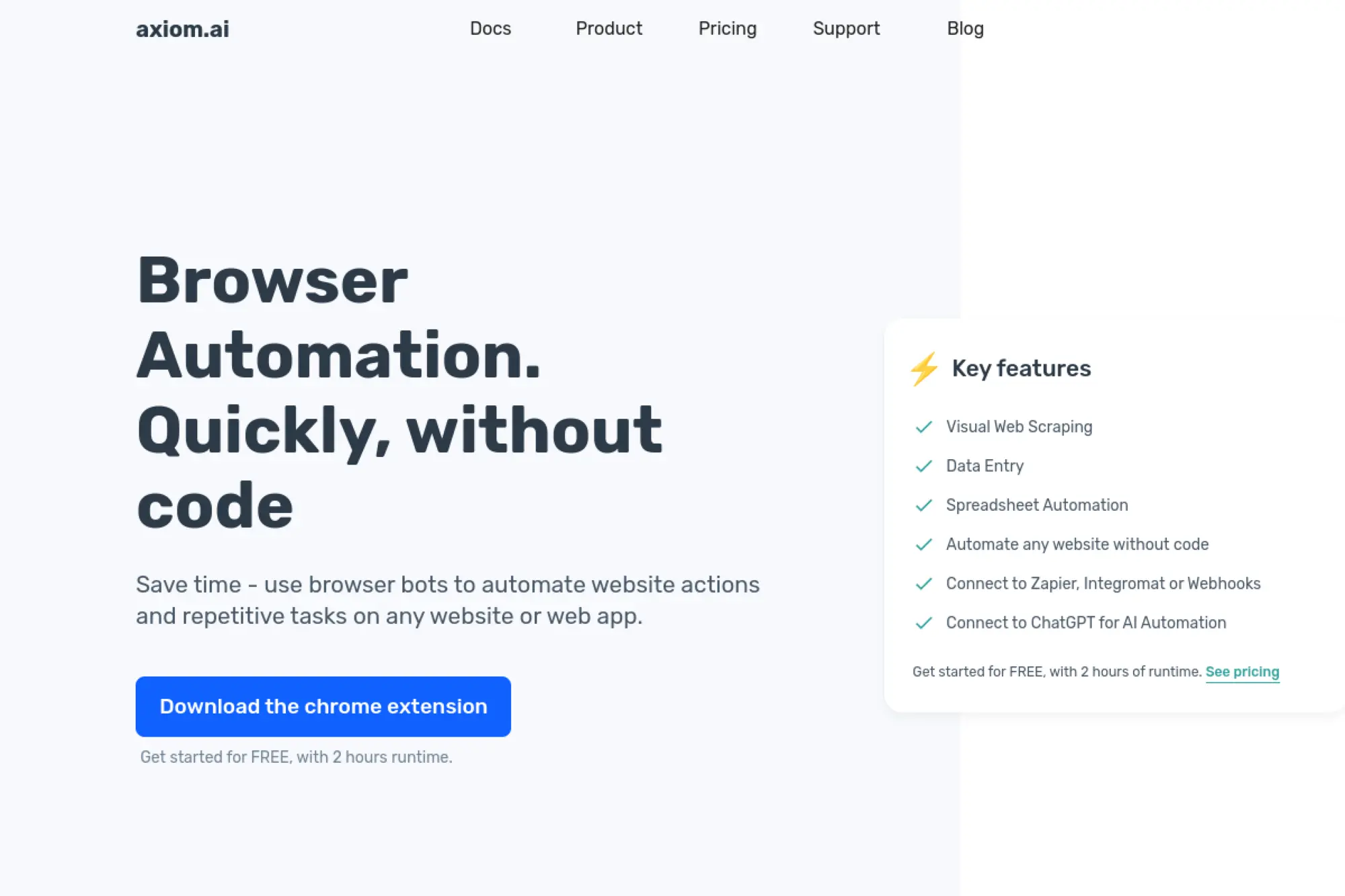
Axiom.ai is a no-code browser automation tool built as a practical “bot runner” for business work. The team’s product is aimed at turning repeated clicking into repeatable runs. It’s less about crawling the web, and more about automating it.
Outcome: automate browser workflows and extract data without engineering.
Best for: ops teams and founders automating internal web workflows.
- Step-based browser bots → removes repetitive manual work across logins and forms.
- Zapier, Make, webhooks, and API on Pro tiers → saves 2–5 handoffs per workflow.
- Free runtime to test → time-to-first-value can be under 60 minutes.
Pricing & limits: From $15/mo. Free runtime is 2 hours total, with a 30-minute maximum per single run. Starter includes 5 hours monthly runtime and a 1-hour cloud single-run limit.
Honest drawbacks: Runtime pricing is not ideal for heavy crawling. Complex scraping still needs careful bot design to avoid brittle steps.
Verdict: If your goal is “stop doing this in my browser every day,” this helps you reclaim hours within a week. Beats scraping APIs on interactive workflows; trails APIs on high-volume extraction.
Score: 3.8/5 and .
29. Skyvern
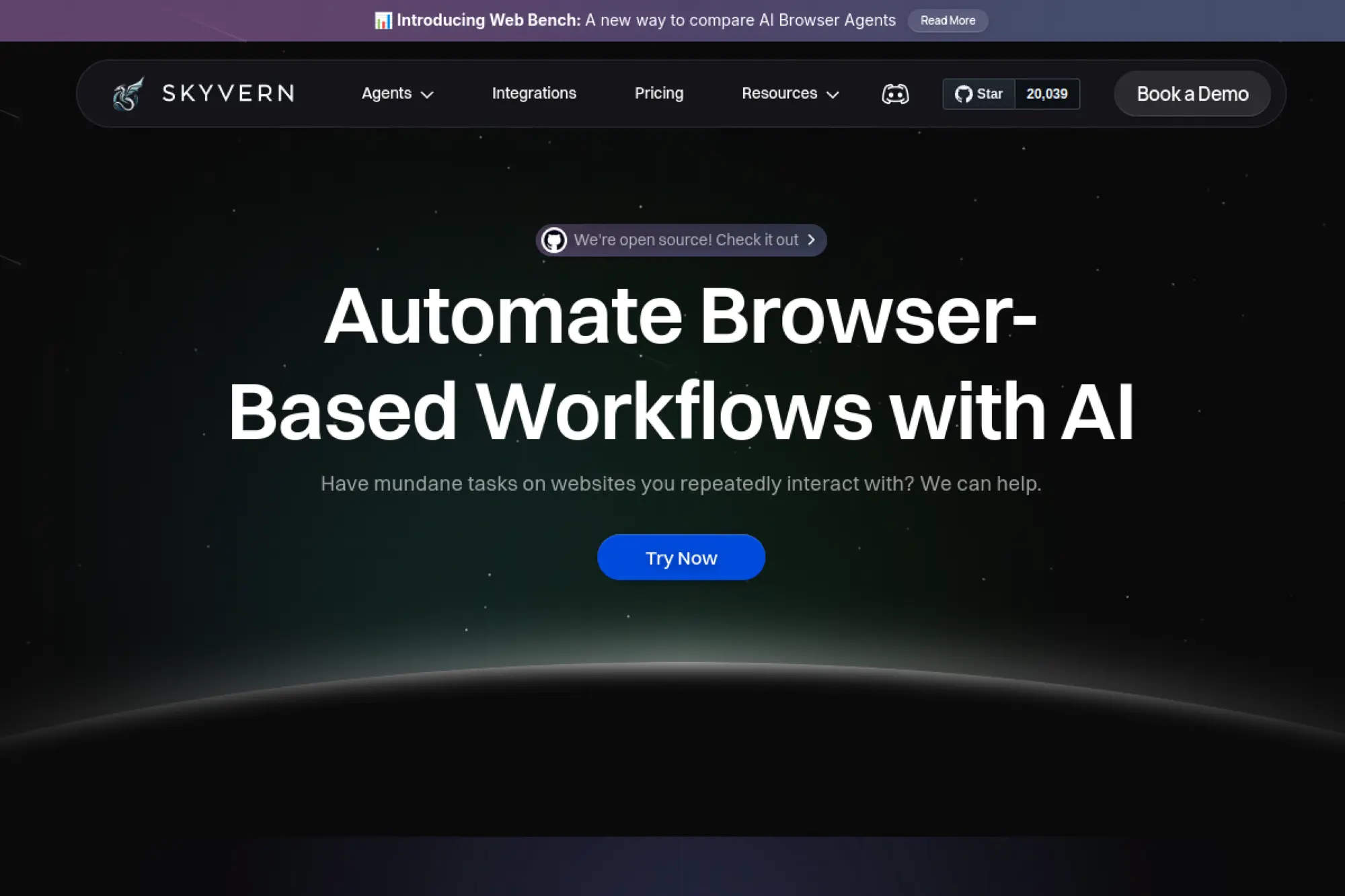
Skyvern is an automation-first project with an open-source core and a usage-based cloud option. The team’s emphasis is prompt-driven workflows that can handle real-world friction like CAPTCHAs and 2FA. It’s more “agentic automation” than classic scraping.
Outcome: automate complicated web tasks and extract outputs from the flow.
Best for: engineers building AI automations and ops teams with complex web steps.
- Prompt-based workflows → reduces custom scripting for multi-step browser tasks.
- Cloud features like proxies and captcha solving → saves 3–6 integrations in hard automations.
- Open-source start → time-to-first-value is often 2–6 hours.
Pricing & limits: From $0/mo for open source. Cloud usage is priced at $0.05 per step. Trial length is not listed, but Cloud includes a “start for free” option.
Honest drawbacks: Step-based pricing can surprise heavy users. As an agentic tool, it can be less predictable than deterministic scripts.
Verdict: If you need automation that survives real UI friction, this helps you ship workflows in days. Beats traditional scrapers on interactive tasks; trails Playwright on deterministic control.
Score: 3.9/5 and .
30. Olostep
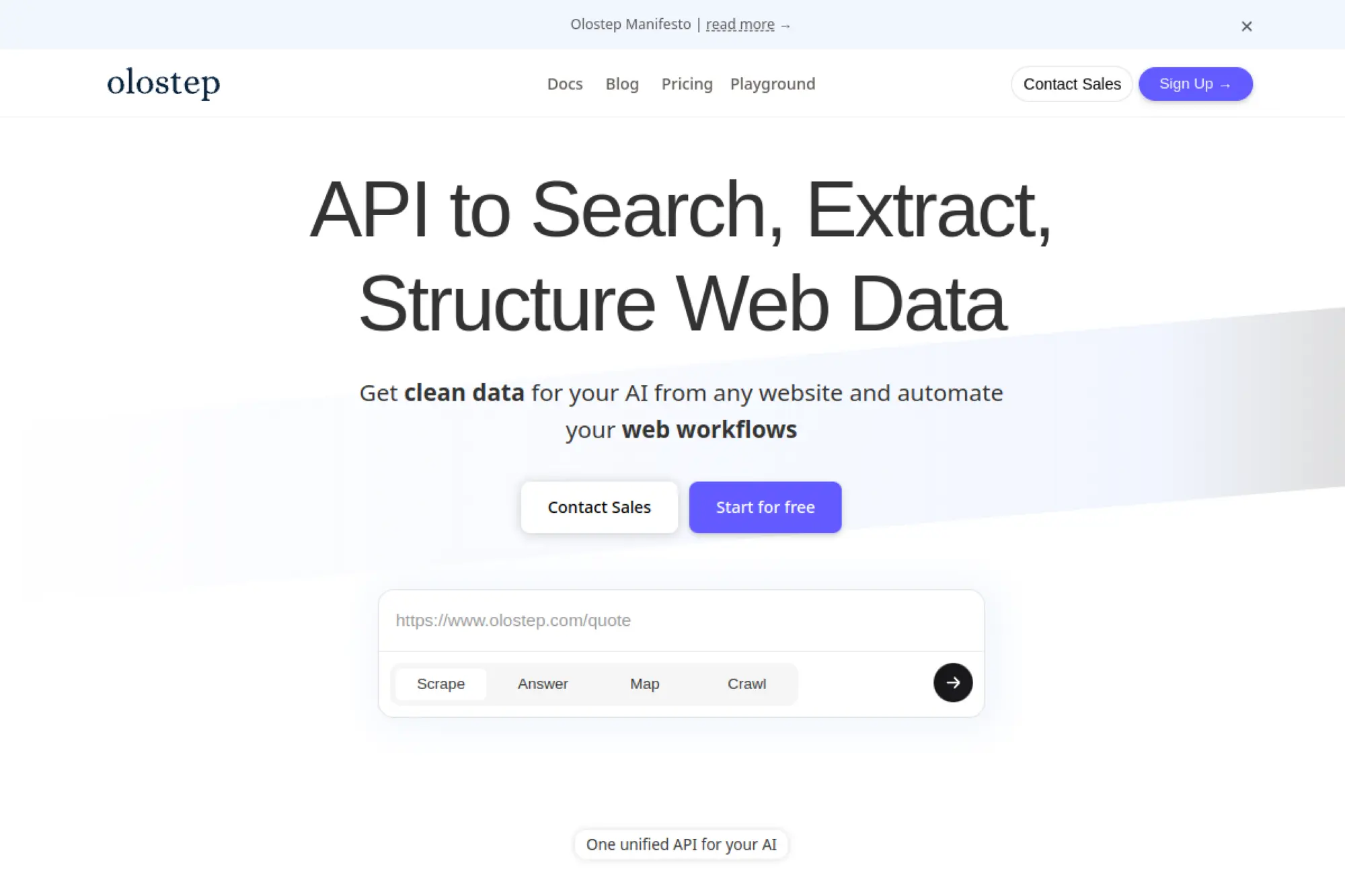
Olostep is a web data API built with an “AI-ready scraping” angle. The team emphasizes that requests are JS rendered and use residential IPs, even on the free tier. It’s a strong fit when you want modern scraping without building a browser farm.
Outcome: scrape with rendering and residential IPs by default.
Best for: startups building data products and teams scraping dynamic pages.
- Default JS rendering and residential IPs → reduces “why is this blank” debugging.
- High concurrency on paid tiers → saves days versus stitching browsers and proxy pools.
- Quick API key start → time-to-first-value is often under 30 minutes.
Pricing & limits: From $9/mo. Free plan includes 500 successful requests with low rate limits. Starter includes 5,000 successful requests per month and lists 100 concurrent requests.
Honest drawbacks: Concurrency details can vary by endpoint, which complicates planning. AI-driven parsers can add cost and unpredictability on messy pages.
Verdict: If you want fast, modern scraping primitives with minimal setup, this helps you ship within days. Beats basic scrapers on default rendering; trails enterprise suites on compliance depth.
Score: 4.1/5 and .
Recommended reading: Top 30 Best SEO Software Tools for 2026: A Practical Stack for SEO, AEO, and AI Visibility
How We Tested and Ranked the Best Web Scraping Tools
Market context shapes testing priorities. Gartner notes poor data quality costs organizations $12.9 million a year, and scraping is a frequent upstream culprit. Our ranking approach assumes scraped data will touch revenue decisions. It will also touch customer trust. So we test the operational path, not the marketing path.
1. Success rate and stability under real-world scraping runs
Stability is the first gate. We run each tool against a mixed set of targets. Those targets include static pages, templated catalogs, and reactive front ends. Failures are classified by cause, not by symptoms. Block pages, markup drift, and session loss require different fixes. From our experience, tools that expose raw diagnostics are easier to harden. Observability beats optimism every time.
What we capture during runs
Headers, cookies, redirects, and rendered DOM snapshots tell the truth. A tool that hides them slows debugging. We also record retries and backoff behavior. That behavior often explains “random” flakiness.
2. Average response time and speed on different target sites
Speed is not a single number in the real world. It depends on rendering, network distance, and bot defenses. We test with and without JavaScript execution. We also test with and without proxy layers. A fast tool that triggers defenses is slow in practice. So we focus on time-to-clean-record, not time-to-first-byte. That distinction changes rankings quickly.
Latency is a business constraint
Fresh pricing data can be a competitive advantage. Fresh job listings can reduce time-to-hire. Finaly fresh inventory data can prevent customer support churn. When speed maps to outcomes, teams stop arguing about “nice to have.”
3. Cost efficiency and per-request pricing predictability
Cost surprises kill scraping programs. We model cost using realistic failure rates. We also include the “hidden” costs of engineering time. Some tools are cheap until they break weekly. Others cost more but stay steady. We prefer pricing that matches how pipelines actually run. Predictability lets finance teams approve scale. It also keeps engineers from building shadow systems.
What we look for in pricing language
We want clear definitions of success, retries, and bandwidth. We also want unambiguous rules for concurrency. Vague language usually becomes a support ticket later.
4. JavaScript-heavy site handling and rendering support
Modern websites often ship empty HTML and hydrate later. That pattern turns simple parsing into browser automation. We test for DOM completeness and selector stability. We also test how well a tool exposes network calls and page lifecycle hooks. In our projects, the best results come from treating rendering as a controlled dependency. Tools that blur that boundary make troubleshooting harder.
Rendering is not the goal
Rendering is a means to an extraction end. We care about stable fields, not pretty pages. When teams focus on the right artifact, maintenance drops.
5. Built-in proxy support, IP rotation, and geo-targeting options
IP strategy is operational strategy. We test proxy integration ergonomics and failure handling. Rotation can help, but it can also break sessions. Geo-targeting matters for localized content and compliance. We also assess whether the tool supports “sticky” behavior without hacks. In production, that reduces churn in login flows. It also reduces accidental rate-limit storms.
Why proxy UX matters
Proxy settings sit in the critical path. If configuration is confusing, teams misconfigure it. Misconfiguration looks like “the website changed,” even when it did not.
6. CAPTCHA friction, retries, and error handling in long runs
CAPTCHAs are rarely the core problem. They are a symptom of suspicion. We test whether tools handle the full failure loop. That loop includes challenge detection, replays, and graceful degradation. We also look for idempotent retries. Duplicate records are a silent tax on analytics. A good tool makes “resume” safe, not scary.
Long runs reveal different bugs
Memory leaks, cookie bloat, and queue drift appear over time. Short demos hide them. We test with the expectation of continuous operation.
7. Ease of use: dashboards, no-code setup, and learning curve
Ease of use is not just about clicks. It is about reducing the distance between intent and reliable output. We evaluate onboarding, project organization, and versioning support. We also test how changes are promoted to production. No-code tools can be fantastic for rapid validation. Still, they can become brittle when rules multiply. We rank higher when the tool supports disciplined iteration.
Our pragmatic rule
If a non-developer can change extraction rules safely, adoption rises. If a developer can review changes easily, reliability rises. Great tools support both realities.
8. Documentation quality and support responsiveness
Scraping is adversarial by nature. That makes support a real feature. We read docs like we are on-call. We also test whether examples reflect messy reality. Rate limits, session handling, and rendering quirks should be documented. Community activity matters for open-source stacks. Vendor response matters for managed APIs. Either way, silence becomes engineering effort.
Documentation signals maturity
Clear docs usually imply clear internal systems. Sloppy docs often imply hidden complexity. We treat that as an early warning.
Recommended reading: Top 30 Best AI Image Generator Tools for Stunning Visuals, Fast Workflows, and Better Prompt Results
Best Web Scraping Tools by Category and Skill Level
Market overview helps explain why categories blur. Gartner forecasts annual public cloud end-user spending at $723.4 billion, and scraping now rides cloud primitives by default. At TechTide Solutions, we see teams mix APIs, browsers, and parsers in one pipeline. That hybrid approach is normal. Our categories reflect how teams actually work under deadlines.
1. Best web scraping tools for developers who want an API-first workflow
API-first tools shine when you need predictable integration. They fit CI pipelines and data platform jobs. Bright Data often wins for hard targets and scale. Oxylabs is strong when you want a polished enterprise posture. Zyte is compelling when you want managed extraction semantics. ScraperAPI and ZenRows reduce friction for smaller teams. ScrapingBee can feel very ergonomic for developers. Apify can also be API-first, especially with reusable actors.
How we choose among API tools
We match the vendor’s strengths to the target’s defenses. We also match pricing semantics to your usage pattern. Finally, we demand clear error signals for automation.
2. Best web scraping tools for no-code and low-code extraction
No-code tools help teams validate ideas quickly. Octoparse is a common choice for structured site extraction. ParseHub is useful when you need visual workflows and iteration. Import.io fits teams that want hosted extraction with less engineering. Browse AI can be effective for quick monitoring tasks. PhantomBuster supports growth and lead workflows, especially for social data. Bardeen is more automation-oriented, but it can bridge extraction and ops tasks.
Our no-code warning label
We treat no-code rules like production code. Change control still matters. Logging and ownership matter even more.
3. Best web scraping tools for point-and-click browser-based scraping
Point-and-click tools work well for ad hoc extraction. They help when stakeholders need answers today. Web Scraper is approachable for simple site patterns. Instant Data Scraper is handy for quick table capture. UI.Vision RPA can combine browser actions with export steps. These tools are rarely the final architecture. Still, they are excellent scouting tools. In our process, we use them to shape requirements and verify field definitions.
When point-and-click becomes a liability
It becomes risky when rules multiply without review. It also becomes risky when a single user “owns” tribal knowledge. We prefer a path to shared governance.
4. Best web scraping tools for AI-assisted scraping workflows
AI assistance is most useful when markup is inconsistent. It can also help when labels and entities matter. Firecrawl is a strong example of an AI-oriented extraction approach. Diffbot also fits here with structured outputs and enrichment. Apify supports AI-adjacent workflows through its ecosystem. Browse AI can automate extraction patterns with less manual selector work. Our stance is cautious optimism. AI helps, but deterministic fallbacks still matter.
Where AI adds real value
It helps with noisy pages and repeated layout variants. It also helps generate initial selectors faster. After that, validation must be strict.
5. Best web scraping tools for open-source crawling frameworks
Open-source frameworks offer control and extensibility. Scrapy is the classic choice for Python teams. Crawlee is excellent for modern JavaScript ecosystems. Apache Nutch supports large-scale crawling with a more traditional architecture. StormCrawler fits streaming-oriented designs and search stacks. Heritrix is relevant for archival-style crawls and long-running jobs. These tools reward engineering discipline. They also reward good test data and careful monitoring.
Why we still love open source
It lets us own the failure modes. It also lets us optimize for a specific business domain. Vendor lock-in becomes less scary.
6. Best web scraping tools for HTML parsing and data extraction
Parsing libraries are the quiet heroes of scraping. Beautiful Soup remains a friendly option for Python parsing. lxml is fast and precise when you need strict tree control. Cheerio is a strong fit for Node pipelines and serverless runs. Nokogiri is beloved in Ruby stacks for good reason. These libraries do not fetch content alone. They pair best with solid HTTP clients or API scrapers. We treat parsing as a separate layer for maintainability.
A design pattern we recommend
We separate retrieval from parsing from normalization. That separation keeps changes local. It also keeps regressions easier to detect.
7. Best web scraping tools for headless browser automation
Headless automation is the last resort that often becomes the best tool. Playwright is our default for modern reliability and multi-browser support. Puppeteer is still useful and widely understood. Selenium remains relevant for legacy environments and broad bindings. Browser automation is heavier than pure HTTP. Yet it is often the only way to extract complex pages correctly. We mitigate cost by using it selectively. We also cache aggressively when policy allows.
How we avoid “browser everywhere”
We use browsers for interaction, then switch to HTTP calls when possible. We also isolate browser steps into small, testable units. That reduces flakiness.
8. Best web scraping tools when you need a managed custom scraper service
Sometimes you want outcomes, not tools. In those cases, managed services can carry the operational load. Zyte is a frequent fit for teams that want less hands-on maintenance. Bright Data and Oxylabs also offer managed-style paths in practice. Diffbot can act like a managed layer when structure is the primary requirement. At TechTide Solutions, we often blend managed extraction with internal QA. That keeps accountability clear. It also keeps vendor assumptions from becoming silent risks.
What we demand from managed engagements
We want change logs, test fixtures, and clear SLAs. We also want an escalation path that includes engineers. Without that, “managed” becomes “opaque.”
Recommended reading: Top 30 Free AI Chatbots to Pick, Use, and Build in 2026
Must-Have Features in the Best Web Scraping Tools
Market overview helps explain why feature lists keep growing. Deloitte reports 67% of respondents say their organization is increasing investment in generative AI, and that investment raises the bar for data pipelines. Scraping features are no longer “developer conveniences.” They become governance controls. They also become uptime levers.
1. JavaScript rendering for dynamic websites
Rendering is mandatory for many modern targets. A strong tool must offer browser-grade behavior. It should also expose timing controls and network visibility. We prefer systems that let us intercept API calls. That often avoids full rendering. Playwright and Puppeteer make this practical. Crawlee also supports browser workflows cleanly. For managed APIs, rendering should be explicit, not magic. When it is explicit, cost and reliability become controllable.
Our operational preference
We want to test rendered output deterministically. We also want a stable way to capture screenshots or DOM snapshots. Those artifacts simplify incident response.
2. Proxy rotation, geo-targeting, and IP management
Proxy features should be first-class. Rotation must be configurable by target. Geo selection should be policy-aware, not just convenient. Sticky sessions must be supported cleanly. Bright Data and Oxylabs are strong on proxy depth. Zyte and ScraperAPI can abstract proxy work effectively. Still, abstraction has tradeoffs. We want the option to drop down a level when debugging. Without that, we lose time.
What “good” looks like
Good tooling makes IP behavior visible. It also prevents accidental proxy thrash. That means fewer challenges and fewer corrupted sessions.
3. CAPTCHA handling and bot-blocker resistance
CAPTCHA resistance is partly about identity. It is also about request realism. Tools should support headers, TLS fingerprints, and browser-like behavior. Managed APIs often bundle these protections. For direct frameworks, we build them ourselves. Playwright helps because it behaves like a real user agent. Still, ethics matter here. We avoid scraping where access is clearly prohibited or harmful. Guardrails belong in code, not just in policy docs.
A practical guardrail
We implement allowlists for targets and paths. We also implement per-domain limits and automatic cooldown. That reduces accidental abuse.
4. Automatic throttling, retries, and failure recovery
Throttling is a reliability feature and an ethics feature. A tool should adapt pacing based on responses. Retries should be safe and bounded. Recovery should resume from checkpoints cleanly. Scrapy supports robust retry and middleware patterns. Crawlee also supports resilient queueing patterns. Managed APIs can hide complexity, which is convenient. Yet we still want control over retry policies. Otherwise, costs and load can spike unexpectedly.
Failure recovery is a design choice
We prefer pull-based queues with explicit acknowledgements. That reduces duplicate processing. It also makes backfills less stressful.
5. Session persistence, cookies, and login-friendly scraping
Logins are where scrapers become applications. Session persistence needs secure storage and rotation. Cookie handling must be predictable. Browser automation often simplifies login flows. Playwright is reliable for multi-step authentication sequences. Still, we avoid storing credentials inside ad hoc scripts. Instead, we integrate secrets managers and audited access. That keeps compliance teams calm. It also prevents “one engineer knows the password” situations.
Login-friendly does not mean reckless
We design for least privilege and revocable tokens. We also design for graceful fallback when access changes. That makes audits survivable.
6. Templates, prebuilt crawlers, and reusable scraping setups
Reuse is a force multiplier. Apify’s actor ecosystem can accelerate delivery. Zyte’s managed approach can reduce custom work for common patterns. Scrapy projects become reusable when you enforce conventions. We also like internal templates for extraction schemas. That means each crawler emits normalized fields. The result is faster downstream work. Data teams stop writing bespoke transforms for every source. That is real leverage.
How we keep templates from rotting
We version templates and require review for changes. We also attach test fixtures to each template. That turns scraping into repeatable engineering.
7. Scheduling and automation for recurring scraping jobs
Recurring jobs are where scraping becomes a product. Scheduling should support dependencies and retries. It should also support alerting. Apify provides scheduling primitives that can work well for many teams. Managed APIs integrate with your orchestrator easily. For open-source stacks, we often use standard workflow tools. The key is not the scheduler itself. The key is visibility into what ran and what failed. Without that, teams fly blind.
Our favorite operational pattern
We emit job metadata as events. Those events feed dashboards and alerts. That makes incidents faster to triage.
8. Export formats like JSON, CSV, and Excel-friendly outputs
Exports are not an afterthought. They define usability. JSON is great for pipelines and APIs. Tabular formats help analysts validate quickly. No-code tools like Octoparse often shine here. Import.io can also simplify output shaping. For developer stacks, we prefer explicit schemas. We validate records before writing them. That prevents downstream breakage. It also makes data contracts possible.
Downstream teams deserve respect
We include field descriptions and normalization rules. We also include change logs for schema updates. That reduces analytics churn.
9. Dashboard testing and workflow visibility
Dashboards shorten feedback loops. They help when non-engineers need confidence in data. Managed vendors often provide good run views. Apify also offers useful workflow visibility. For Scrapy and Crawlee, we build internal dashboards. We track extraction counts, error reasons, and freshness. Even simple visibility reduces drama. It also stops “it must be the scraper” blame cycles. Observability changes culture.
Visibility is a reliability multiplier
Teams fix what they can see. They also stop guessing. That saves time and preserves trust.
10. Pricing models: pay-per-success vs credit-based plans
Pricing models influence behavior. Pay-per-success aligns incentives when defined well. Credit plans can be fine when usage is predictable. The danger is ambiguous “success” definitions. We look for clear billing semantics around retries. We also look for clear policies around blocked pages. If the billing model punishes experimentation, adoption slows. If it punishes errors, debugging becomes expensive. We prefer models that encourage safe iteration.
Our budgeting advice
We estimate cost using pessimistic assumptions. We also track cost per usable record. That metric maps to business value better.
11. Support quality and documentation depth
Support is part of the product. We judge it during evaluation, not after purchase. For open-source tools, community responsiveness matters. Scrapy has deep ecosystem knowledge. Playwright has strong docs and active development. Vendors like Bright Data and Oxylabs often provide enterprise-grade channels. Zyte can be strong when you need managed guidance. We still insist on internal knowledge, though. Outsourcing understanding is a long-term risk.
Documentation should show the sharp edges
We want examples for blocked pages and session churn. We also want guidance on compliance patterns. Honest docs beat glossy docs.
Recommended reading: Top 10 AI Video Editor Tools to Edit Faster, Repurpose Content, and Publish Everywhere
Avoid Getting Blocked: Operational, Legal, and Ethical Web Scraping
Market overview shows why “blocked” is a strategic problem. BCG reports 5% of firms worldwide are “future-built,” and scraping reliability often separates leaders from laggards. At TechTide Solutions, we treat blocking as an operational risk category. It affects uptime, data quality, and legal exposure. The best tools help, but the best practices matter more.
1. Bot blockers, anti-scraping systems, and common failure points
Anti-scraping systems look for patterns. They watch request cadence, headers, and navigation behavior. They also watch suspicious retry loops. Many teams focus only on IP rotation. That is rarely enough. We think in terms of identity, intent, and load. Tools like Bright Data and Oxylabs help with identity. Playwright helps with realistic behavior. Scrapy helps with controlled crawl patterns. Still, strategy must come first.
Common failure points we see
Session loss is frequent. Markup drift is constant. Rate limits are inevitable. A resilient design assumes all of those will happen.
2. Why “works in the demo” can fail under higher load
Demos are usually polite. Production is not. Under load, concurrency amplifies every weakness. A small selector bug becomes a data flood. A minor retry policy becomes a denial-of-service pattern. We stress-test with realistic schedules and mixed targets. That reveals queue bottlenecks and memory issues. It also reveals whether vendors throttle gracefully. When a tool hides these realities, teams learn the hard way.
A principle we repeat internally
If it only works when watched, it does not work. Production systems must survive unattended runs. That is the real bar.
3. IP strategy: datacenter vs residential and rotating vs sticky sessions
IP choices influence both success and ethics. Datacenter IPs are cheaper and easier to reason about. Residential pools can help for hard targets, yet they raise governance questions. Sticky sessions help for login and carts. Rotating sessions help for broad crawling. We choose based on target sensitivity and business need. We also consider legal constraints. When uncertainty is high, we take the conservative path. It keeps risk manageable.
How we document IP decisions
We write down why an IP strategy is necessary. We also write down what data is collected. That helps audits later.
4. Handling JavaScript-heavy pages without constant breakage
JavaScript-heavy pages break when UI changes. They also break when third-party scripts shift timing. Our approach is to reduce reliance on brittle selectors. We look for stable network calls and data endpoints. Playwright makes it easier to observe those calls. Crawlee provides patterns for resilient page handling. When we must rely on DOM selectors, we anchor to semantic attributes. We also validate extracted fields aggressively. That keeps silent failures from creeping in.
A tactic that saves us time
We snapshot HTML and rendered DOM for sample pages. Those snapshots become regression fixtures. When breakage happens, diffing is fast.
5. Designing scrapers that survive site structure changes
Structure changes are guaranteed. We design with contracts in mind. Each crawler emits a schema with optional fields and validation rules. We also implement anomaly detection on outputs. If a field suddenly becomes empty, alerts fire. Scrapy supports this pattern well with pipelines. Apify can also support it with disciplined actor design. No-code tools can do it too, if governance is strong. The key is treating scraping as a product, not a one-off task.
Change happens, so design for it
We isolate selectors in one module. We also keep normalization separate. That makes fixes smaller and safer.
6. Ethical web scraping guardrails and terms-of-service awareness
Ethics is not a slogan. It is a set of constraints. We start with purpose limitation and data minimization. We also respect robots guidance when it aligns with legitimate use. Terms-of-service constraints must be reviewed seriously. Public web data can still create legal risk. Cases like hiQ v. LinkedIn show the landscape is nuanced. Because nuance exists, we document decisions and involve counsel when needed. That is responsible engineering.
Our guardrails in plain language
We avoid collecting sensitive data without strong justification. We also avoid bypassing explicit access controls. Finally, we throttle to reduce harm.
7. Data quality, formatting, and downstream usability
Bad formatting is a hidden cost. It forces analysts to clean data repeatedly. We normalize units, whitespace, and encodings early. We also keep raw snapshots for traceability. That is essential for audits and disputes. Tools rarely solve this alone. Parsing libraries like Beautiful Soup and lxml are valuable here. Cheerio and Nokogiri play the same role in other stacks. The goal is boring consistency. Boring data is scalable data.
We treat normalization as a first-class stage, define canonical formats and enforce them. We also emit validation errors as structured events. That makes quality measurable.
8. Maintenance planning: monitoring, updates, and long-run reliability
Maintenance is inevitable, so plan for it. We set ownership, escalation, and runbooks. We also create a rotation for “scraper on-call.” That keeps knowledge distributed. Dashboards track freshness and error causes. When failures happen, we triage by business impact. Some sources can lag safely. Others cannot. Tooling matters, but process matters more. A disciplined maintenance plan turns scraping from chaos into capability.
A maintenance habit we recommend
We schedule periodic reviews of top sources by value. We also prune unused crawlers. Less surface area means fewer surprises.
TechTide Solutions: Custom Builds That Go Beyond the Best Web Scraping Tools
Market overview explains why custom work still wins. The same Gartner market share research highlights how integration needs keep evolving in modern stacks. That evolution creates edge cases that off-the-shelf tools cannot fully cover. At TechTide Solutions, we build systems that treat web extraction as a governed data product. We also design for long-term change. Tooling is a component, not the strategy.
1. Requirements-first discovery to match customer needs and constraints
Discovery is where most scraping projects succeed or fail. We start with the business decision the data will support. Then we define freshness, accuracy, and audit needs. Next, we map legal constraints and terms-of-service risk. Only after that do we pick tools. This sequence prevents overengineering. It also prevents under-governance. Along the way, we identify what “good enough” means. That keeps scope sane and stakeholders aligned.
Questions we always ask
Which fields drive decisions. Who owns data quality. What happens when a source changes. How do we prove provenance. Those answers shape architecture.
2. Custom scraping solutions built with the best web scraping tools and tailored integrations
We rarely bet on a single tool. Instead, we compose systems. An API-first vendor might handle access and unblocking. Playwright might handle a login step. Beautiful Soup or Cheerio might handle parsing. Scrapy or Crawlee might coordinate crawling and queues. We also integrate with warehouses, lakehouses, and search indexes. That integration work is where value is realized. A scraper that cannot land clean data is not finished. It is just running.
A real pattern from our projects
We often build a “golden record” layer for entities. That layer deduplicates and enriches. Downstream teams then consume stable, versioned datasets.
3. Ongoing maintenance, scaling, and production-grade delivery pipelines
Scaling is a product decision, not a volume decision. We set SLOs, alerts, and incident playbooks. We also build regression fixtures for critical sources. Deployments go through staging runs before production. That reduces surprise breakage. When vendors change behavior, we adapt quickly. When targets change layout, we patch safely. Our goal is calm operations. Calm operations let teams focus on using data, not chasing it.
How we make delivery repeatable
We use version control for extractors and schemas. We also use automated validation gates. Those gates block bad data before it spreads.
Conclusion: Choosing the Best Web Scraping Tools for Your Next Project

Market overview clarifies the stakes. McKinsey’s state of AI research shows AI use is widespread, and that reality increases demand for dependable data inputs. Scraping sits upstream of analytics, automation, and model training. At TechTide Solutions, we treat tool choice as an engineering management decision. It impacts uptime, compliance, and cost. A careful selection process pays back repeatedly.
1. Match tool type to your team’s skills: API, no-code, or libraries
Skill alignment is the fastest win. API-first tools fit platform teams and production pipelines. No-code tools fit ops teams and early validation. Libraries fit teams that want maximum control. We prefer to start where the team is strong. Then we layer complexity only when needed. That reduces churn and rework. It also increases ownership. Ownership is the real scaling factor.
2. Run a proof-of-concept and stress-test before committing
A proof-of-concept should simulate reality. It should include messy pages and bad days. We include layout changes and intermittent blocks. We also test recovery after failure. If recovery is painful, production will be worse. Stress-testing reveals cost and reliability tradeoffs early. It also clarifies whether you need a managed layer. A small test can prevent a large regret.
3. Combine tools when needed: parsing libraries plus browser automation plus APIs
Composable stacks win in modern scraping. APIs can handle access and scale. Browsers can handle interaction and rendering. Parsers can handle structure and normalization. This separation reduces coupling. It also makes each layer testable. When a source changes, you patch one layer. When scale increases, you upgrade another layer. That modularity is what keeps programs alive. Monolith scrapers often collapse under change.
4. Prioritize reliability, maintainability, and compliant data collection
Reliability is the foundation of trust. Maintainability is the foundation of speed. Compliance is the foundation of longevity. We recommend writing a short policy for what you collect and why. We also recommend documenting how you handle change. Tools can accelerate you, but they cannot replace discipline. If you want to move fast without breaking trust, build for boring operations. Which single source, if it broke tomorrow, would most damage your business decisions?

